Business GrowthSeptember 9, 2026
The Best Repair Shop Software for Scaling Your Business
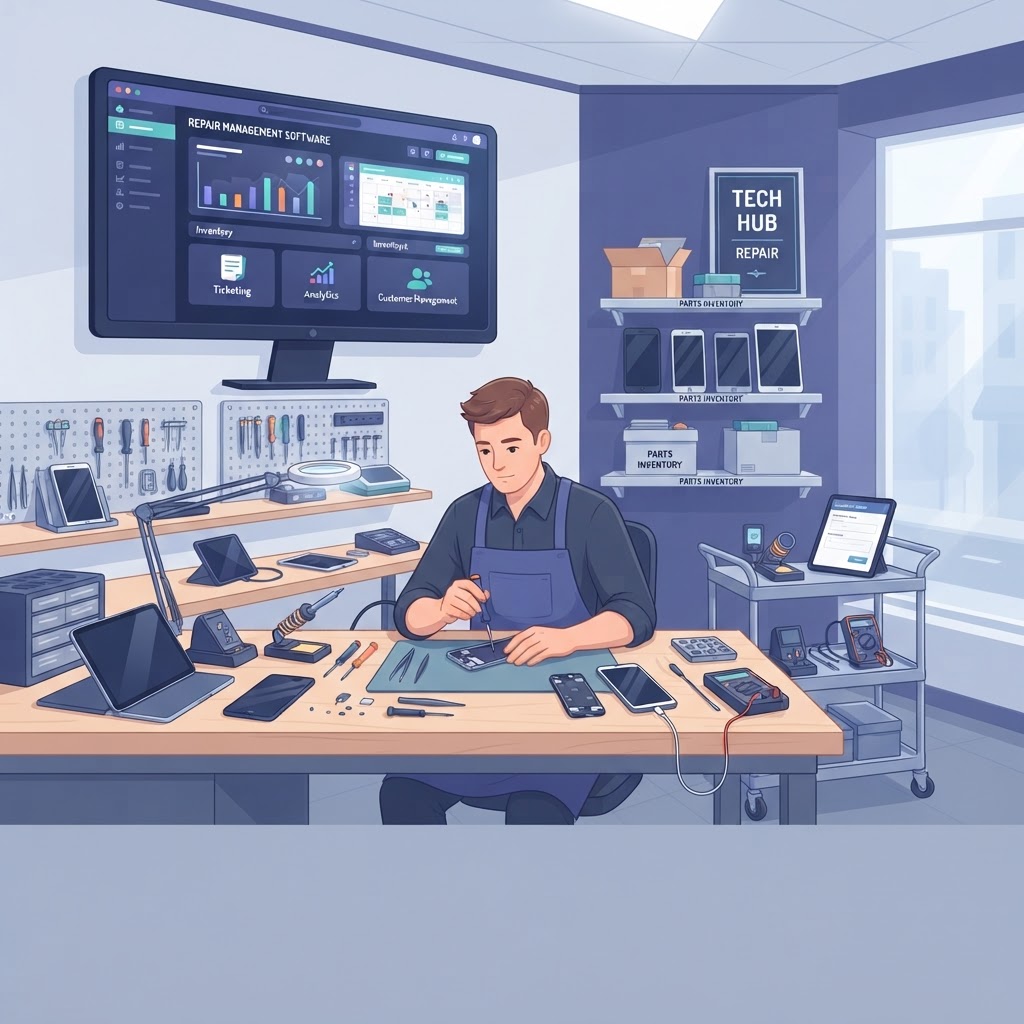
Finding the best repair shop software is the single most important step for any owner looking to transition from a 'mom-and-pop' operation to a scalable, high-volume business. When you rely on manual spreadsheets or disconnected tools, you hit a growth ceiling where administrative chaos prevents you from taking on more repairs. Modern, all-in-one repair shop software removes these bottlenecks by centralizing your ticketing, inventory, and customer communication into a single, cloud-based ecosystem. By automating repetitive tasks, you can focus on what actually drives revenue: fixing devices and providing excellent service.
Why All-in-One Repair Shop Software is a Growth Engine The best repair shop software acts as the central nervous system of your business, connecting every department so that information flows without manual intervention. When your point of sale (POS) is integrated with your inventory and repair ticket system, you eliminate the risk of human error and double-selling parts. Consider the impact of a unified system on your daily operations: 1. Real-time visibility: Track every repair from check-in to pickup without calling technicians for status updates. 2. Automated inventory: Parts are automatically deducted from stock when a ticket is closed, and low-stock alerts ensure you never run out of essential components. 3. Professionalism: Digital repair tickets and automated SMS notifications build immediate trust with customers, making your shop look like a high-end service center. > Key takeaway: An all-in-one system eliminates the 'information silos' that cause delays, allowing you to handle 2x the repair volume with the same number of staff.
Essential Features for High-Volume Repair Shops When evaluating the best repair shop software, you must look beyond basic ticketing. You need a platform that handles the complexities of modern electronics repair, including serial number tracking and complex billing. | Feature | Benefit for Scaling | | :--- | :--- | | Smart POS | Faster checkout and integrated payment processing | | IMEI Tracking | Prevents fraud and ensures accurate device history | | Customer Portal | Allows clients to book online and track status 24/7 | | Built-in Accounting | Syncs invoices and taxes to Xero or QuickBooks | | Employee Management | Tracks technician performance and commission |
Mastering Inventory and IMEI Tracking Software Inventory management is where most shops lose money through shrinkage or over-ordering. The best repair shop software includes robust IMEI tracking software, which is non-negotiable for phone and electronics repair. By logging every device's unique identifier, you protect your shop from liability and ensure that every part used is accounted for. This level of precision allows you to run detailed reports on which parts are most profitable and which repairs are costing you too much in labor time.
Leveraging Online Appointment Booking Online appointment booking is the easiest way to reduce wait times and manage your shop's daily flow. Instead of having customers crowd your counter, an integrated scheduler allows them to book slots directly from your website. This not only improves the customer experience but also gives your technicians a predictable schedule, allowing them to prepare parts and tools before the customer even walks through the door. > Key takeaway: Features like IMEI tracking and online booking aren't just 'nice-to-haves'; they are critical tools that prevent revenue leakage and improve operational efficiency.
How to Transition Without Losing Data Switching to new software can feel daunting, but the best repair shop software providers offer guided onboarding to ensure your historical data remains intact. The goal is to move from your current fragmented system to a unified platform without interrupting your daily service. Follow these steps to ensure a smooth transition: 1. Audit your current data: Clean up your customer list and inventory counts before migrating. 2. Choose a cloud-based solution: Ensure your new system is accessible from any device, allowing you to manage your shop even when you are away. 3. Train your team: Use the built-in help centers and video tutorials provided by the software vendor to get your staff up to speed quickly. 4. Leverage automation: Once live, immediately set up automated SMS notifications and AI invoice import to save hours of manual work every week. > Key takeaway: A successful software migration is 80% preparation; clean your data first, and the transition will be seamless.
Frequently Asked Questions
What makes software 'the best' for a repair shop? The best repair shop software is an all-in-one platform that integrates POS, repair ticketing, inventory management, and customer communication into a single, cloud-based dashboard.
Can repair shop software help with accounting? Yes, modern systems include built-in accounting or seamless integrations with tools like QuickBooks and Xero to sync invoices, taxes, and payments automatically.
Is it difficult to switch to new repair shop software? Most professional platforms provide guided onboarding and data migration services to ensure you can switch systems without losing your customer history or inventory records.
How does online booking improve shop efficiency? Online booking reduces counter congestion, allows you to capture customer details before they arrive, and helps you manage technician schedules to prevent double-booking. Ready to take your repair business to the next level? Start your free trial of our all-in-one repair shop management platform today and see how easy it is to automate your workflow, track your inventory, and grow your revenue.
Ready to grow your repair shop?
Manage repairs, POS, inventory and invoicing in one place. Free to try — no credit card required.
Start Your Free Trial