Choosing the Best Repair Shop CRM to Boost Retention
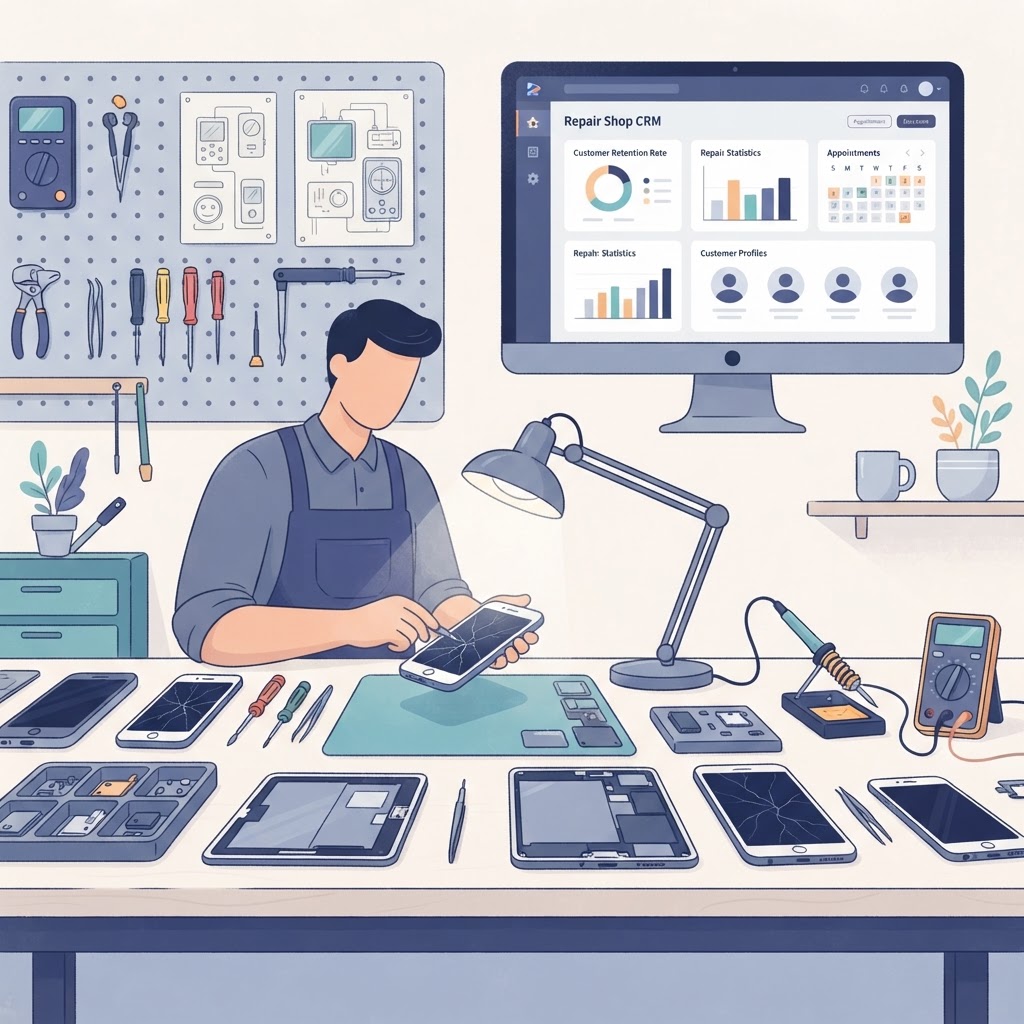
The best repair shop CRM is the difference between a one-time walk-in customer and a client for life. By centralizing communication history, automated follow-ups, and repair preferences, you can transform your repair store management software into a powerful growth engine that keeps your bench busy year-round.
Why Your Repair Shop Needs a Dedicated CRM
The best repair shop CRM serves as the central brain for your business, ensuring that no customer interaction or repair history falls through the cracks. While standard repair ticket software focuses on the "what" (the repair), a robust CRM focuses on the "who" (the customer) and the "why" (customer loyalty).
When you use a dedicated CRM integrated with your repair shop management system, you gain a 360-degree view of your clients. This allows you to personalize every interaction, from the first greeting to the final follow-up email.
Key takeaway: A dedicated CRM moves your business beyond transactional repairs by building long-term customer profiles that drive repeat sales.
Core Features to Look for in a Repair Shop CRM
To maximize your efficiency, the best repair shop CRM must offer more than just a contact list. It needs to automate the heavy lifting of customer relationship management so your technicians can focus on repairs.
Automated SMS and Email Follow-ups
Communication is the cornerstone of trust. Automated SMS notifications for repair shops can significantly reduce "ghosting" by keeping customers updated in real-time. Use your CRM to trigger automated messages for:
- Appointment reminders.
- Repair status updates (e.g., "Part arrived," "Ready for pickup").
- Post-repair satisfaction surveys.
- Seasonal maintenance reminders (e.g., "Time to clean your cooling fans").
Comprehensive Customer History Tracking
Having a full repair history at your fingertips is a massive competitive advantage. When a customer walks in with a device that has been repaired by your shop before, you can immediately access their device history, past parts used, and any warranty information. This eliminates the need for the customer to explain the situation repeatedly and demonstrates professionalism.
Integrated Customer Portal
The best repair shop CRM often includes a customer portal for repair shops, allowing clients to log in, view their repair status, pay invoices online, and even request new appointments. This self-service model reduces the time your staff spends on the phone answering routine status update questions.
| Feature | Impact on Business | | :--- | :--- | | Automated SMS | Increases customer pickup rates by 30-50%. | | Repair History | Reduces diagnostic time by 15-20%. | | Customer Portal | Decreases inbound status update calls by up to 40%. |
Key takeaway: Automation and accessibility are the primary drivers of customer satisfaction in modern electronics repair.
How to Leverage CRM Data to Increase Revenue
Data is your most valuable asset when you know how to use it. The best repair shop CRM allows you to segment your customer base and launch targeted marketing campaigns that actually convert.
Segmenting for Targeted Promotions
Instead of sending generic blasts, use your repair shop software to segment customers based on their behavior. For example:
- Device-Specific Campaigns: Email all iPhone 13 users about a limited-time battery replacement special.
- Loyalty Outreach: Identify customers who haven't visited in over 12 months and send them a "We miss you" discount code.
- Upsell Opportunities: If a customer recently had a screen repair, follow up with a 10% discount on tempered glass screen protectors.
Managing Warranty Claims and Returns
A great CRM simplifies the warranty process by linking repairs to specific customer profiles. When a customer returns for a warranty issue, your system should instantly flag if the device is still covered, preventing disputes and ensuring a smooth, trust-based experience.
Linking POS and Accounting
Your CRM should be deeply integrated with your repair shop POS and accounting software. When you can see a customer's total lifetime value (LTV) alongside their repair history, you can identify your "VIP" clients and provide them with premium support or exclusive perks, further cementing their loyalty.
Key takeaway: Smart data usage turns your customer list into a predictable revenue stream rather than just a collection of names.
Strategies for Training Your Team on the CRM
Even the best repair shop CRM will fail if your team doesn't use it consistently. Success relies on standard operating procedures (SOPs) that make CRM entry part of the daily workflow.
- Mandate CRM Entry at Check-in: No repair ticket should ever be created without a complete customer profile (name, phone, email, and device model).
- Utilize Templates: Use pre-written templates in your mobile repair shop software for common emails and texts to ensure brand consistency.
- Weekly Data Audits: Assign a manager to review the CRM weekly to ensure no duplicate profiles exist and that all customer notes are clear and actionable.
- Encourage Note-Taking: Empower your techs to add notes about a customer's specific needs (e.g., "Customer prefers text updates only" or "Device has water damage history").
Key takeaway: Consistent data entry is the only way to ensure your CRM provides the insights you need to scale your business.
FAQ: Optimizing Your Repair Shop CRM
What is the most important feature of a repair shop CRM?
The most important feature is the integration between customer history and automated communication, which allows for personalized, timely updates that increase trust and repeat business.
How does a CRM help with repair shop inventory software?
By tracking customer device history, you can predict future part requirements based on common failure rates of specific models, allowing for more precise inventory management.
Can a CRM help reduce missed appointments?
Yes, using the best repair shop software with online appointments and automated SMS reminders can reduce no-shows by as much as 40-50%.
Should my CRM be integrated with my POS?
Absolutely. Integrating your CRM with your POS ensures that every sale is tied to a customer profile, allowing you to track lifetime value, manage warranties, and identify top customers easily.
How do I choose between different repair shop software options?
Look for an all-in-one platform that combines your CRM, POS, inventory, and repair ticketing, as this reduces data silos and ensures a seamless experience for both staff and customers.
Scale Your Business Today
Ready to take your customer management to the next level? Our all-in-one platform provides the tools you need to organize your shop, track every repair, and nurture long-term relationships with your clients. Start your free trial of the ultimate repair shop management software today and see the difference a professional CRM can make.
Ready to grow your repair shop?
Manage repairs, POS, inventory and invoicing in one place. Free to try — no credit card required.
Start Your Free Trial