Business ManagementAugust 18, 2026
How to Automate Repair Shop Expense Tracking
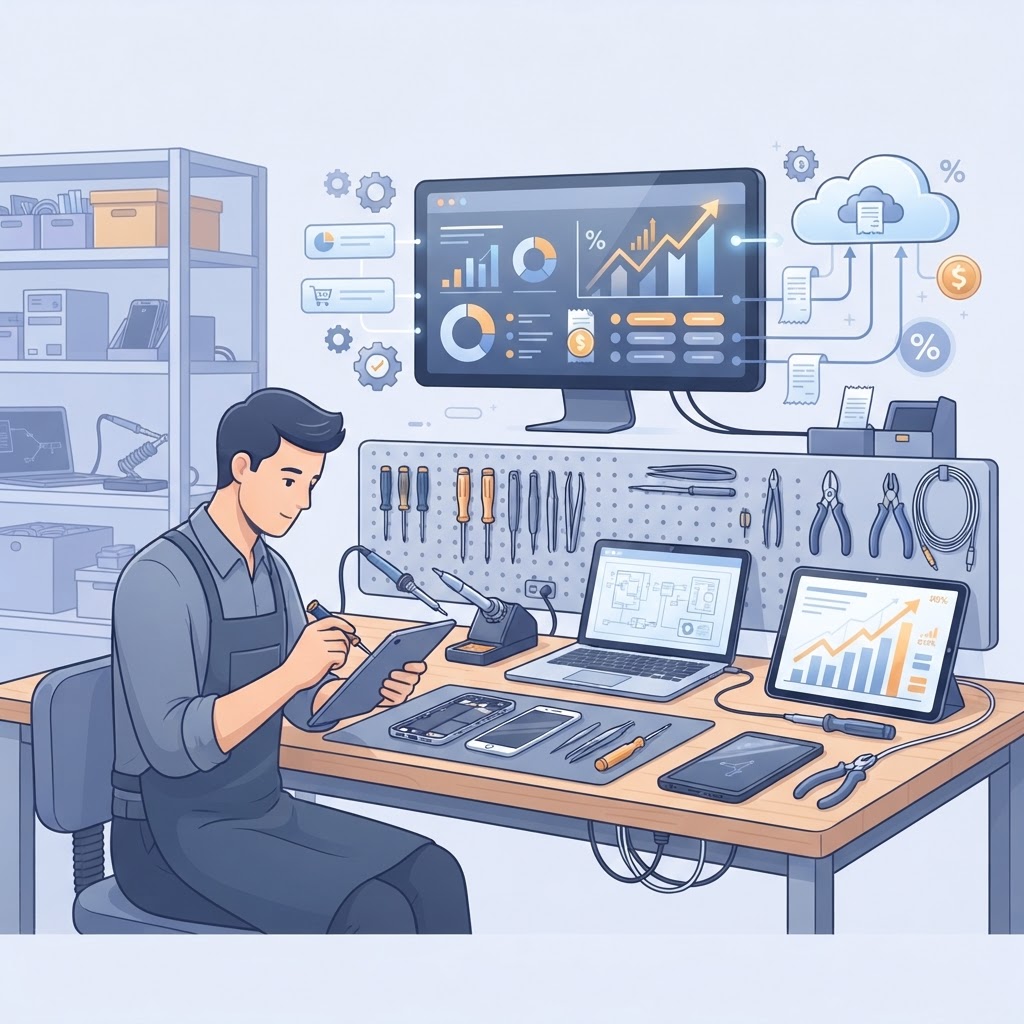
Running a profitable business requires more than just high repair volume; it requires a crystal-clear understanding of where every dollar goes. If you are struggling to reconcile your bank statements or manually calculating the cost of parts versus labor, it is time to shift your focus to how to automate repair shop expense tracking. By leveraging repair shop management software that features built-in expense tracking and AI invoice import, you can eliminate manual data entry errors and gain real-time visibility into your business health.
The Financial Impact of Automated Expense Tracking The most effective way to improve your bottom line is to stop treating expense tracking as an administrative afterthought. When you automate your financial data, you reduce the time spent on bookkeeping by an average of 5 to 10 hours per week, allowing you to focus on high-ticket repairs and customer service. Manual tracking often leads to "leakage"—small, unnoticed costs like shipping fees, recurring subscriptions, or minor part price fluctuations that eat into your margins. Automated systems capture these costs the moment a transaction occurs, ensuring your profit reports are always accurate. > Key takeaway: Automation transforms your financial data from a historical report into a real-time tool for decision-making, helping you identify and plug profit leaks immediately.
Step-by-Step: Setting Up an Automated Expense System To successfully automate your financial workflow, you need a repair shop management system that centralizes your procurement and sales data. Follow these steps to transition away from manual spreadsheets. 1. Centralize Your Procurement: Use your repair shop inventory software to link vendor invoices directly to repair tickets. This ensures that the cost of a replacement screen or battery is automatically deducted from the total profit of that specific repair. 2. Enable AI Invoice Import: Utilize AI invoice import features to scan physical or digital vendor invoices. The software reads the vendor name, date, and itemized costs, automatically categorizing them under "Parts," "Shipping," or "Tools." 3. Sync with Accounting Tools: Ensure your software offers POS with accounting integration. This allows your sales data and expense data to flow directly into platforms like QuickBooks or Xero without double-entry. 4. Audit Regularly: Set aside 15 minutes every Friday to review the "Automatic Expenses" tab in your dashboard to ensure categories are mapped correctly.
Why Manual Tracking Fails Repair Shops | Feature | Manual Tracking (Spreadsheets) | Automated Repair Shop Software | | :--- | :--- | :--- | | Data Entry | High risk of human error | Instant via AI/API | | Speed | Weekly/Monthly batching | Real-time updates | | Visibility | Low (Historical only) | High (Predictive & Current) | | Scalability | Becomes chaotic with volume | Scales with every ticket |
Leveraging POS and Accounting Integration Your repair shop POS should act as the brain of your financial operations. When you use a point of sale for electronics repair that integrates directly with accounting modules, you bridge the gap between "money in" (repair fees) and "money out" (parts and overhead). This integration allows you to run a "Real-Time Profitability Report" for any given month. Instead of guessing if your technician’s hourly rate covers the overhead of your storefront, you can see the exact net profit after parts, labor, and fixed expenses are deducted.
Tracking Recurring Expenses Automatically Fixed costs—such as rent, internet, and software subscriptions—can be automated via recurring journal entries within your management software. By setting these up once, you ensure that your "Total Monthly Expense" figure is always accurate before you even process your first repair ticket of the day. > Key takeaway: Integration is the key to accuracy; when your POS, inventory, and accounting systems communicate, you eliminate the discrepancies that cause tax-season headaches.
Using AI to Categorize Expenses Modern AI repair shop software has revolutionized expense management by learning your vendor habits. Over time, the system recognizes that an invoice from "Parts-Pro" is always a Cost of Goods Sold (COGS), while an invoice from "Utility Co" is an Operating Expense. - Pattern Recognition: The AI suggests categories based on historical data, requiring only a one-click confirmation from you. - Reduced Friction: You no longer need to manually code expenses into different accounts; the software handles the taxonomy of your business finances. - Audit Readiness: Because every expense is linked to a digital invoice and a timestamp, you are perpetually prepared for tax audits.
Frequently Asked Questions
How does automated expense tracking improve repair shop margins? Automated tracking provides real-time data on the true cost of parts and labor for every repair. By identifying low-margin services immediately, you can adjust your pricing strategy to ensure you remain profitable.
Can I integrate my current accounting software with repair shop POS? Yes, most modern repair shop management systems support seamless API integrations with major accounting platforms. This ensures that your financial data syncs automatically, eliminating manual entry.
Is AI invoice import accurate enough for taxes? Modern AI invoice import tools are highly accurate, often reaching 95%+ accuracy rates. However, they are designed to work as assistants, meaning you retain final oversight to review and confirm entries before they are finalized.
What is the biggest mistake shops make with expense tracking? The biggest mistake is mixing personal and business expenses or failing to track "hidden" costs like shipping, import taxes on parts, and minor shop consumables, which collectively can reduce net profit by 5-10%.
How do I start automating my expenses today? Begin by auditing your current workflow to identify which expenses are manual. Then, transition to an all-in-one repair shop software that includes automated expense tracking, AI invoice import, and direct POS with accounting integration.
Take Control of Your Shop's Finances Stop losing hours to manual bookkeeping and start focusing on scaling your repair business. With the right tools, you can transform your back-office operations into a streamlined engine for growth. Are you ready to see how much time and money you can save? Start your free trial of our repair shop management platform today and experience the power of fully automated expense tracking and intelligent business management.
Ready to grow your repair shop?
Manage repairs, POS, inventory and invoicing in one place. Free to try — no credit card required.
Start Your Free Trial