Maximizing Efficiency with Professional Retail POS for Repair Stores
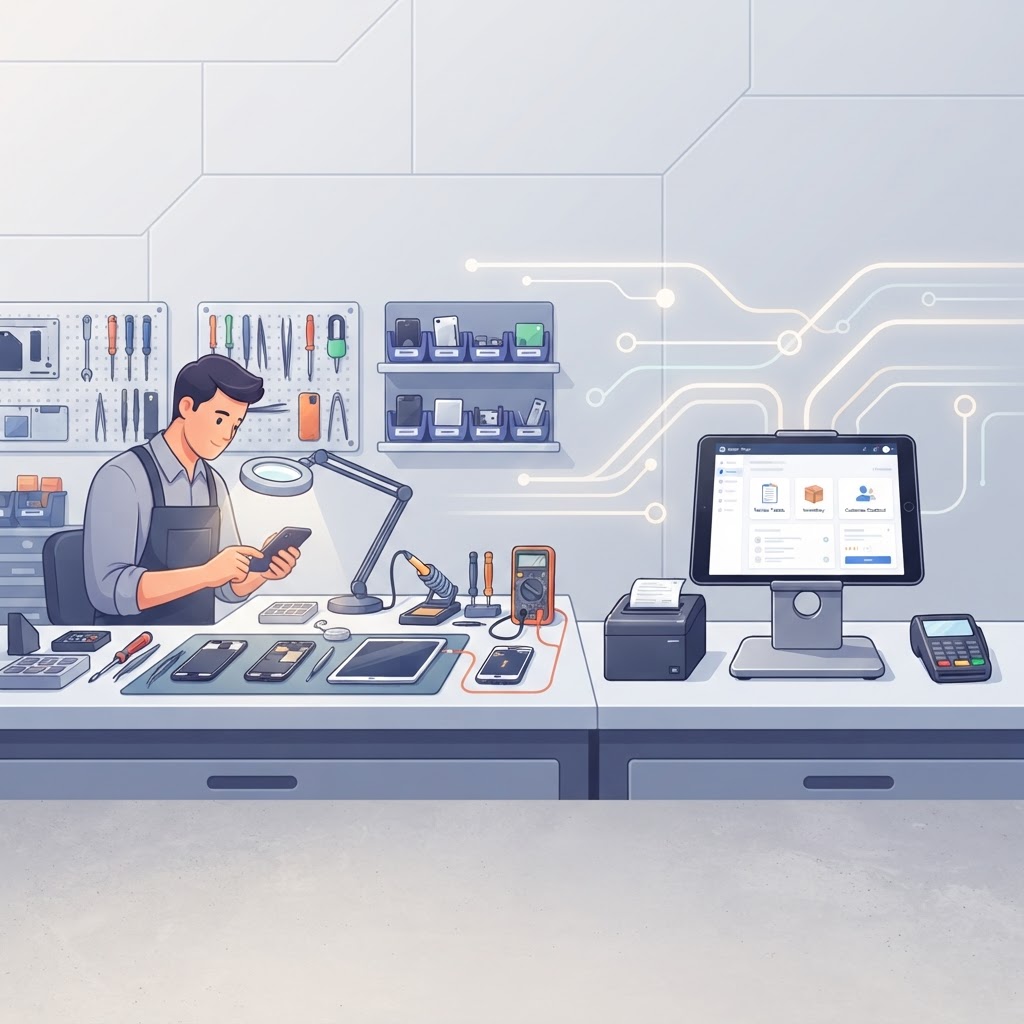
In a high-volume electronics repair environment, every second spent at the counter is a second taken away from a technician’s bench. The most successful shops maximize efficiency by utilizing a specialized retail POS for repair stores that integrates service ticketing, inventory management, and rapid checkout into a single, intuitive interface. By moving away from fragmented systems, owners can reduce average ticket creation time to under one minute and ensure that front-of-house staff can handle complex repairs and retail sales simultaneously without friction.
Why Generic POS Systems Fail Repair Shops
Generic retail software often fails because it treats a repair as a simple product sale, ignoring the complex lifecycle of a service ticket. A dedicated repair shop POS is built to handle the nuances of electronics repair, such as IMEI tracking, pre-repair checklists, and technician assignments. When your software is designed for your specific workflow, you eliminate the need for manual workarounds, spreadsheets, and the constant toggling between different applications.
Key takeaway: Using a purpose-built repair shop POS eliminates the operational bottlenecks caused by generic retail software, allowing your team to focus on repairs rather than administrative data entry.
The Power of a User-Friendly Interface
Efficiency starts with a user-friendly interface that requires minimal training for new employees. In a fast-paced retail environment, your staff should be able to process a customer, create a repair ticket, and accept payment in just a few taps. A clean, intuitive dashboard ensures that even during peak hours, your team can navigate customer history, check stock levels, and update repair statuses without confusion.
Reducing Training Time
High turnover is a reality in retail, but a well-designed point of sale for electronics repair mitigates this by being easy to learn. When the software is intuitive, you can get new hires up to speed in hours rather than days. Look for systems that offer guided flows for ticket creation, which prevent errors and ensure that every necessary detail—like device condition or customer contact info—is captured correctly every time.
Speeding Up the Checkout Process
Fast checkout processes are essential for maintaining customer satisfaction and keeping your store floor clear. A professional repair shop POS allows you to bundle services, parts, and accessories into a single transaction, providing a seamless experience for the customer. By integrating payment processing directly into the repair ticket, you avoid the errors associated with manual entry and speed up the end-of-day reconciliation process.
Key Features for Rapid Checkout
- One-Click Ticket Conversion: Instantly turn a completed repair ticket into an invoice.
- Integrated Payments: Accept credit cards, contactless payments, and digital wallets directly at the counter.
- Customer Profiles: Instantly pull up past repair history and warranty information to build trust and speed up service.
- Automated SMS Notifications: Keep customers informed automatically, reducing the number of "is my device ready?" calls that interrupt your staff.
Key takeaway: A streamlined checkout process not only improves customer satisfaction but also increases your shop's throughput, allowing you to handle more repairs per day with the same staff.
Leveraging AI for Smarter Operations
Modern repair shop management systems are increasingly incorporating AI to help owners make data-driven decisions. AI repair shop software can analyze your shop's patterns to suggest parts, identify peak hours for better staffing, and even recommend upsells during the checkout process. This level of intelligence turns your POS from a simple cash register into a growth engine for your business.
How AI Enhances Efficiency
- Smart Inventory Automation: AI predicts when you are running low on common parts like screens or batteries, preventing stockouts.
- Peak Hour Insights: Know exactly when to schedule your best technicians to ensure you never miss a sale during a rush.
- Intelligent Upselling: The system suggests compatible accessories based on the specific device being repaired, increasing your average transaction value.
Choosing the Right Software for Your Shop
When evaluating your options, look for an all-in-one repair shop software that covers the entire customer journey. You need a system that handles repair tickets, inventory tracking, and accounting integration without requiring expensive third-party plugins. The best repair shop software will offer a free trial, allowing you to test the interface and ensure it fits your specific shop's workflow before committing.
Comparison of Essential Features
| Feature | Generic POS | Professional Repair POS | | :--- | :--- | :--- | | Repair Ticketing | No | Yes (Built-in) | | IMEI/Serial Tracking | No | Yes | | Technician Assignment | No | Yes | | Customer Portal | No | Yes | | Accounting Sync | Limited | Native Integration |
Frequently Asked Questions
What is the most important feature in a repair shop POS?
The most important feature is a robust, integrated repair ticketing system that tracks the device lifecycle from drop-off to pickup, including IMEI tracking and technician status updates.
Can a repair shop POS help with inventory management?
Yes, a professional system tracks parts, accessories, and serialized devices in real-time, providing low-stock alerts and preventing inventory shrinkage.
How does a POS improve customer communication?
Modern systems use automated SMS notifications and customer portals to keep clients updated on their repair status, reducing manual follow-up calls.
Is it worth switching to a cloud-based repair shop software?
Yes, cloud-based software allows you to manage your shop from anywhere, ensures your data is backed up automatically, and provides real-time reporting across multiple locations.
Ready to transform your shop's efficiency? Start your free trial of our all-in-one repair shop management platform today and see how easy it is to streamline your sales, repairs, and inventory in one place.
Ready to grow your repair shop?
Manage repairs, POS, inventory and invoicing in one place. Free to try — no credit card required.
Start Your Free Trial