How to Reduce Repair Shop Wait Times with Online Appointments
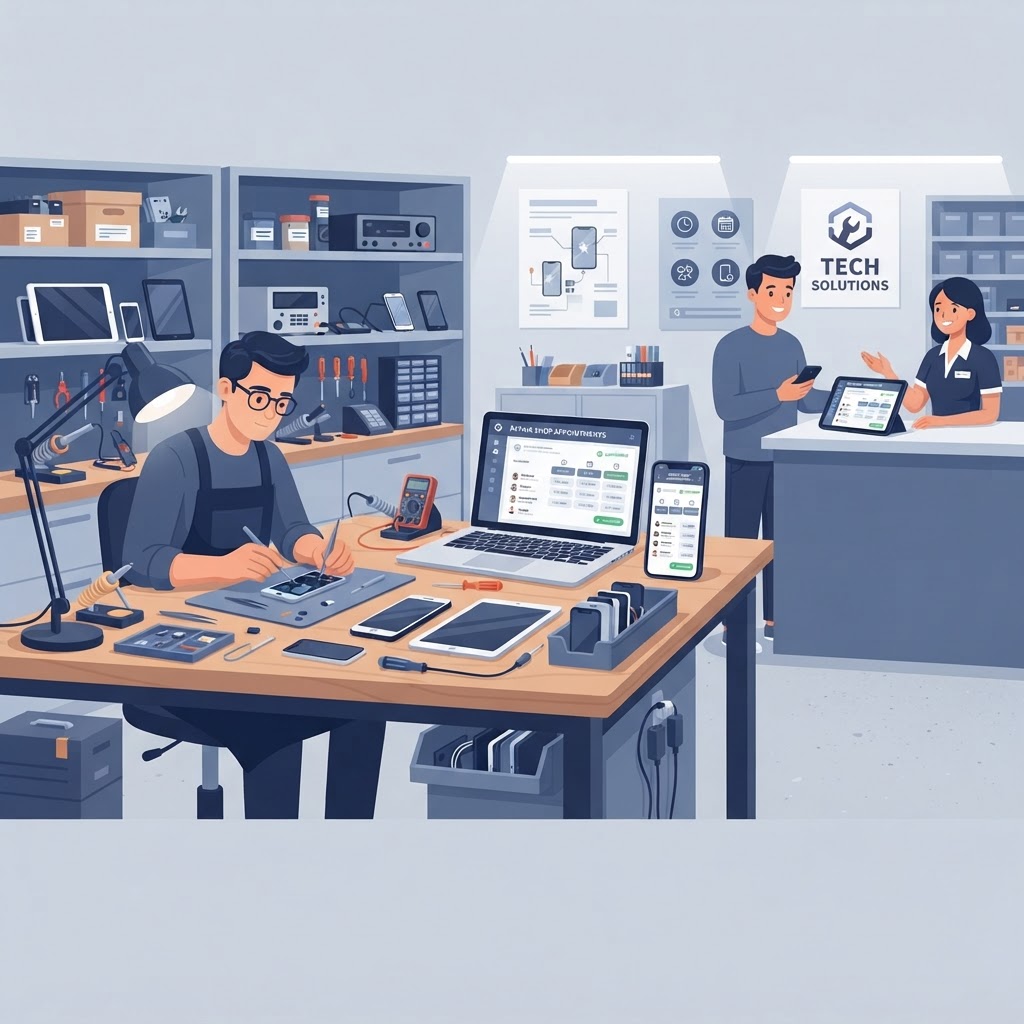
Streamlining your shop’s front-end operations is the most effective way to eliminate bottlenecks and keep your technicians focused on what they do best: repairs. By implementing repair shop software with online appointments, you can transform your workflow from a chaotic first-come, first-served environment into a predictable, high-efficiency machine.
The Financial Impact of Implementing Repair Shop Software with Online Appointments
The most direct way to reduce customer wait times and increase daily revenue is by controlling the flow of traffic through a repair shop management system that supports booking. When you allow customers to select their own time slots, you avoid "rush hours" where five customers arrive at once, leaving four of them frustrated and waiting.
Shops that utilize online appointment booking typically see a 20% to 30% increase in daily throughput. This happens because your staff can prepare for specific devices before the customer even walks through the door, effectively shaving minutes off every intake process.
Key takeaway: Moving from walk-in only to an appointment-based model allows you to forecast workload and staff capacity, reducing downtime and eliminating the peak-hour bottleneck.
How to Calculate the Cost of Walk-In Inefficiency
To understand why this shift is necessary, look at your current "cost of waiting." If three technicians each lose 15 minutes a day due to disorganized intake queues, you are losing 45 minutes of labor daily. In a month, that is over 15 hours of lost repair time.
| Metric | Walk-In Only Model | Appointment Model | | :--- | :--- | :--- | | Avg. Daily Intake Time | 12-15 Minutes | 5-7 Minutes | | Peak Hour Wait Time | 20+ Minutes | < 5 Minutes | | Staff Utilization | 75% | 95% | | Customer Satisfaction | Moderate | High |
Optimizing Your Workflow with Advanced Repair Ticket Systems
Once a customer books online, your repair ticket software should automatically generate a pre-filled ticket. This is where the real magic of a repair shop management system happens—it bridges the gap between the customer's digital intent and your physical inventory.
When a customer books online, they provide essential data like device model, issue description, and even photos of the damage. By the time they arrive, your team already knows if you have the necessary parts in stock, thanks to integrated repair shop inventory software.
- Automated Intake: The customer’s information populates the repair ticket instantly.
- Inventory Check: The system verifies part availability for the specific device model.
- Customer Communication: The software triggers an automated SMS notification confirming the appointment.
- Preparedness: Your tech has the required tools and parts ready, reducing the repair turnaround time.
Key takeaway: Integrating appointment scheduling with your repair ticket system ensures that every repair is ready to begin the moment the device hits the workbench.
Leveraging AI and Smart POS Features to Enhance the Customer Experience
Modern shops are moving beyond basic scheduling by using AI repair shop software to predict demand and personalize the intake experience. If your smart POS software notices a trend—such as a spike in iPhone 15 screen repairs on weekends—it can suggest appointment blocks that maximize your technician's efficiency.
Furthermore, integrating your booking system with your point of sale for electronics repair allows you to offer "pre-payment" or "deposit" options. This reduces no-show rates by up to 40%, as customers have a financial stake in their reserved time slot.
Key Features to Look For in Your Booking System
- Customizable Time Slots: Adjust duration based on the complexity of the repair (e.g., battery swap vs. motherboard repair).
- Buffer Times: Automatically add a 5-10 minute buffer between appointments for cleanup and administrative tasks.
- Integrated CRM: Ensure your booking software pushes data directly into your repair shop CRM for easy future marketing and customer tracking.
- Digital Waivers: Capture customer signatures during the booking process to save time during in-store intake.
Key takeaway: Using AI inventory automation alongside your scheduler helps you forecast which parts you need to have in stock, preventing the "sorry, we have to order that" conversation that drives customers away.
Transitioning Your Shop to a Digital-First Environment
Transitioning to an appointment-driven model is easier than most owners anticipate. You do not have to stop accepting walk-ins entirely; rather, you can implement a hybrid model where appointments receive priority, and walk-ins are slotted into the next available gap.
- Step 1: Update your website and Google Business Profile to prominently feature a "Book Now" link.
- Step 2: Sync your repair shop scheduler with your technician's live availability.
- Step 3: Train staff to encourage recurring customers to book online for future services.
- Step 4: Review your booking data weekly to adjust staffing levels based on incoming volume.
This process ensures that your shop remains professional, organized, and profitable. By utilizing the best repair ticket software available, you turn your front desk into an asset rather than a source of stress.
Key takeaway: A hybrid scheduling model allows you to maintain the flexibility needed for walk-ins while ensuring high-value repairs are booked and prioritized for maximum profit.
FAQ: Reducing Wait Times with Repair Shop Software
How do online appointments reduce repair shop wait times?
Online appointments reduce wait times by spreading out customer arrivals, allowing technicians to prepare parts and documentation in advance, and preventing the "bottleneck" effect caused by unexpected surges of walk-in traffic.
Can I use repair shop software if I still want to accept walk-ins?
Yes, most modern all-in-one repair shop software platforms support hybrid scheduling, where you can reserve specific slots for appointments while keeping others open for walk-in traffic.
Does appointment software integrate with POS systems?
Yes, the best repair shop software integrates your appointment scheduler directly with your smart POS and repair ticket system, ensuring that all data from the booking flows into your invoicing and inventory management tools automatically.
How do I reduce no-shows for my repair shop?
You can significantly reduce no-shows by using SMS notifications to send automated reminders 24 hours and 1 hour before the appointment, and by requiring a small, non-refundable deposit via your POS for phone repair shops.
Will this software help with inventory management?
Yes, high-quality repair shop inventory software will sync with your booking system to check if parts are in stock for a specific device when an appointment is made, ensuring you never over-promise on repair speed.
Ready to eliminate bottlenecks and scale your business? Take control of your workflow with our professional-grade management platform. Start your free trial today and see how easy it is to automate your scheduling, inventory, and ticketing in one place.
Ready to grow your repair shop?
Manage repairs, POS, inventory and invoicing in one place. Free to try — no credit card required.
Start Your Free Trial