Business OperationsAugust 24, 2026
How to Use Repair Shop Software with Online Appointments
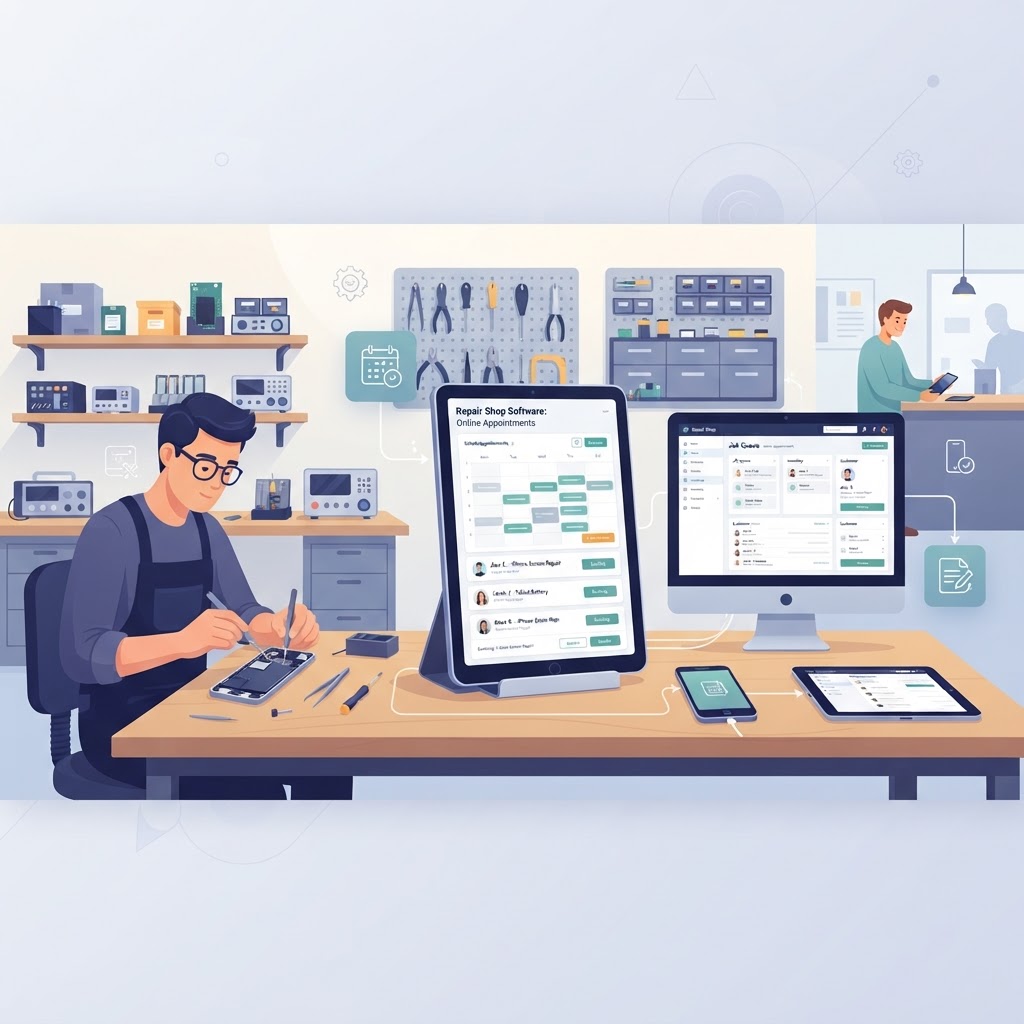
Modern repair businesses are moving away from the "first-come, first-served" model to boost efficiency and customer satisfaction. Implementing repair shop software with online appointments allows you to control your daily workload, reduce lobby congestion, and capture high-intent customers who value convenience.
Why Online Booking is Essential for Modern Repair Shops The most effective way to manage shop traffic is to use repair shop software with online appointments that syncs directly with your repair shop scheduler. By allowing customers to pick their own time slots, you reduce the time your front-desk staff spends on the phone coordinating schedules. Data shows that businesses offering online booking services see a 20-30% increase in appointments compared to those relying solely on walk-ins. When a customer books online, they are already committed to the service, which significantly reduces no-show rates. > Key takeaway: Integrating a self-service booking system not only saves staff time but also increases conversion rates by removing friction from the customer journey.
Benefits of Integrating Scheduling with Your POS When you choose a repair shop management system that includes scheduling, you eliminate the need for disconnected tools. Information flows seamlessly from the appointment request into your smart POS and repair ticket software. 1. Reduced Data Entry: Customer contact details are captured during the booking process, automatically creating a client profile. 2. Automated Notifications: Use SMS notifications for repair shops to send appointment reminders, effectively cutting your no-show rate by up to 40%. 3. Capacity Planning: Your repair shop inventory software can warn you if you don't have the necessary parts for an upcoming appointment, allowing you to order them beforehand. | Feature | Manual Scheduling | Integrated Software | | :--- | :--- | :--- | | Customer Data | Manual Entry | Auto-Capture | | No-Show Rate | High | Low (Automated Reminders) | | Inventory Sync | None | Real-Time | | Staff Efficiency | Low | High | > Key takeaway: Integrating scheduling with your POS eliminates manual data entry and ensures your team is prepared for every repair before the customer walks through the door.
Setting Up Your Appointment Workflow To get the most out of your repair shop software with online appointments, you must configure your workflow to prioritize efficiency. Start by defining your service categories—such as "Screen Replacement" or "Diagnostic Check"—and assign them specific durations. Follow these steps to optimize your setup: 1. Define Service Durations: Set realistic time blocks for each service type to prevent overbooking your technicians. 2. Sync with Inventory: Ensure your mobile repair shop software links services to required parts, so you never book a repair you can't start. 3. Automate Communications: Set up trigger-based messages that inform customers what to bring (e.g., their charger or passcode) before they arrive. 4. Review Daily: Use your repair shop POS dashboard each morning to view the day’s booked appointments versus expected walk-in volume. > Key takeaway: A well-configured booking system acts as a traffic controller, ensuring your technicians always have the parts and time they need to complete repairs professionally.
Leveraging Customer Portals for Higher Retention Beyond just booking, the best all-in-one repair shop software offers a customer portal for repair shops. This feature allows customers to log in, view their appointment status, and even see the progress of their repair in real-time. By giving customers visibility, you foster trust. A customer who can book their own appointment and track their device status is far more likely to return for future repairs or recommend your business to others. This level of transparency is a massive competitive advantage over shops still using paper-based tracking or manual spreadsheets.
Using AI to Predict Booking Trends Advanced AI repair shop software can analyze your appointment history to predict busy periods. This helps you manage staff rosters more effectively, ensuring you have enough technicians on the floor during peak seasons or high-volume days. - Peak Hour Analysis: Identify when your shop sees the most traffic. - Resource Allocation: Use AI insights to adjust your repair shop POS availability. - Dynamic Scheduling: Allow the software to suggest available slots that balance your team’s workload evenly. > Key takeaway: Leveraging AI-driven scheduling data turns your POS from a simple billing tool into a powerful engine for business growth and resource management.
Does online appointment software reduce walk-in traffic? Yes, it helps balance your workflow. While you can still accommodate walk-ins, online appointments allow you to pre-schedule your day, reducing lobby wait times and ensuring technicians are prepared for specific devices.
Can I link my appointments to inventory tracking? Absolutely. The best repair shop inventory software will integrate with your booking system to check if parts are in stock before confirming a service, preventing potential delays.
How do I handle no-shows with online bookings? Most modern systems utilize automated SMS notifications for repair shops. These reminders are sent hours before the appointment, which significantly decreases no-show rates and increases accountability.
Is it difficult to set up online booking for a small shop? Not at all. When using an all-in-one repair shop software, the booking feature is usually a "plug-and-play" module that syncs automatically with your repair shop POS and existing customer database. Ready to modernize your repair business and stop losing time on manual scheduling? Experience the difference that a fully integrated system can make for your bottom line. Start your free trial of our repair shop management platform today and take control of your daily workflow.
Ready to grow your repair shop?
Manage repairs, POS, inventory and invoicing in one place. Free to try — no credit card required.
Start Your Free Trial