Smart POS Software: Why Traditional Cash Registers Hold You Back
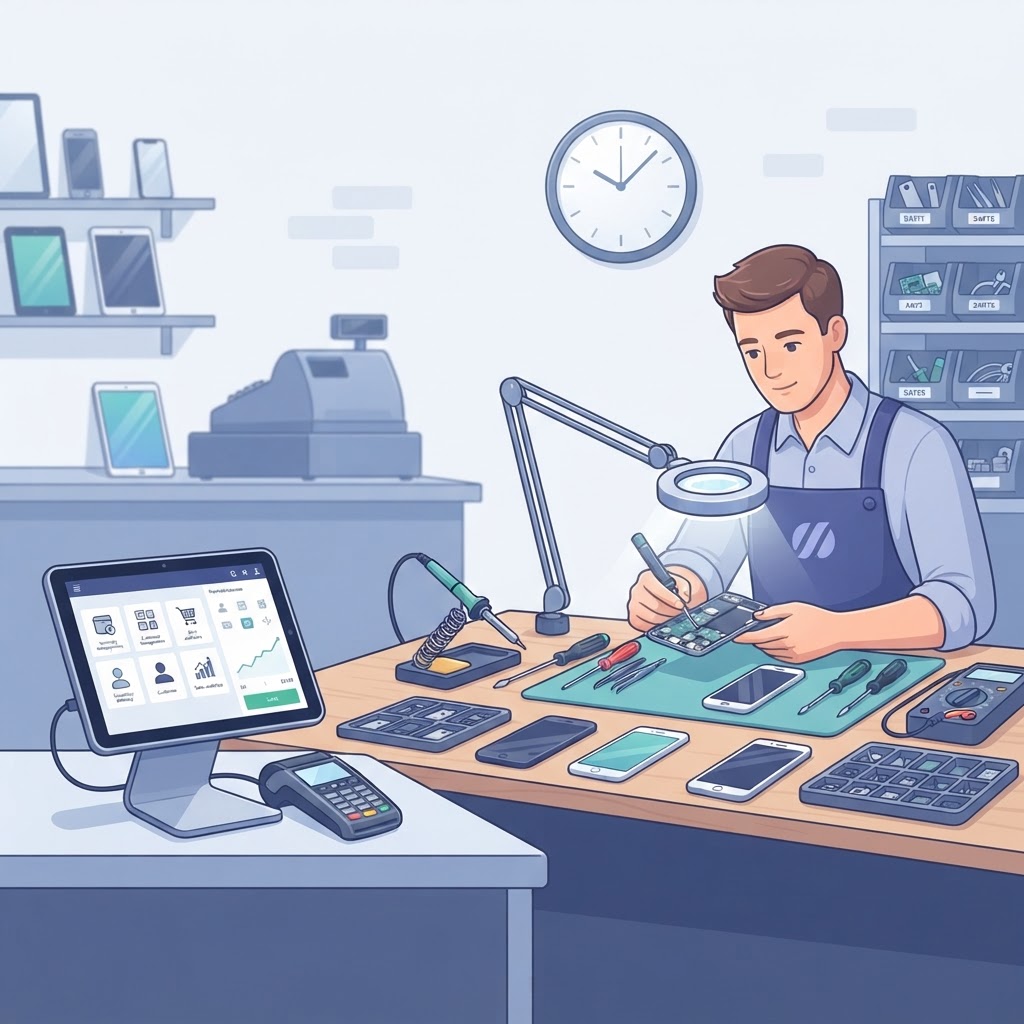
In the modern electronics repair industry, relying on a traditional cash drawer is no longer just an inconvenience; it is a direct bottleneck to your profitability. Smart POS software transforms your retail environment from a simple transaction counter into a sophisticated hub for repair store management, inventory control, and customer retention. By moving beyond manual cash handling, you gain the data-driven insights necessary to compete in a fast-paced market where every minute of technician time and every spare part matters.
The Efficiency Gap: Traditional Registers vs. Smart POS Software
Traditional cash registers hold you back because they function solely as calculators, whereas smart POS software serves as the central nervous system of your business. While a cash drawer tracks money, a modern retail POS for repair stores tracks the lifecycle of every device, every technician’s performance, and every profit margin in real-time.
Traditional registers provide zero visibility into inventory movement, meaning you likely struggle with overstocking or stockouts. Conversely, a smart POS system integrates seamlessly with your repair tickets, ensuring that when a screen replacement is performed, the inventory count automatically adjusts. This transition from manual tracking to automated systems can reduce administrative overhead by up to 15 hours per week.
Key takeaway: Traditional registers only track cash; smart POS software tracks the entire operational lifecycle of your repair business, saving you significant manual labor.
Core Advantages of Cloud-Based POS for Electronics Repair
The primary advantage of switching to a point of sale for electronics repair is the seamless unification of front-end sales and back-end repair management. Unlike hardware-bound registers, cloud-based systems allow you to manage your store, track inventory, and view analytics from any device, anywhere in the world.
1. Unified Repair Tickets and Billing
Modern systems link every transaction to a specific repair ticket. This ensures that you never miss a charge for labor or parts. When a customer pays, the system automatically marks the repair as completed and updates your accounting records, eliminating the need for manual data entry.
2. Advanced Inventory Intelligence
Traditional registers cannot handle complex parts tracking. Smart systems offer robust IMEI tracking and serial number management. This is critical for electronics repair, where verifying the authenticity and source of replacement components is essential for warranty compliance and fraud prevention.
3. Customer Lifecycle Management
By using a system that integrates a repair shop CRM, you can view a customer's entire history, including past repairs, preferred devices, and lifetime value. This allows for personalized follow-ups and targeted marketing, which are impossible with a standalone cash register.
Key takeaway: A cloud-based smart POS centralizes your repair workflow, inventory, and customer data, turning fragmented tasks into a unified, profitable operation.
Comparing Operational Capabilities
To understand the true impact, look at how these two systems handle daily retail stressors in a busy electronics shop.
| Feature | Traditional Cash Register | Smart POS Software | | :--- | :--- | :--- | | Inventory Sync | Manual / None | Automated per Ticket | | Customer History | Paper Records | Digital CRM Integration | | Reporting | End-of-Day Totals | Real-time Profit Analytics | | Access | In-Store Only | Cloud/Mobile Access | | Tech Compatibility | None | SMS & Digital Signatures |
Steps to Transition Your Store to Smart Systems
Upgrading your shop's technology is a strategic move that requires a structured approach. Follow these steps to ensure a smooth transition from analog to digital:
- Audit your current manual processes to identify exactly where you are losing time, such as manual inventory updates or paper ticket filing.
- Choose an all-in-one platform that combines your point of sale with repair shop accounting software to ensure financial data remains accurate.
- Implement a phased rollout by digitizing your repair ticket software first, then moving to full inventory integration.
- Train your staff on digital workflows, emphasizing how features like customer signature software and automated SMS notifications improve the client experience.
Key takeaway: Transitioning to smart software should be a phased process that prioritizes digitizing your most time-consuming manual workflows first.
Frequently Asked Questions
Why is smart POS software better for repair shops than a regular register?
It automates inventory deductions, links sales to repair tickets, and provides real-time financial reporting, which manual cash registers cannot do.
Can smart POS software handle IMEI tracking?
Yes, modern systems designed for electronics repair include specialized fields for IMEI and serial number tracking to help manage warranties and part provenance.
Does this software integrate with accounting systems?
High-quality repair shop management systems include built-in accounting or integration capabilities to track expenses, profit margins, and tax obligations automatically.
Is it difficult to train staff on a new POS system?
Most cloud-based platforms are designed with intuitive interfaces that mimic modern mobile apps, typically requiring only a few hours of training for staff to become proficient.
Stop letting outdated hardware limit your growth and profitability. Experience the difference a dedicated management platform can make in your daily operations. Visit RepairBiz.store today to start your free trial and discover why leading electronics shops are making the switch to our smart management system.
Ready to grow your repair shop?
Manage repairs, POS, inventory and invoicing in one place. Free to try — no credit card required.
Start Your Free Trial