Business OperationsAugust 28, 2026
How to Streamline Operations with All-in-One Repair Shop Software
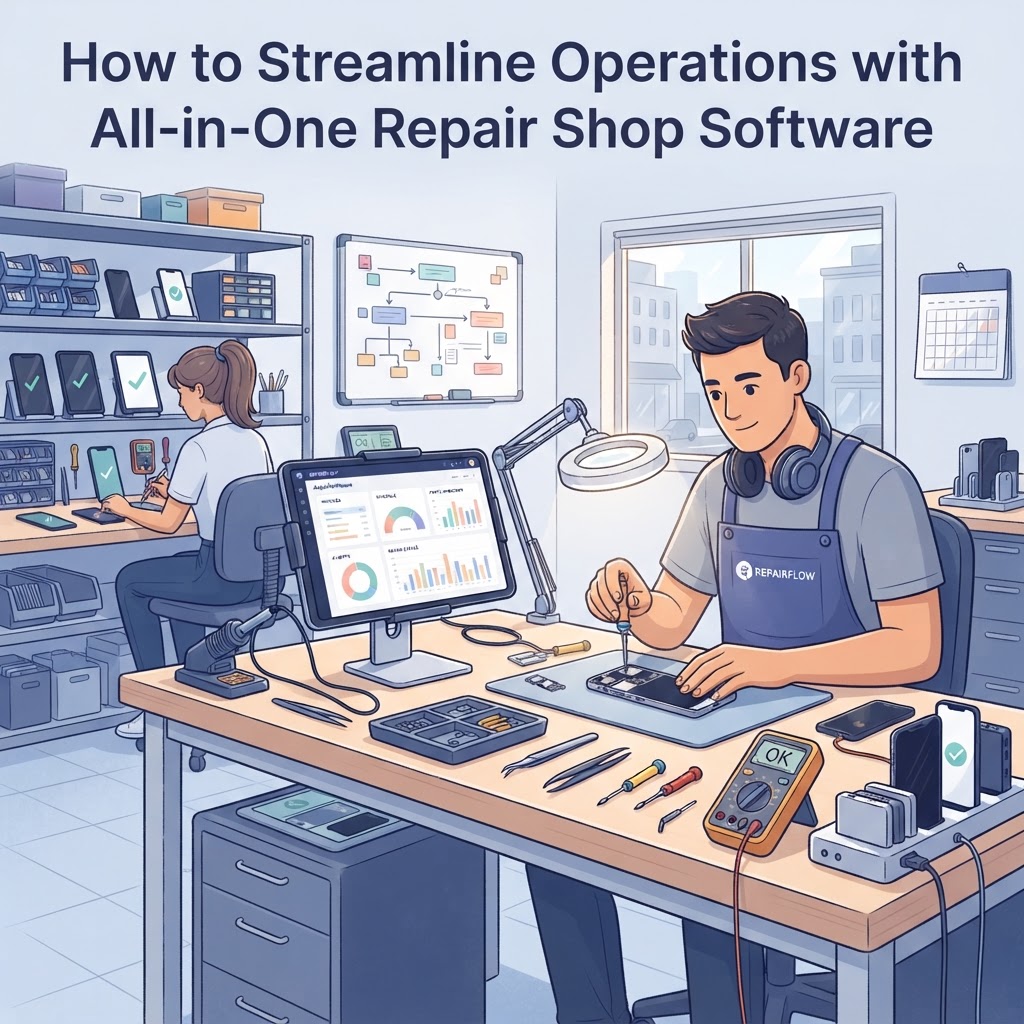
Managing a repair business often feels like juggling five different apps at once. To streamline your operations, you need all-in-one repair shop software that integrates your POS, inventory, and ticketing systems into a single, cohesive dashboard. By moving away from fragmented tools, you can eliminate data silos, reduce human error, and gain a clearer picture of your shop's health. This post explores how a unified management system transforms your daily operations and helps you scale efficiently.
Why Your Shop Needs All-in-One Repair Shop Software The primary reason to adopt all-in-one repair shop software is to eliminate the "toggle tax"—the time lost switching between disparate systems like accounting, inventory, and ticketing. When these systems speak to each other, a single entry updates your stock, your repair ticket, and your financial reports simultaneously. Most successful repair shops save an average of 5–8 hours per week by centralizing their management systems. Instead of manually moving data from an Excel sheet to an accounting platform, your software handles the heavy lifting, allowing you to focus on the workbench. > Key takeaway: Consolidating your systems into one platform eliminates redundant data entry, saves hours of administrative work, and provides a "single source of truth" for your business data.
Key Features of a Unified Management System To maximize efficiency, your all-in-one repair shop software must bridge the gap between customer-facing interactions and backend logistics. A robust system provides a seamless connection between your repair ticket software and your smart POS software.
Integrated POS and Repair Ticketing Your POS should be more than a cash register; it needs to be the central hub for every transaction. When you create a repair ticket, the item should automatically link to your inventory and generate an invoice upon completion. This prevents "lost" tickets and ensures every part used is accounted for in your revenue tracking.
Inventory Control with IMEI Tracking Inventory management is where most shops lose the most money due to shrinkage or mismanaged parts. Using a system with IMEI tracking and serial number management allows you to track high-value items from the moment they enter your stockroom until they are sold or used in a repair.
Automated Customer Communication Maintaining trust requires transparency. A modern management system should include SMS notifications for repair shops to keep customers updated on their device status. When a customer receives an automated text saying "Your device is ready," it reduces inbound status-check calls, allowing your staff to focus on repairs. | Feature | Fragmented Tools (Manual) | All-in-One Solution | | :--- | :--- | :--- | | Data Syncing | Manual (High Error Risk) | Real-time (Zero Error) | | Inventory Tracking | Spreadsheet-based | Automated IMEI/SKU | | Accounting | Manual Entry | Integrated/Automated | | Customer Updates | Manual Calls/Emails | Automated SMS | > Key takeaway: A truly unified system bridges the gap between your front-end POS and back-end logistics, creating an automated flow that minimizes errors and boosts customer satisfaction.
Steps to Implement Your New Management System Transitioning to an all-in-one repair shop software is a straightforward process if you follow a structured implementation plan. You can migrate your business in roughly 48 to 72 hours of focused setup. 1. Audit your current data: Export all existing customer lists, inventory items, and open tickets into a clean CSV format. 2. Configure your dashboard: Set up your service types, tax rates, and employee permissions within the new platform. 3. Train your team: Conduct a one-hour walkthrough of the repair shop management system to ensure everyone understands how to create a ticket and process a sale. 4. Go live with a pilot: Start by moving all new tickets to the software while completing older ones in your legacy system, then transition fully once the team is comfortable.
Enhancing Profitability with Better Oversight When you centralize your operations, you unlock deeper insights into where your money is actually going. Advanced repair shop management systems allow for detailed expense tracking and profit margin analysis on a per-repair basis. For instance, you might discover that a specific phone model is costing you more in warranty claims than the profit it generates. With an all-in-one repair shop software, you can pull this report in seconds, whereas manual bookkeeping might hide these trends for months. > Key takeaway: Better data visibility leads to better decision-making; tracking real-time profitability per repair allows you to adjust your pricing strategy and cut out low-margin, high-hassle jobs.
Frequently Asked Questions
What makes a repair shop software "all-in-one"? An all-in-one platform combines critical business functions—POS, repair ticketing, inventory management, customer CRM, and accounting integrations—into a single interface, ensuring data flows automatically between departments.
Can I migrate my existing customer and inventory data? Yes, most professional systems allow you to import data via CSV or Excel files, allowing you to transition your existing records into the new platform with minimal downtime.
How does this software help with inventory shrinkage? By using features like IMEI tracking and serial number logging, the software creates a digital paper trail for every part or device, making it nearly impossible for items to go missing without being recorded.
Does all-in-one software support team management? Yes, most systems include employee management features where you can assign specific repair tickets to individual techs, track their performance, and calculate commissions or payroll based on completed jobs.
Is cloud-based software secure? Modern cloud-based repair shop software utilizes enterprise-grade encryption and regular automated backups, which are significantly more secure than physical logbooks or local files stored on a single computer. Ready to stop struggling with fragmented tools? Experience the power of a truly unified system designed for modern electronics repair. Start your free trial of our all-in-one repair shop software today and watch your efficiency soar.
Ready to grow your repair shop?
Manage repairs, POS, inventory and invoicing in one place. Free to try — no credit card required.
Start Your Free Trial