Customer facing display for repair shops: policies, self check-in and e-signatures
Pair a tablet or second screen with your register. While you write the ticket, the customer reads your policies, types their own contact details and signs — no paper forms, no typos.
- Store & repair policies on screen
- Customer self-fill check-in
- Digital signature capture
- Live cart and totals
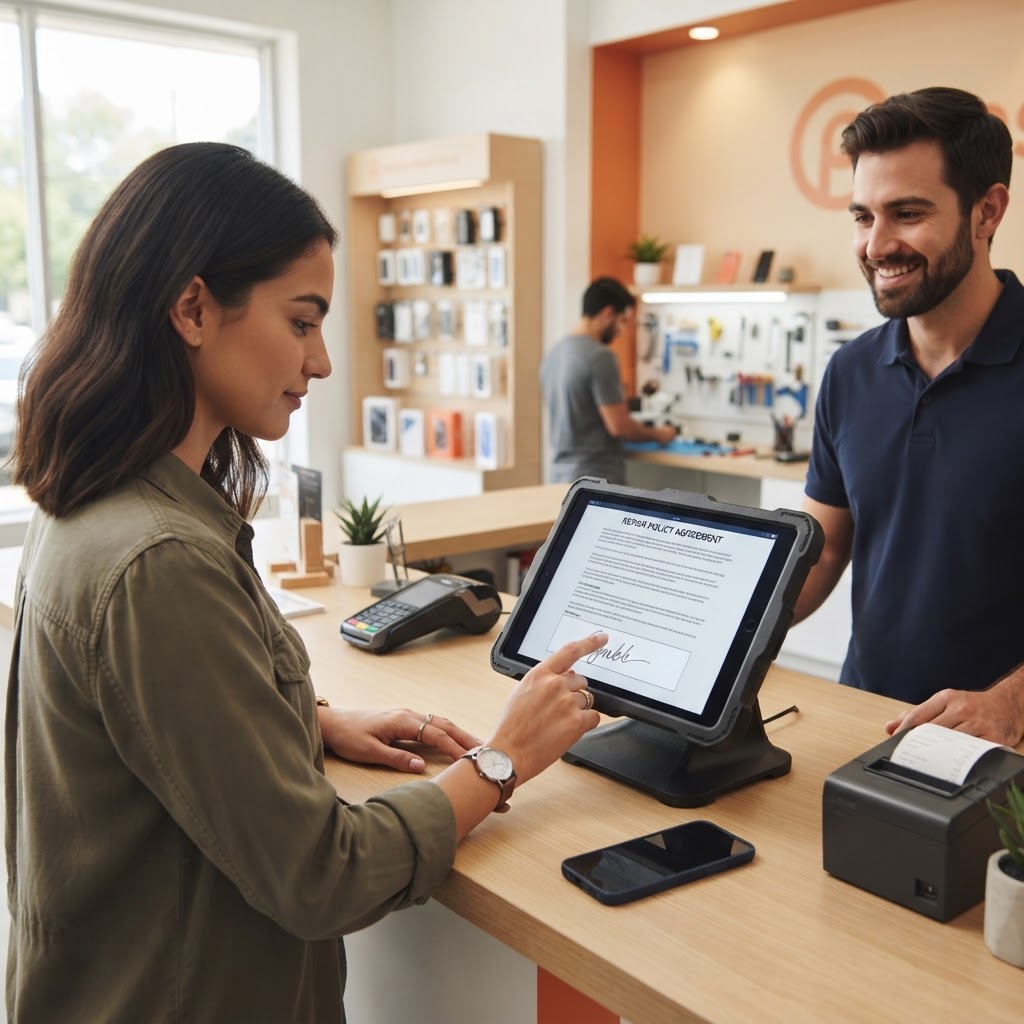
Customers read your policies before they sign
Your repair policy, store policy and trade-in terms appear on the customer's screen exactly as you wrote them in settings. The customer scrolls, reads and agrees before the ticket is saved.
Because the agreement is captured on the ticket, disputes about warranty, data loss or unclaimed devices start from a signed record instead of a memory.
- Repair, store and trade-in policies shown in full
- Customer taps to agree before checkout
- Agreement stored with the ticket or sale
- Policies edited once in settings, shown everywhere
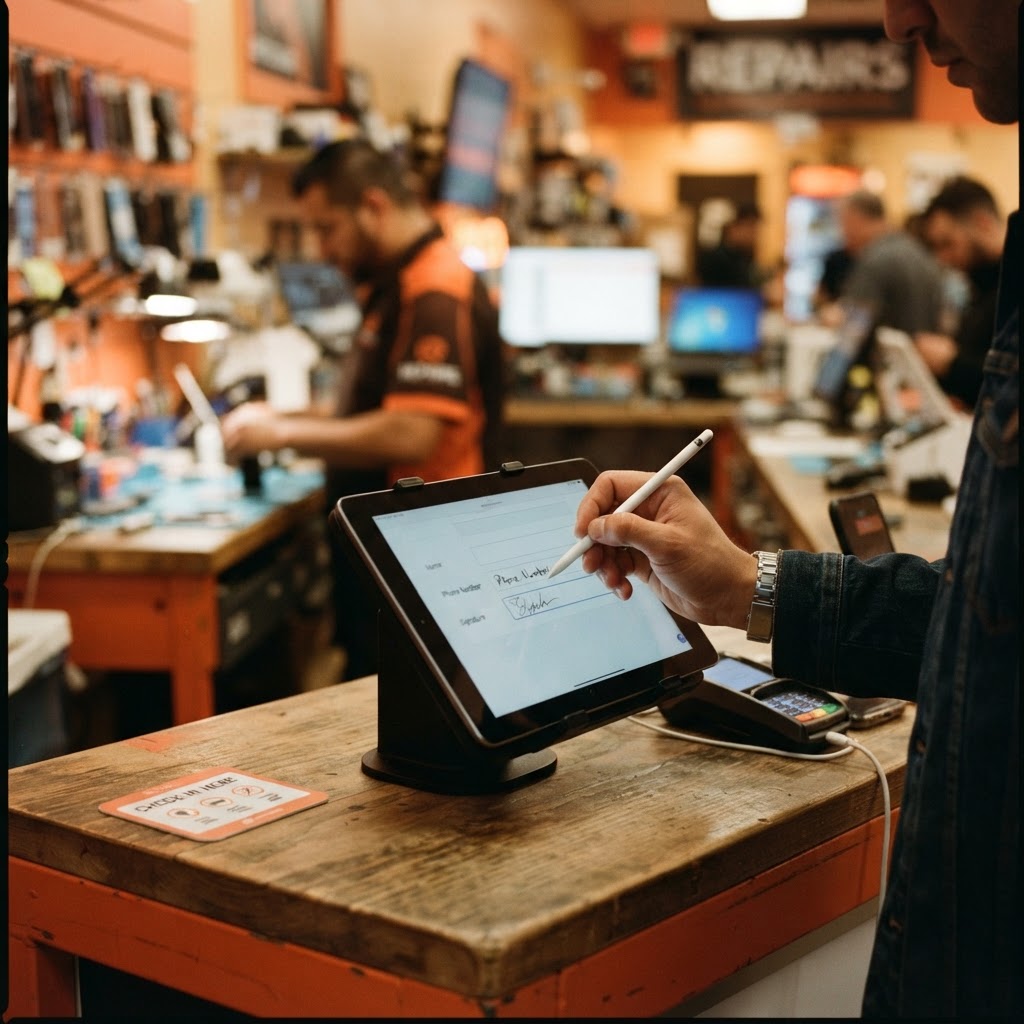
Self check-in: the customer types their own details
Instead of reading a phone number aloud across a noisy counter, the customer enters their name, phone and email directly on the display. The details flow straight into the repair ticket on your register.
Correct phone numbers mean status texts actually reach the customer later.
- Name, phone and email entered by the customer
- Details sent live to the ticket on your POS
- Fewer misspelled names and wrong numbers
- Faster intake during busy hours
Signatures, cart and promotions on one screen
The customer signs with a finger on the display, and the signature is attached to the repair ticket, invoice or trade-in. During checkout the same screen shows the live cart, tax and total.
When the counter is idle, the display rotates your own promotions and ads. Each register can pair its own display with a pairing code.
- Finger signature saved to ticket, invoice or trade-in
- Live cart, tax and total during checkout
- Idle-screen promotions and media
- One display per register via pairing code
Why a customer facing display pays off
Signed agreements
Every repair starts with an agreed, signed policy.
Accurate details
Customers type their own contact information.
Faster intake
You write the ticket while they fill the form.
Any tablet works
Open the display page in a browser and pair it.
Explore the rest of RepairBiz
Every module below is included in the same subscription — nothing here is a paid add-on.
Repair Shop Software
The all-in-one platform: POS, tickets, inventory, books.
Repair Shop POS
Sell parts and labor from the same screen you write tickets on.
Repair Store POS Features
Every repair store feature, from free SMS to payroll, for $240/year.
Shop Management Software
Run staff, registers, permissions and reporting in one place.
Repair Ticket Software
Digital tickets from intake to pickup, with full status history.
Inventory Software
Screens, batteries and accessories by SKU, bin, cost and margin.
Frequently asked questions
What hardware do I need for the customer display?
Any tablet or monitor with a web browser. Open the customer display page and enter the pairing code from your register settings.
Can customers sign repair policies on the display?
Yes. Customers read your repair or store policy, agree, and sign with their finger. The signature is saved to the ticket or sale.
Can customers enter their own information?
Yes. Customers can type their name, phone number and email, which are sent to the ticket on your POS.
Can I use more than one display?
Yes. Each register can be paired with its own customer display.
Go paperless at the counter
Pair a customer facing display in your free 30-day trial.
Start free for 30 daysNo credit card. Full access to every module.