Software for electronics repair businesses
Electronics Repair Shop Software for Managing Your Repair Business
An electronics repair counter may see a tablet in the morning, a game console at noon and a phone by closing time. Each device has different parts, symptoms and testing steps, so a one-size-fits-all checkout note is not enough. RepairBiz lets staff capture the device model, serial number, condition and issue on a repair ticket, then attach services, parts, technician assignment and status. The customer’s payment and repair history remain connected to that job. Owners can follow a mixed workload without inventing a separate paper system for every device category.
Start your 30-day free trial →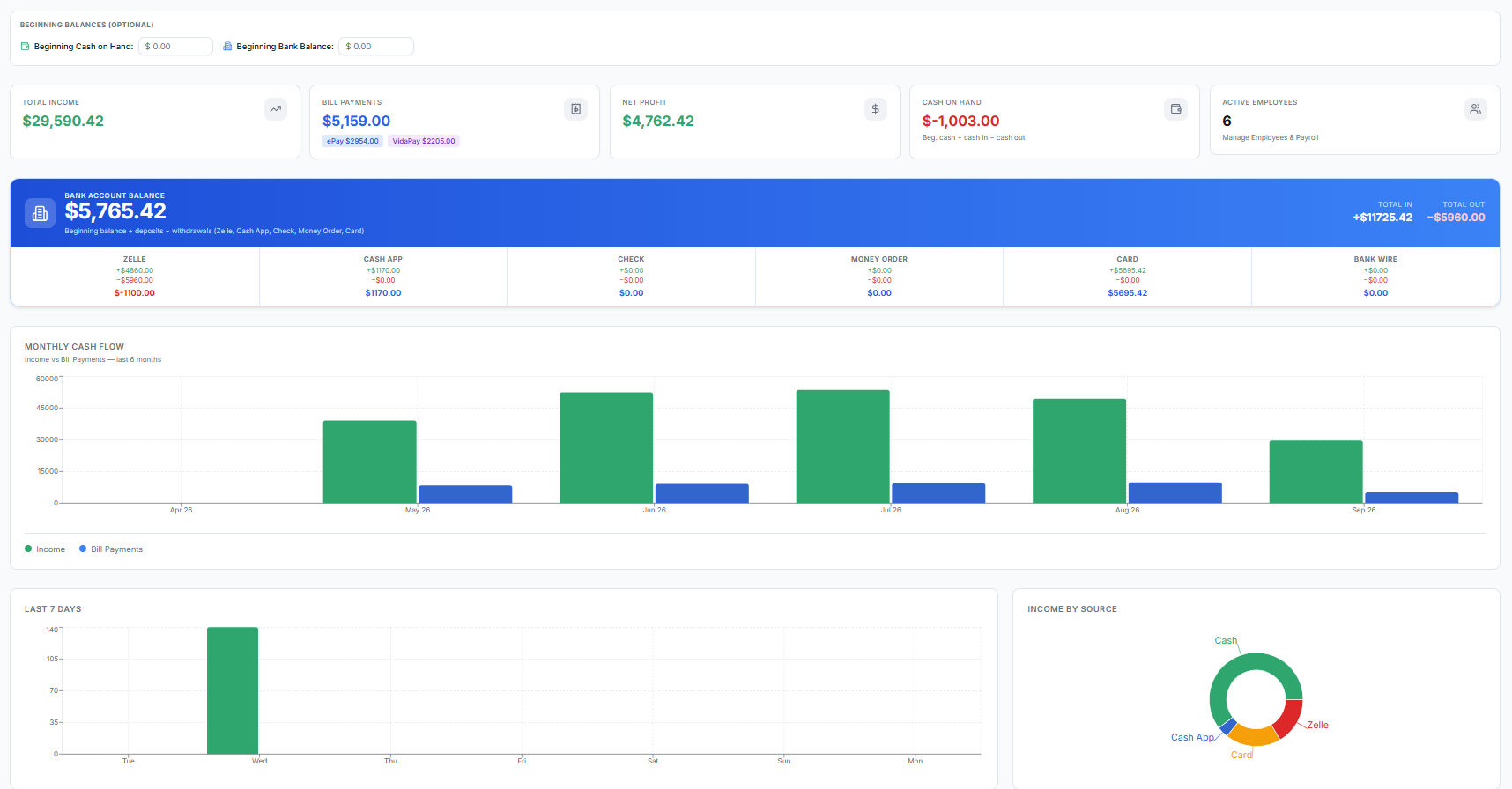
Repair Software Built for Mixed Electronics Businesses
A mixed-device shop needs to know which item belongs to which customer and where it is in the process. Create a ticket for the device, record its identifying details and put the reported symptom in writing. If a customer drops off multiple devices together, additional devices can be kept on one ticket with their own statuses.
- Identify phones, tablets, game consoles and other supported devices by model or serial.
- Keep separate statuses for multiple devices on a ticket.
- Record storage location when a device waits for service.
Manage Electronics Repair Tickets
The intake checklist and photos record visible damage before diagnostic work begins. A technician documents findings, parts and labor, then moves the device through in-progress, waiting-on-parts and ready statuses. A quoted estimate is distinguishable from a final price. After testing, the customer can collect the device and the ticket remains available if a warranty rework is needed.
- Capture symptoms, condition, photos and customer signature.
- Attach technician, services and replacement parts to the job.
- Keep a clear history from diagnosis through testing and pickup.
Electronics Repair POS and Payments
A customer may pay for console labor, a replacement component and a cable in one visit. RepairBiz supports sales for parts and services and records the payment alongside the customer account. For a job with a deposit, the ticket can show what has been collected and what remains due at pickup.
Inventory Management Across Device Types
Organize parts and retail products by SKU and category so a console part is not confused with a tablet component. Keep quantity and cost visible, set low-stock alerts and order replacements when work exhausts a part. The part used for a completed repair stays associated with its ticket and stock record.
Serial Number and IMEI Tracking When Relevant
Record the serial number or IMEI that applies to the actual device. A console or tablet generally needs its serial; a cellular phone may also have an IMEI. These identifiers distinguish similar models during intake and help staff find the correct history when a customer returns.
Customer Management and Repair History
A returning customer may have brought in several different devices over time. Keep those tickets under the customer record so staff can see the previous symptoms, parts and purchase history rather than treating each visit as a new person. Warranty rework statuses preserve the connection to the earlier repair.
Appointments and Customer Updates
Customers can request an appointment and describe the device before visiting. When enabled, status notifications can let them know how a repair is progressing; the branded portal also provides self-service status lookup. A store must configure its email or SMS delivery settings for the corresponding notification channel.
Accounting and Business Reports
Revenue in a mixed electronics store can come from repairs, replacement parts and over-the-counter products. RepairBiz provides financial views for sales, expenses and outstanding balances, alongside operational reports, so the owner can review business activity across device categories.
Why RepairBiz for Your Electronics Repair Business?
The useful workflow is device intake → model and serial → symptoms and diagnosis → parts and labor → technician and status → testing → payment and pickup. RepairBiz connects those steps in a ticket rather than requiring a separate tool for each kind of device.
Frequently asked questions
Bring mixed-device repairs into one connected workflow
Try RepairBiz for 30 days with no credit card required. Explore the plans before you sign up.
Start free for 30 daysNo credit card. Full access to every module.