IMEI tracking software with full serial number history
When a customer walks back in nine months later, or a detective asks about a device, the only useful answer comes from a per-unit record. RepairBiz keeps one for every IMEI and serial you handle.
- Per-unit status history
- Linked to PO, ticket and sale
- Trade-in ID capture
- Instant IMEI lookup
How does IMEI tracking work?
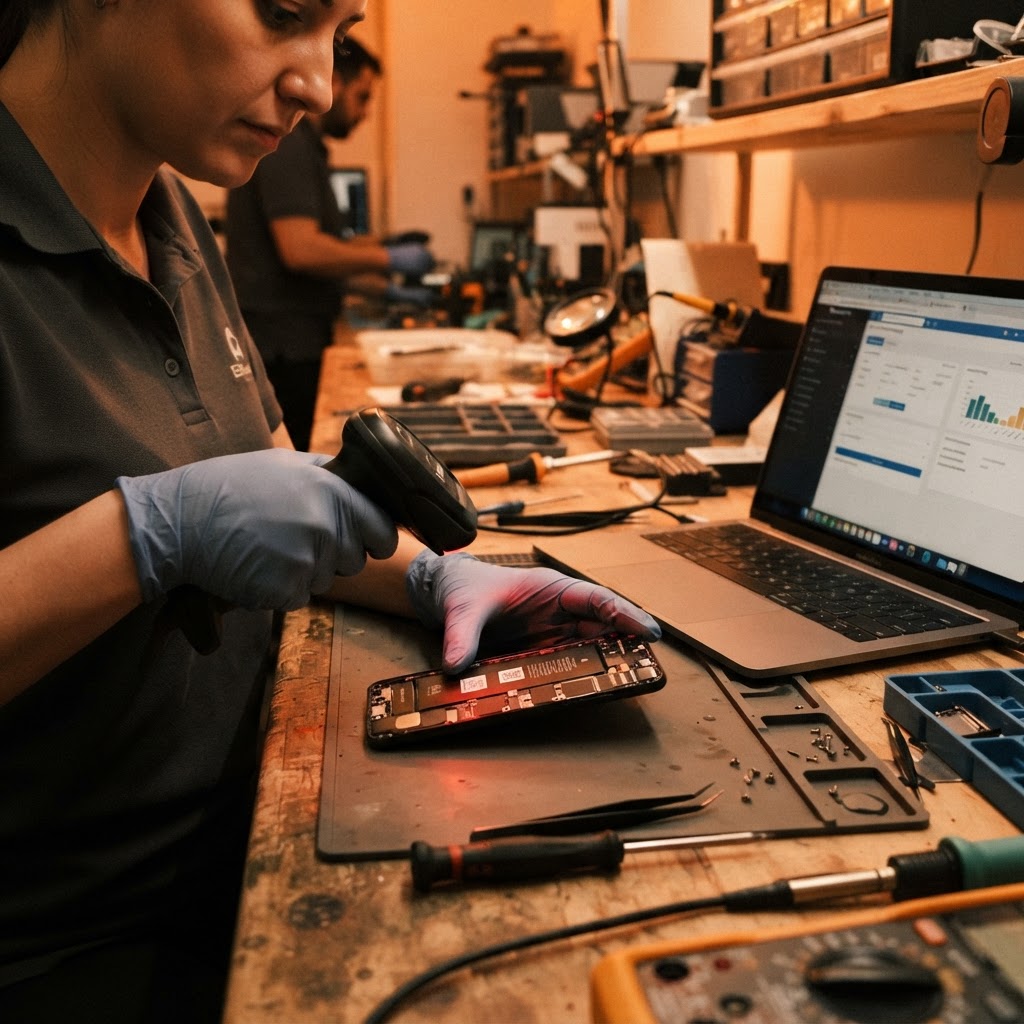
Record a device’s IMEI or serial number to distinguish it from other units of the same model. RepairBiz associates identifiers with inventory records and sales, and captures device identifiers on repair tickets. This is record tracking, not GPS location tracking or a carrier blacklist check.
Manage serialized inventoryEvery unit is its own record, not a quantity
Turn on serial tracking for a product and RepairBiz stops treating your stock as 'seven iPhone 12s'. Each unit gets its own record keyed to its IMEI or serial number, with a status that tells you where it stands: in stock, sold, returned, defective, lost or stolen, returned to vendor, or not useable.
That record is created where the device enters your shop. Received on a purchase order, it carries the PO number and its landed cost. Taken on trade-in, it carries the condition checklist, photos and payout. Either way, the unit is traceable from the moment you owned it.
- One record per IMEI or serial number, not per quantity
- Statuses for in stock, sold, returned, defective, lost or stolen and return-to-vendor
- Originating purchase order number and cost on received units
- Trade-in units carrying condition, photos and payout value
- Free-text notes for anything that doesn't fit a field
Look up a device and see everything that happened to it
Search an IMEI and you get the whole chain: which PO brought it in, what you paid, which repair tickets it appeared on, what parts went into it, who the technician was, the date it sold, which sale transaction it belonged to and which customer bought it.
That chain is what settles warranty questions in a minute instead of an afternoon. It also tells you the truth about a refurb line — what a used unit really cost you once you count the parts and labor you put into it before it sold.
- IMEI and serial search across all units, sold and unsold
- Repair ticket history attached to the device, not just the customer
- Sale date, sale transaction and buying customer on every sold unit
- True cost visible when refurb parts and labor are included
- Global search that finds a device from any screen
Trade-ins, ID capture and defensible records
Buying used devices over the counter is where documentation matters most. The trade-in flow records the device's brand, model, IMEI or serial, a condition checklist and photos, along with the customer's name, phone and a photo or scan of their ID.
The customer signs your trade-in terms on screen, and the whole package — device details, photos, ID document, signature and payout method — is stored as one record. When you then push that device into sellable inventory, the serial record links back to the trade-in it came from.
- IMEI or serial captured on every traded-in device
- Customer ID document photo or scan stored with the trade-in
- Condition checklist and device photos at the time of purchase
- Signed trade-in terms retained on the record
- Traded devices pushed into inventory with the serial link preserved
- Payout method and total recorded for your books
Loss, theft and vendor returns tracked honestly
Devices go missing, arrive dead, or need to go back to the supplier. Marking a unit defective, lost or stolen, or return-to-vendor keeps it out of your sellable count without deleting it — so your stock value is accurate and the unit's history stays intact.
Because these changes are recorded, shrinkage becomes something you can see and measure rather than a gap you notice at year end. Vendor returns can be raised as return purchase orders so credit from the supplier is tracked against their balance.
- Defective, lost or stolen, and not-useable statuses that exclude a unit from stock
- Return-to-vendor status paired with return purchase orders
- History preserved on every status change instead of deletion
- Shrinkage visible in inventory reporting
- Audit log entries for inventory changes with the staff member's name
Why per-unit tracking pays for itself
Provable ownership chain
Every device links back to the PO or trade-in that brought it in, with ID on file.
One-minute warranty answers
Search the IMEI and the whole repair and sale history is on one screen.
Honest refurb margin
Parts and labor added to a used unit are visible against what it eventually sold for.
Measurable shrinkage
Lost, stolen and defective units are recorded, not quietly removed from a count.
Explore the rest of RepairBiz
Every module below is included in the same subscription — nothing here is a paid add-on.
Inventory Software
Screens, batteries and accessories by SKU, bin, cost and margin.
Repair Ticket Software
Digital tickets from intake to pickup, with full status history.
Repair Shop POS
Sell parts and labor from the same screen you write tickets on.
Repair Shop Software
The all-in-one platform: POS, tickets, inventory, books.
Repair Store POS Features
Every repair store feature, from free SMS to payroll, for $240/year.
Shop Management Software
Run staff, registers, permissions and reporting in one place.
Frequently asked questions
Do I have to serialize every product?
No. Serial tracking is a per-product setting. Turn it on for phones, tablets, laptops and consoles, and leave it off for cables, cases and screen protectors where per-unit tracking adds work without value.
Can I find which customer bought a specific IMEI?
Yes. Each sold unit stores its sale date, sale transaction and the customer's name, so an IMEI search tells you who bought it and when.
Does RepairBiz check an IMEI against blacklist databases?
No. RepairBiz records and tracks the IMEIs you enter and their full history in your shop — it does not query external carrier or blacklist databases on your behalf.
How are customer IDs stored for trade-ins?
You upload a photo or scan during the trade-in flow and it's stored on that trade-in record along with the device details, condition photos and the customer's signed agreement.
What happens to a unit's history if it's returned or found defective?
The unit's status changes so it leaves your sellable stock, but every prior record — purchase, repairs, sale — stays intact and searchable.
Give every device a paper trail
Serialize your first products and run an IMEI lookup during the 30-day free trial.
Start free for 30 daysNo credit card. Full access to every module.