Let trusted customers pay later — only with admin permission
Pay-later is off for every customer by default. An admin decides who can buy on account and how much, and the POS enforces it at checkout.
- Off by default
- Admin-approved per customer
- Credit limits enforced
- Balances tracked to payment
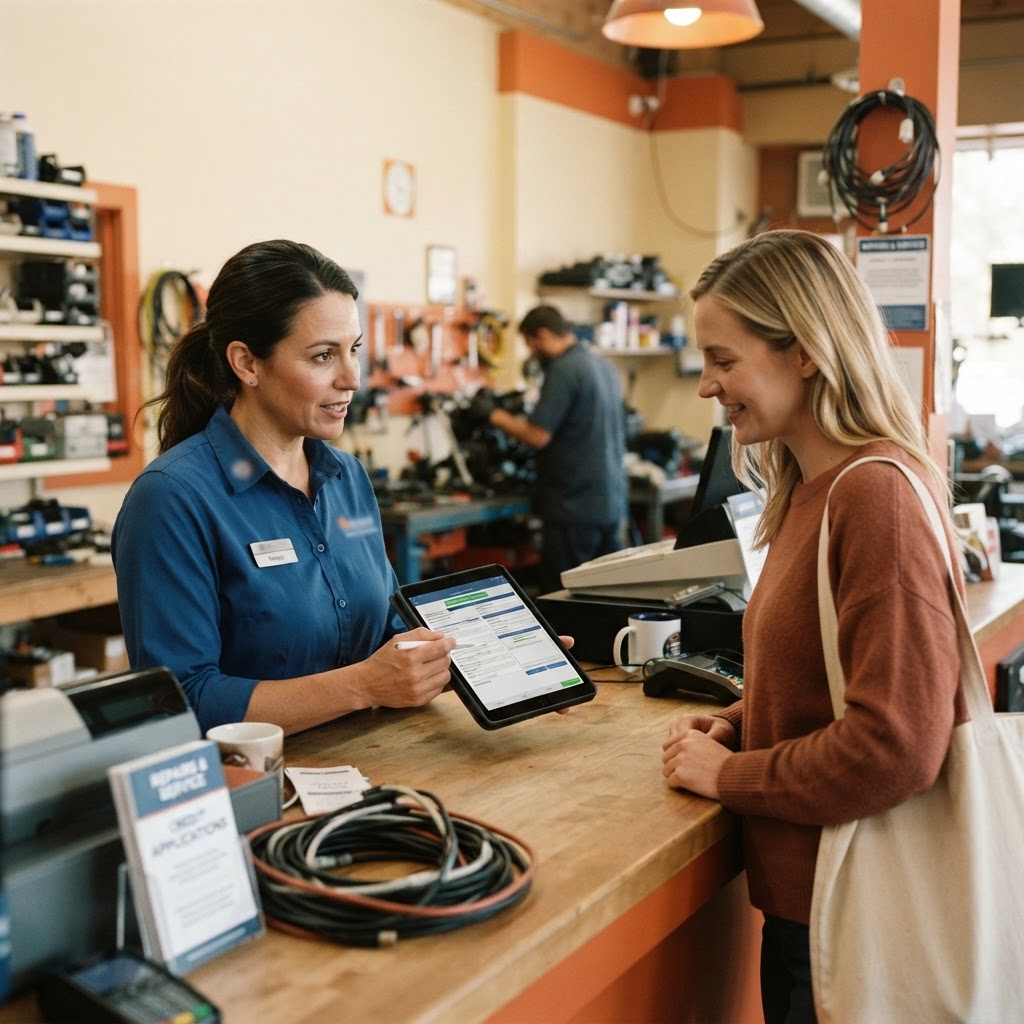
Admins decide who can buy on account
Only an admin can switch on pay-later for a customer record. Cashiers without that permission cannot extend credit, so informal IOUs stop happening at the counter.
- Pay-later enabled per customer by an admin
- Credit limit set on the customer record
- Staff without permission cannot grant credit
The POS enforces the limit
When an approved customer checks out on account, the amount is added to their balance. If a sale would exceed their credit limit, the POS blocks it.
- Balance shown before each new sale
- Sales over the limit are blocked
- Every on-account sale linked to the customer
Collect and clear balances
When the customer pays, staff record a full or partial payment. The balance updates and the payment is posted to income automatically.
- Full or partial payments
- Payment history per customer
- Collected pay-later totals on the dashboard
Credit without the risk
Admin control
Only admins can approve a customer for pay-later.
Limits enforced
The register holds every customer to their credit limit.
Trusted regulars
Offer flexibility to the customers who earned it.
Clean books
Payments clear balances and post to income in one step.
Explore the rest of RepairBiz
Every module below is included in the same subscription — nothing here is a paid add-on.
Repair Shop Software
The all-in-one platform: POS, tickets, inventory, books.
Repair Shop POS
Sell parts and labor from the same screen you write tickets on.
Repair Store POS Features
Every repair store feature, from free SMS to payroll, for $240/year.
Shop Management Software
Run staff, registers, permissions and reporting in one place.
Repair Ticket Software
Digital tickets from intake to pickup, with full status history.
Inventory Software
Screens, batteries and accessories by SKU, bin, cost and margin.
Frequently asked questions
Can any employee give a customer pay-later?
No. Pay-later must be enabled on the customer record by an admin. Other staff can only use it for customers who are already approved.
What happens if a customer goes over their limit?
The POS blocks on-account checkout beyond the customer's credit limit.
Can customers pay part of their balance?
Yes. Staff can record partial payments, and the remaining balance stays on the customer record.
Offer pay-later with confidence
Approve your trusted customers and set limits in the free 30-day trial.
Start free for 30 daysNo credit card. Full access to every module.