Elevating Your Technical Service Business in 2026.
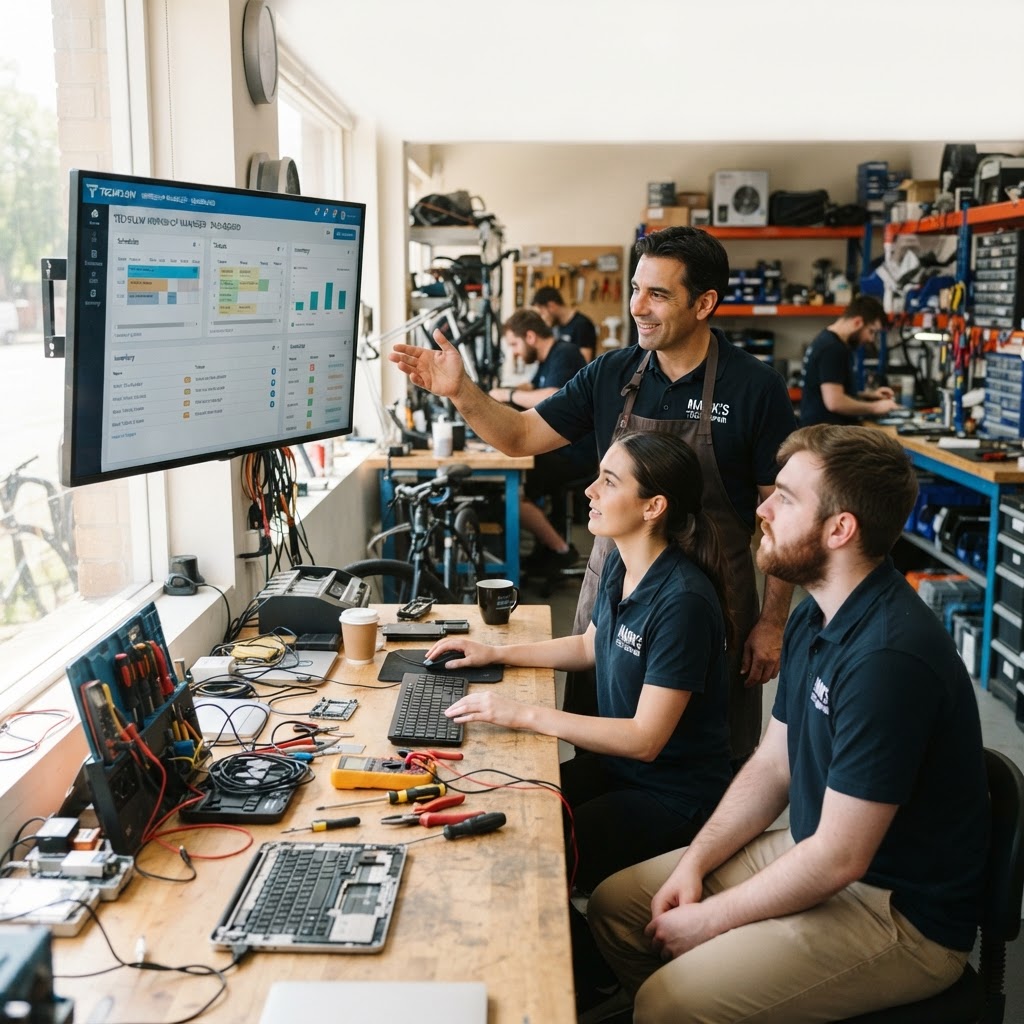
The landscape for independent repair shops has shifted dramatically in the last two years. As technology becomes more deeply integrated into daily life, your customers expect more than just a quick fix for their hardware; they expect an experience akin to that of a luxury service center. They demand professional documentation, transparent communication, and rapid turnaround times. Finding the best computer repair POS software is no longer a luxury; it is the absolute backbone of your operational efficiency and long-term sustainability. Running a business manually using spreadsheets or handwritten logs is a recipe for missed opportunities and avoidable errors. Imagine a customer calling about a laptop screen you promised by Friday, only for you to realize the part never arrived because the manual inventory log wasn't updated. Missing parts, forgotten tickets, and mismanaged inventory act like a slow leak in your boat, constantly eating away at your profit margins. Modern software solutions like RepairBiz offer a centralized command center to streamline every aspect of your shop, allowing you to focus on the technical craft rather than the clerical headache. Consider a busy shop in a metro area; by moving from paper to digital, a shop can save roughly 10-15 hours of administrative work per week, which is time that can be better spent performing revenue-generating repairs or optimizing supply chains.
The Essential Features for Modern Repair Shops.
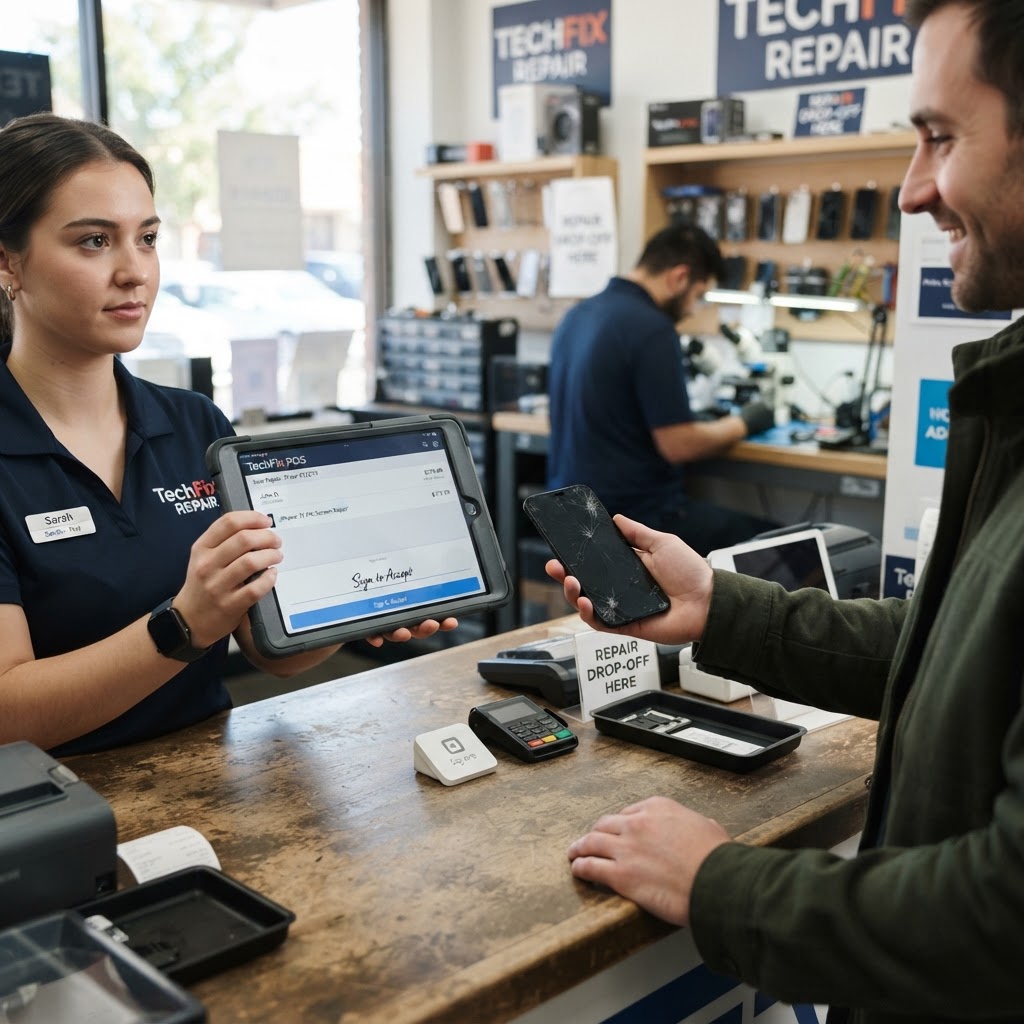
Seamless Ticket Management. Effective repair ticket software is your most valuable asset. When a customer walks in with a broken device, you need a system that captures every detail immediately—from the initial symptom description to the specific technician assigned to the job.
A robust POS system allows you to generate professional, branded work orders instantly, ensuring your team always knows exactly what stage a repair is in. Without this, you risk the 'information silo' effect where only one tech knows what is wrong with a device. A good ticket system should include automated status updates. When a technician marks a repair as 'Complete,' the software can automatically email or text the customer. This single step alone reduces the volume of 'Is my computer ready?' status calls by up to 60%, significantly freeing up your front-desk staff.
Accurate Inventory Tracking.
Inventory management is often the biggest logistical challenge for repair owners. You need repair shop inventory software that tracks parts in real-time. Whether you are dealing with screen replacements, complex charging port soldering, or high-end components, your system should automatically adjust stock levels whenever a part is consumed by a repair. This integration prevents the dreaded scenario of telling a customer their device is ready, only to find the part was used on a different ticket without being recorded. Pro-tip: Utilize a system that supports 'Low Stock Alerts.' By setting minimum thresholds for common parts like iPhone screens or thermal paste, you ensure that your suppliers are contacted well before you run out, preventing downtime.
Asset and IMEI Tracking.
For mobile phone and high-end laptop repair shops, security and accountability are paramount. Utilizing IMEI tracking software prevents fraud and ensures you are managing legitimate devices. This feature helps you verify device history, track unique identifiers, and provides an extra layer of protection for both you and your customer against insurance fraud or stolen hardware. Recording the IMEI at the point of intake also allows for easier warranty processing with parts distributors, as many require proof of the device's original identity to process returns on defective components.
Leveraging Data for Strategic Growth.
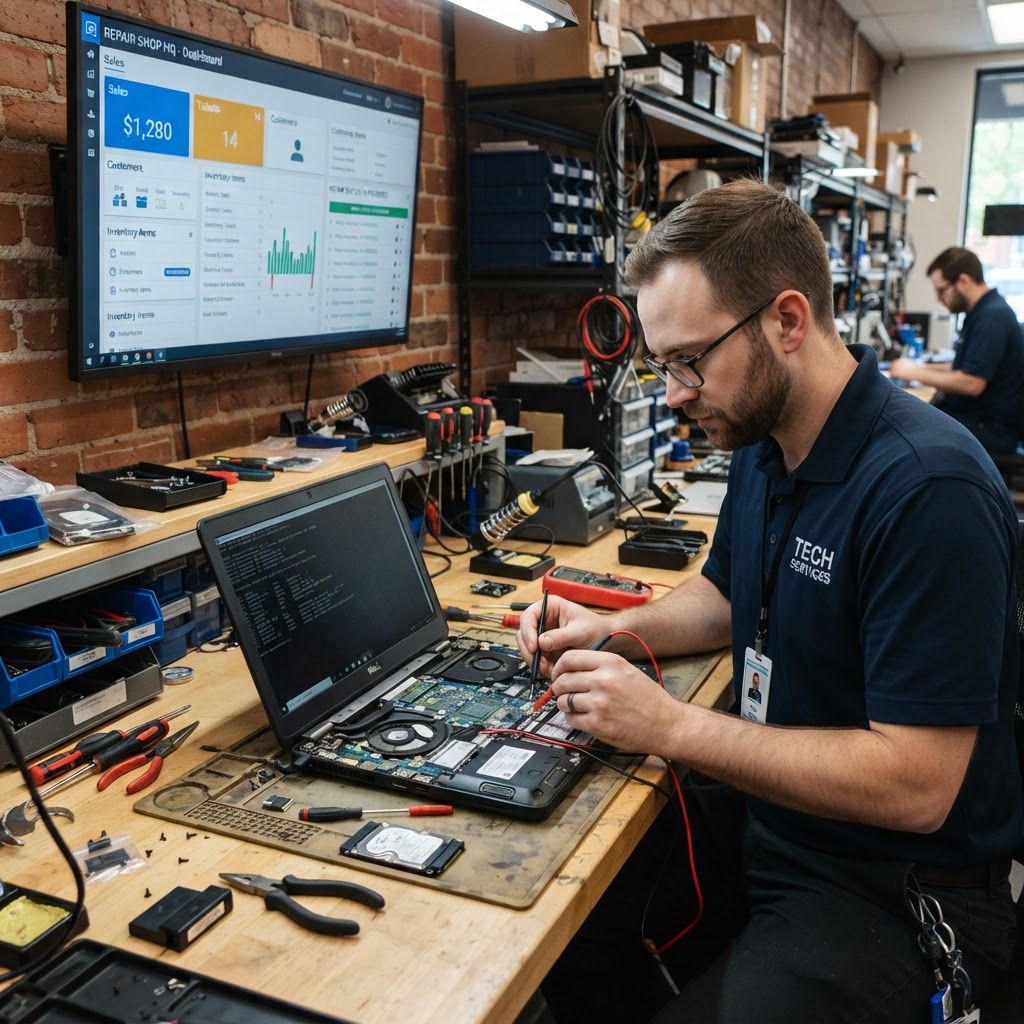
Beyond just daily operations, a modern POS allows you to pivot from reactive repair to proactive growth. By analyzing reports, you can identify trends: perhaps you are noticing a spike in 'overheating' issues on a specific laptop model, signaling an opportunity to upsell thermal paste cleaning or fan upgrades. Furthermore, tracking employee performance through individual login metrics allows you to identify who is your fastest technician and who may need further training. By measuring the 'Time to Repair' metric, you can set realistic KPIs for your staff, turning your shop into a well-oiled machine rather than a chaotic workshop. When you have concrete data on your repair margins, you can make informed decisions about which services to stop offering and which to promote, effectively doubling your profitability without necessarily increasing your foot traffic.
Why Affordability Matters for Growth.
Many industry solutions are bloated with expensive, enterprise-level features that small shops never actually use, yet they charge high monthly fees. RepairBiz takes a different approach, offering a lean, effective platform for $30/month or $240/year. By focusing on what repair shops actually need—speed, reliability, and ease of use—you avoid paying for unnecessary bells and whistles. Investing those savings back into high-quality marketing, better diagnostic tools, or ergonomic workspace furniture allows your business to scale naturally. A business that spends $200 a month on software it doesn't use is losing $2,400 a year that could have been reinvested in a new reflow station or professional social media ad campaigns. In a competitive landscape, those margins are what keep the lights on and the growth consistent.
Frequently Asked Questions. **1. Can
I migrate my existing customer data to RepairBiz?** Yes, most professional POS systems allow you to import existing databases via CSV files. This ensures you do not lose historical customer repair data when switching platforms. We recommend mapping your fields carefully to ensure your existing ticket history remains accessible. 2. Is the software cloud-based or local? RepairBiz is cloud-based, meaning you can access your shop metrics, inventory, and repair tickets from any device with an internet connection, whether you are at the front desk or working from home. This remote access is crucial for owners who manage multiple locations or need to check shop performance while traveling. 3. How does the software handle warranty tracking? Our system allows you to attach warranties to specific repairs or parts. This makes it easy to look up a customer’s previous work and determine immediately if their issue is covered under your shop’s policy, which enhances trust and professionalism. 4. Is there a long-term contract requirement? RepairBiz offers flexible billing options. You can pay monthly at $30 or opt for the annual plan at $240, which offers significant savings without locking you into a multi-year enterprise contract. We believe the software should earn your business every single month.
Take Control of Your Shop Today.
The best repair shops are the ones that prioritize organization over chaos. By integrating a dedicated POS and management tool into your daily workflow, you create a professional experience that encourages repeat business and builds lasting customer trust. In an industry where trust is everything, showing a customer a clean, digital, and professional record of their device status makes them significantly more likely to refer your services to friends and family. Don't let disorganized records hinder your potential or allow simple administrative errors to drain your hard-earned revenue. The transition to digital management is easier than you think, and the long-term benefits are substantial. Start your free trial at RepairBiz today and see how efficient, profitable, and stress-free your repair shop can truly become.
Ready to grow your repair shop?
Manage repairs, POS, inventory and invoicing in one place. Free to try — no credit card required.
Start Your Free Trial