Understanding the Core Differences in Retail Management. For a repair shop owner, the point of sale (POS) is the heart of the business.
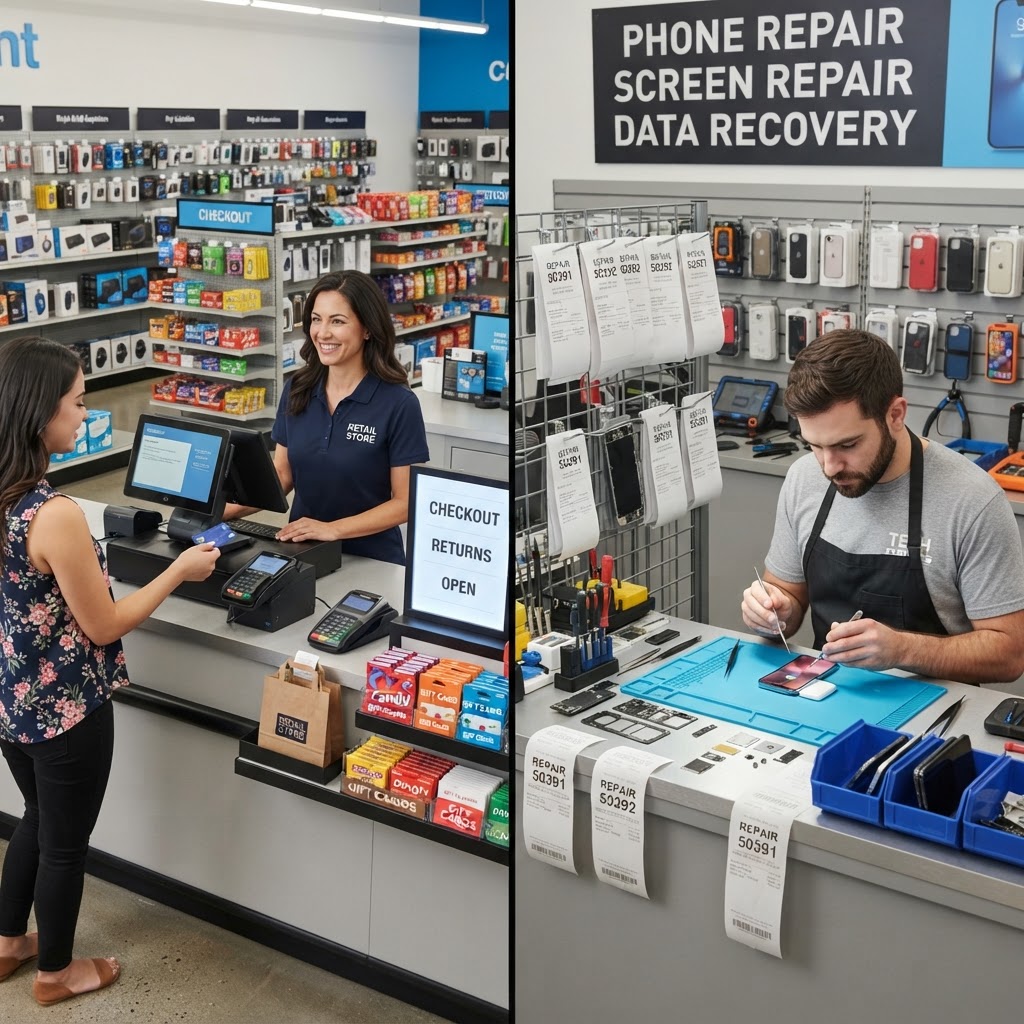
You might be tempted to use a generic retail POS system because of name recognition or existing familiarity. However, a general-purpose retail system is designed to sell pre-packaged items, while your shop is designed to perform complex services. Using the wrong tool can lead to lost tickets, inventory errors, and a fragmented customer experience. A dedicated repair shop POS is built specifically to bridge the gap between service labor and physical inventory. In the world of repair, time is not just money; it is technical proficiency and reputation. When you use a system designed for a clothing boutique, you are essentially trying to fit a square peg into a round hole. Repair shops deal with fluctuating labor costs, varying diagnostic times, and the delicate nature of high-end hardware, none of which a standard retail POS is equipped to handle. By pivoting to a specialized solution, you stop treating your business like a gift shop and start managing it like the high-stakes technical service center it truly is.
The Workflow Gap:
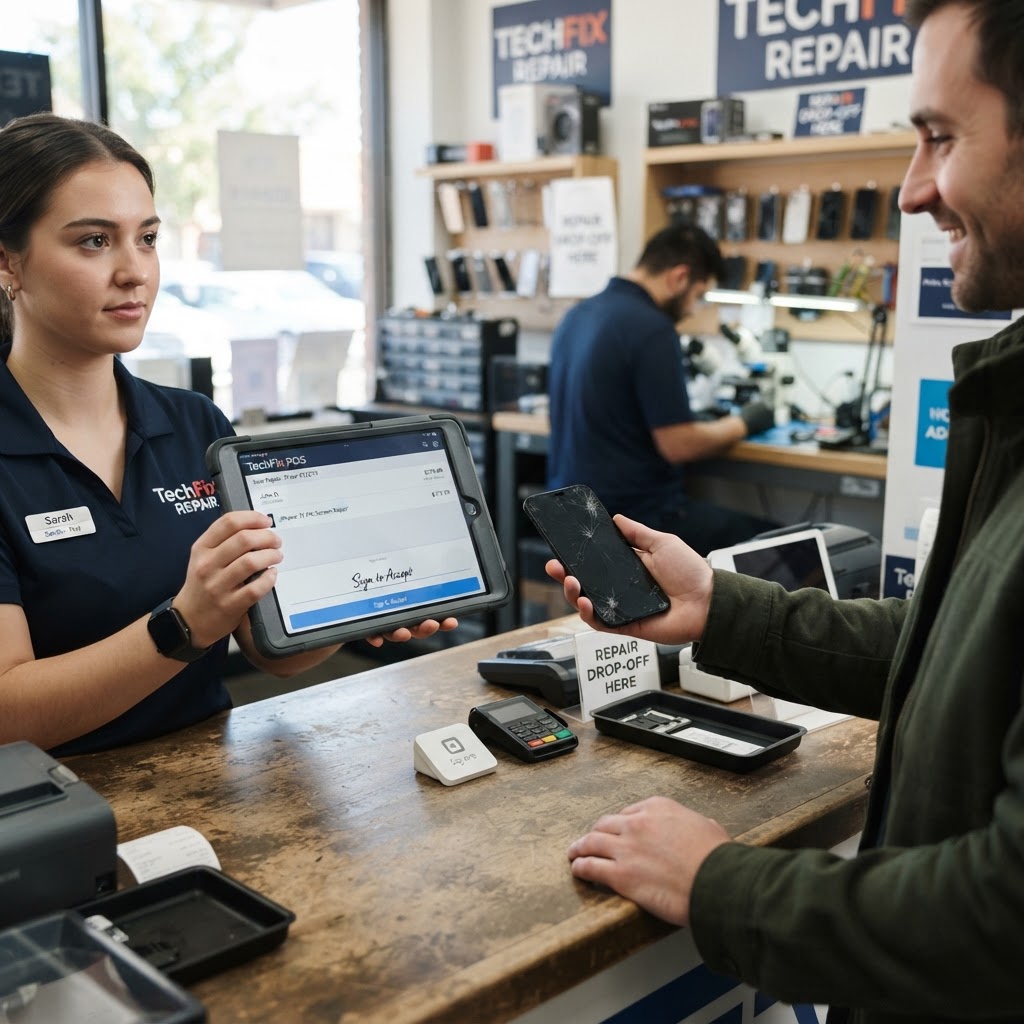
Products vs. Services. In a standard retail store, the transaction is simple: item scanned, payment taken, customer leaves. In a repair shop, the transaction is a multi-stage lifecycle. You need to log a device, track the technician who opened it, record the specific repairs performed, and manage the parts consumed. Generic systems often fail here. They lack the logic to handle repair status updates, such as 'Waiting for Parts' or 'Quality Assurance.' With RepairBiz's repair shop POS, you manage the entire lifecycle from intake to handoff within a single window. Consider the scenario of a screen replacement: a customer drops off an iPhone with a shattered display. With a generic POS, you might ring up 'service' as a generic SKU. But what if the technician finds internal water damage halfway through the process? A dedicated repair POS allows you to pause the ticket, attach new parts, update the estimate, and notify the customer via SMS or email instantly. You aren't just selling a screen; you are documenting the health of a customer's digital life. This transition from a one-off sale to a 'lifecycle approach' creates professional transparency that builds long-term customer loyalty, turning a one-time repair visitor into a lifetime client.
Managing Repair Tickets with Precision.
Repair tickets are the primary document of your business. If a customer drops off a shattered phone, they need to know exactly what is wrong, what it will cost, and when it will be finished. Generic POS systems treat these as 'notes' attached to a sale. A professional repair ticket software treats them as actionable entities. By using specialized software, you ensure that every technician follows the same intake process. This minimizes liability, as you can document the physical condition of the device upon arrival, protecting your shop from claims of pre-existing damage. Consistent documentation leads to higher customer trust and fewer disputes. Think about the 'He said, she said' friction that occurs when a customer claims their home button was working fine before they came in. When you have a dedicated system, your intake process includes a pre-repair checklist and photo uploads. You record the battery health, the current software version, and the visible cosmetic marks. By the time the repair is complete, your system has a time-stamped log of every action, creating an audit trail that makes your business bulletproof against groundless complaints. This level of professionalism separates 'back-alley' repair shops from reputable service centers.
Inventory Control for Spare Parts.
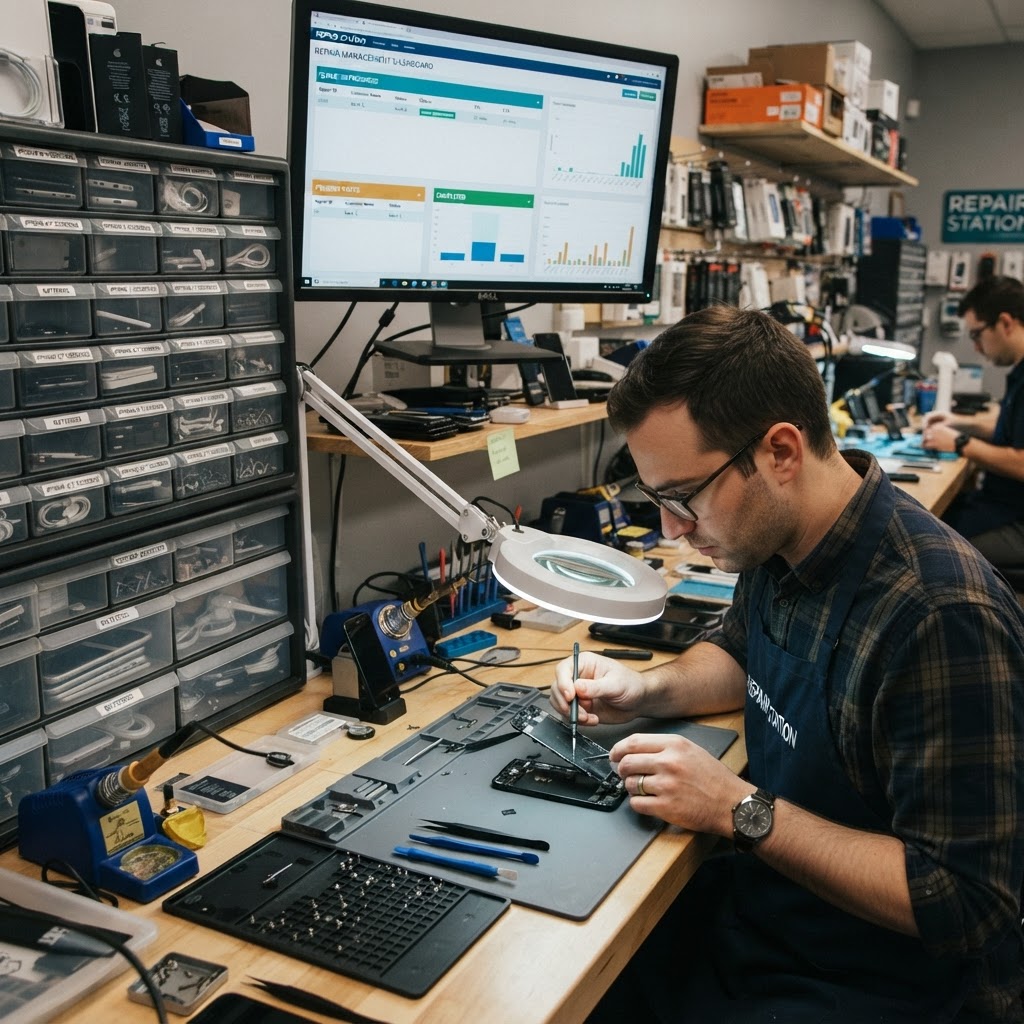
Inventory management in a repair shop is unique because parts are often consumed during the repair process. If you use a retail system, you have to manually deduct a screen or battery from your inventory every time a repair is closed. This is prone to human error. Repair shop inventory software automates this. When you mark a repair as complete and attach a specific part, the system automatically subtracts that part from your stock levels. This keeps your counts accurate, preventing the dreaded 'we thought we had a part in stock' moment. Furthermore, integrated inventory allows for automated low-stock alerts, ensuring you never run out of your most popular repair components. Imagine it is a busy Saturday afternoon. You have three technicians working simultaneously. In a generic system, they might all be using the same 'generic screen' SKU. By the end of the day, your records show you have five screens left, but your shelf is empty because the system couldn't distinguish between a screen for an iPhone 11 and an iPhone 13 Pro. Integrated software solves this by linking parts to specific service items, giving you precise, real-time visibility. It also tracks the profit margin on every individual component, helping you identify which suppliers offer the best quality-to-cost ratio, which is essential for scaling your margins.
Security and Tracking Requirements.
A critical component of modern repair shops is tracking devices, especially high-value smartphones. Using IMEI tracking software is essential for security and inventory auditing. Generic retail systems rarely have fields for IMEI, serial numbers, or device lock status. If you process a device without logging its unique identifier, you risk receiving stolen goods or having no way to prove which device you returned to the customer. Dedicated software provides an immutable record of every device that passes through your doors, providing protection for both you and your customer. Beyond the security aspect, IMEI tracking allows you to handle warranty claims with ease. If a customer returns a month later claiming their screen is faulty, you don't have to scramble to find old paper receipts. You simply look up the unique IMEI in your system, and you see the exact part batch that was used, the date of repair, and the technician who performed the work. This level of granular control is the hallmark of a professional operation.
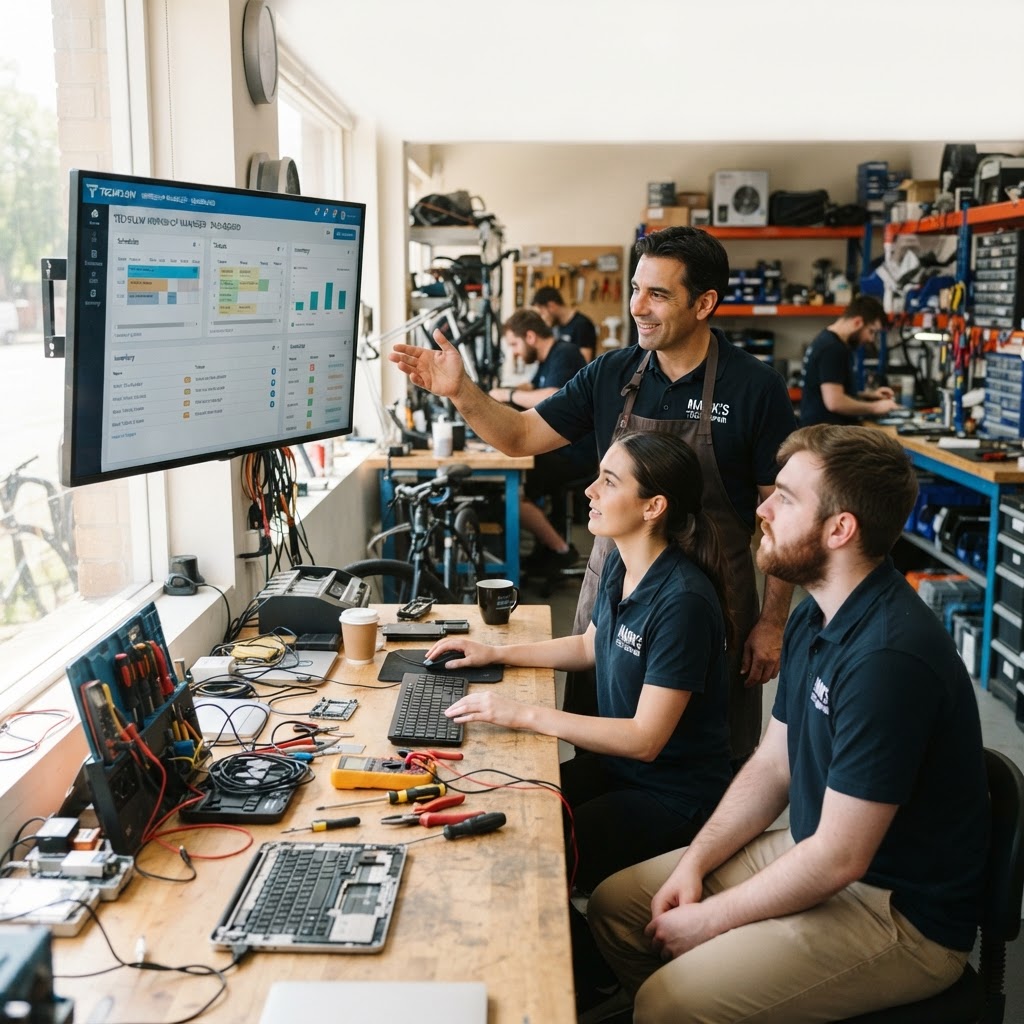
Maximizing Technician Efficiency Through Workflow Automation. One of the most overlooked benefits of specialized repair software is its ability to maximize labor efficiency. In a general retail environment, the 'technician' is often working in a vacuum, relying on paper notes or memory.
A professional repair management suite acts as a digital supervisor. You can set up automated workflows where as soon as a tech changes a ticket status to 'Awaiting Parts,' the customer receives an automatic notification. When the status changes to 'Ready for Pickup,' a final invoice is generated, and a message is sent to the customer’s phone. This removes the administrative burden from your technicians. Instead of spending 20 minutes a day calling customers to update them on their repair progress, your software handles it in the background. By automating these low-value tasks, you allow your team to focus on what they do best: diagnosing issues and performing repairs. This efficiency gain often leads to a 20-30% increase in daily throughput, effectively increasing the revenue-generating potential of every hour your shop is open.
Budgeting and Scalability.
Many shop owners worry about the cost of switching to a specialized system. At RepairBiz, we believe in affordability without sacrificing quality. For just $30/month or $240/year, you get a full suite of management tools. Compare this to generic enterprise-level POS systems that often charge per terminal, per user, or per module. RepairBiz is designed to scale with your shop, whether you are a solo technician or running a chain of locations. The upfront investment is minimal compared to the time saved on manual data entry and inventory reconciliation. Consider the 'cost of bad data'—if your current system causes you to lose track of one $50 part or mismanages a $100 repair order once a month, you are already losing more money than the cost of a professional, integrated solution. Scalability is also vital; as you add more locations, you need a centralized dashboard where you can compare performance metrics across shops, manage shared inventory, and standardize technician protocols. With RepairBiz, you aren't just paying for software; you are paying for an infrastructure that allows you to grow your business from a local hobbyist shop into a professional regional franchise.
Frequently Asked Questions. Q: Can
I import my customer data from my current retail POS? A: Yes, most professional systems provide tools to import your existing customer lists and inventory records, ensuring a smooth transition without losing historical data. Q: Is it difficult for employees to learn the software? A: Repair shop POS systems are designed with the technician’s workflow in mind, making them more intuitive for staff than complex retail suites that include hundreds of unnecessary features. Q: Does the software work on mobile tablets? A: Absolutely. Modern repair software is cloud-based, allowing you to walk the floor and intake devices from any tablet or laptop in your shop. Q: How does the pricing work for multiple locations? A: RepairBiz offers a straightforward model. At $30/month or $240/year, you receive access to powerful features designed to streamline your business operations without surprise hidden fees.
Conclusion: Choose the Right Tool for the Job.
Choosing between a generic retail system and a specialized repair shop POS is ultimately about efficiency and professional standards. You wouldn't use a screwdriver to hammer a nail, so why use a retail system to manage complex technical services? By centralizing your intake, inventory, and tracking, you create a seamless experience for your staff and your customers. Start optimizing your shop today and see how professional software can transform your day-to-day operations. Ready to modernize your workflow? Visit https://repairbiz.store/start-trial to begin your free trial.
Ready to grow your repair shop?
Manage repairs, POS, inventory and invoicing in one place. Free to try — no credit card required.
Start Your Free Trial