Introduction
For many repair shop owners, the traditional desk-bound computer setup is becoming a bottleneck. You are constantly moving between the back workbench, the front counter, and the stockroom. If you are stuck behind a bulky monitor every time a customer walks in or a part arrives, you are losing valuable time. This is where a modern repair store POS app changes the game. By moving your management tools to a phone or tablet, you gain the freedom to run your business from anywhere in your shop. Whether you are checking inventory at the shelf or updating a repair ticket mid-fix, an mobile-ready POS brings efficiency directly to your fingertips without being tethered to a static workstation.
In a fast-paced environment, every second counts. Traditional desktop-only systems force a "siloed" workflow where administrative tasks only happen in one corner of the building. This creates a disconnect between the technician on the bench and the manager at the front. By adopting a mobile-centric approach, you break down these physical walls, allowing the shop to operate as a single, cohesive unit where data follows the person, not the location.
1. Why repair shops use a POS app
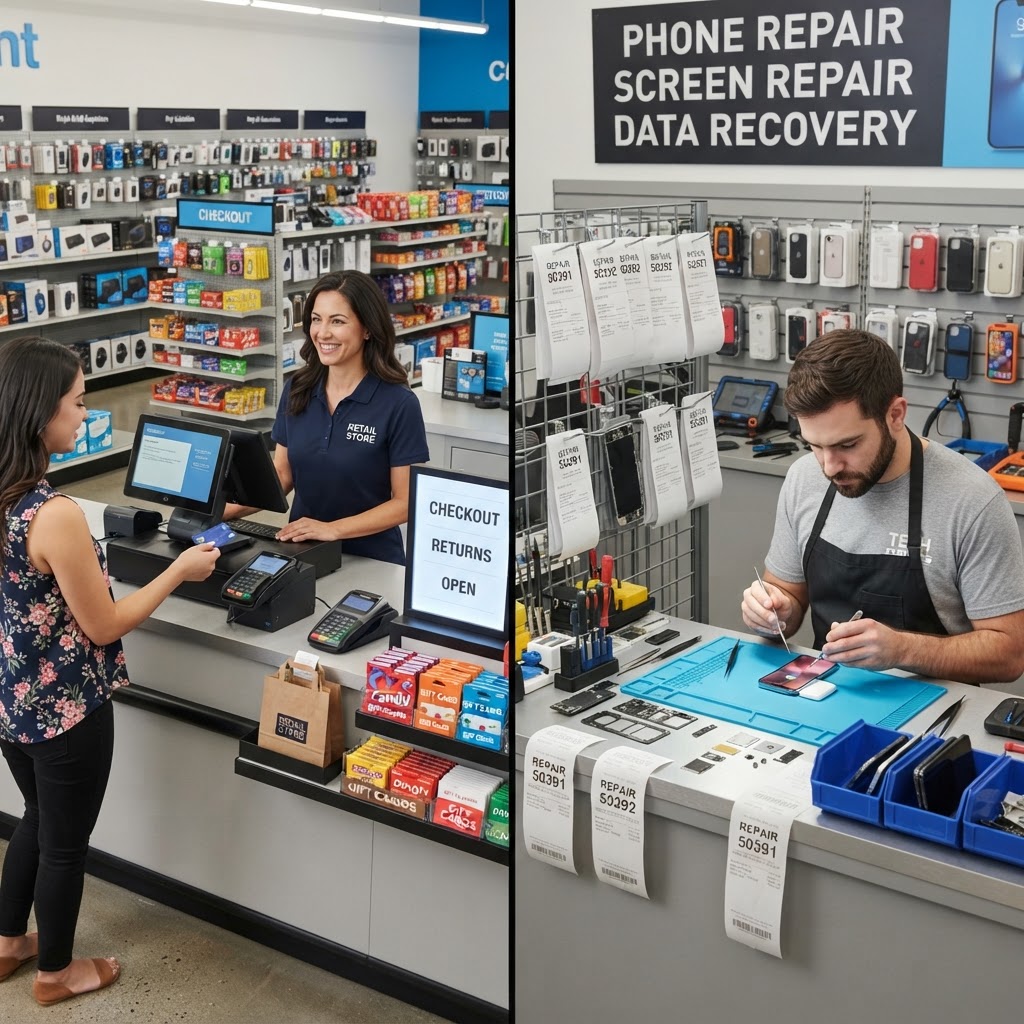
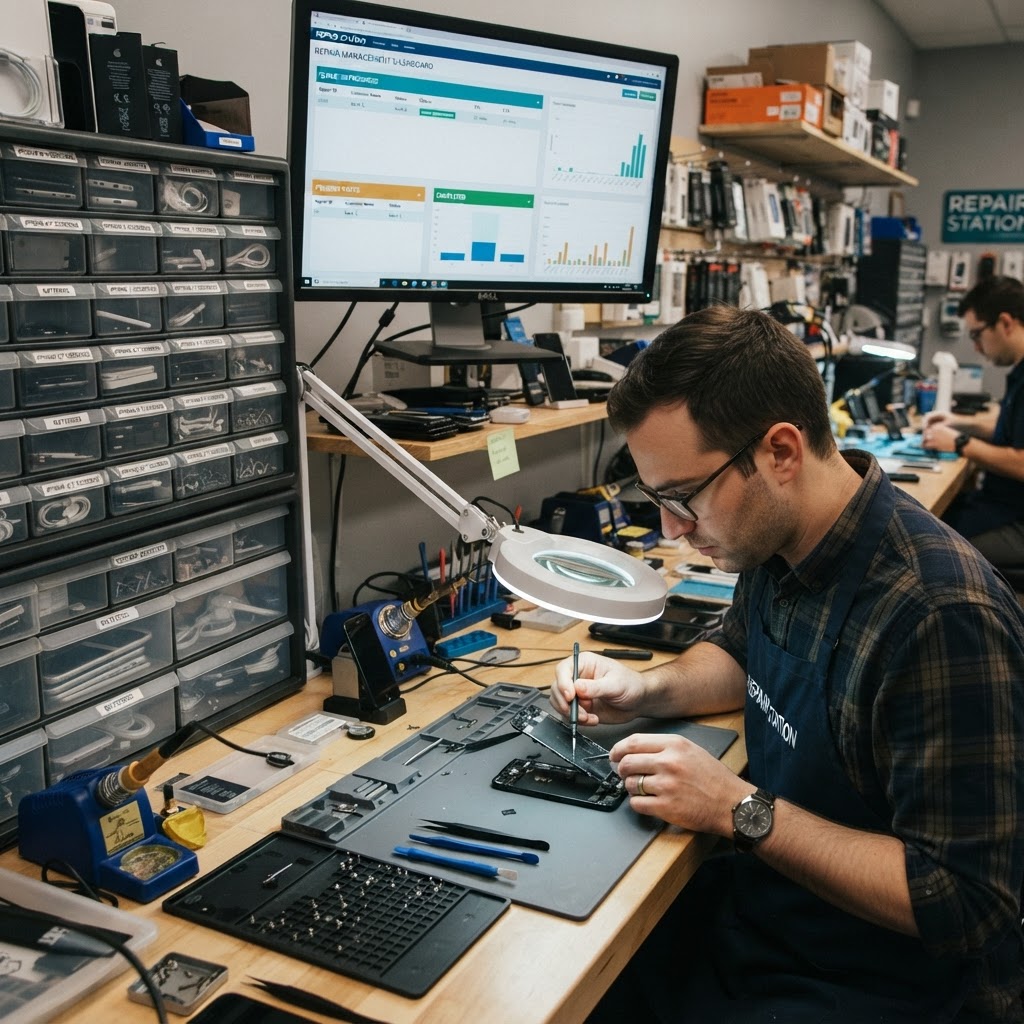
Running a busy shop often feels like juggling. Imagine a customer walks in with a shattered iPhone while you are in the back soldering a motherboard. In a traditional shop, you have to stop, walk to the front, and power up the PC. With a repair store POS app, you can greet the customer, scan their device, and start the ticket right there on your tablet. It keeps the shop floor fluid. The psychological impact on the customer is also significant; when they see you handling their check-in with a sleek, mobile device, it instills confidence that your business is technologically current and organized.
Practical steps to implement this include: First, equip your front-of-house team with tablets to prevent bottlenecks during rush hours. Second, use your mobile device to snap photos of pre-existing device damage during check-in, which protects your business from liability. Third, leverage a dedicated repair-shop-pos to keep your data synced in real-time, ensuring that whether you are on a phone or a laptop, the information is always accurate.
Consider a scenario where you are testing a device in the back. Without a mobile app, you would have to document your findings on a notepad, walk to the front, and transcribe them later. With a mobile-ready POS, you enter the technician notes directly into the system while the device is in your hand. This reduces the risk of transcription errors and ensures the customer receives an accurate status update immediately, which drastically improves customer satisfaction ratings.
2. Browser-based vs downloaded app
There is a common debate in the repair industry: should you use a dedicated downloaded app or a browser-based system? Downloaded apps often feel faster, but they can be restrictive, requiring constant updates and specific OS versions. Browser-based systems, like RepairBiz, allow you to access your business through any device with an internet connection. If you drop your tablet and it breaks, you can simply log into a different device and continue your work without losing a single repair ticket. There is no risk of "app rot" where an old version of an app stops communicating with your server.
For shops, accessibility is key. If you use a browser-based system, follow these tips: First, create a shortcut to your login page on your mobile device home screen to simulate an app experience. This allows you to open your POS with a single tap, just like a native app, while keeping the flexibility of a web platform. Second, ensure your repair-ticket-software is cloud-based so that your data follows you regardless of the device. Third, test the interface on multiple screen sizes to ensure your team can comfortably view statuses on both smartphones and larger tablets. By optimizing your CSS or display settings within your browser, you can ensure that buttons are large enough for thumb-tapping even when your hands are busy with repair tools.
3. What to do on mobile: check-in, status, payments
Efficiency is the heart of a profitable shop. When you use your mobile device for customer interactions, the entire flow becomes seamless. For example, when a client calls to ask about their status, you can pull up their details while standing right next to their repair bin. You can check the status, confirm if parts have arrived, and even process payments before they walk through the door. This mobility allows for "line busting" during peak times; you can walk up to a waiting customer and complete their entire checkout while they stand in line.
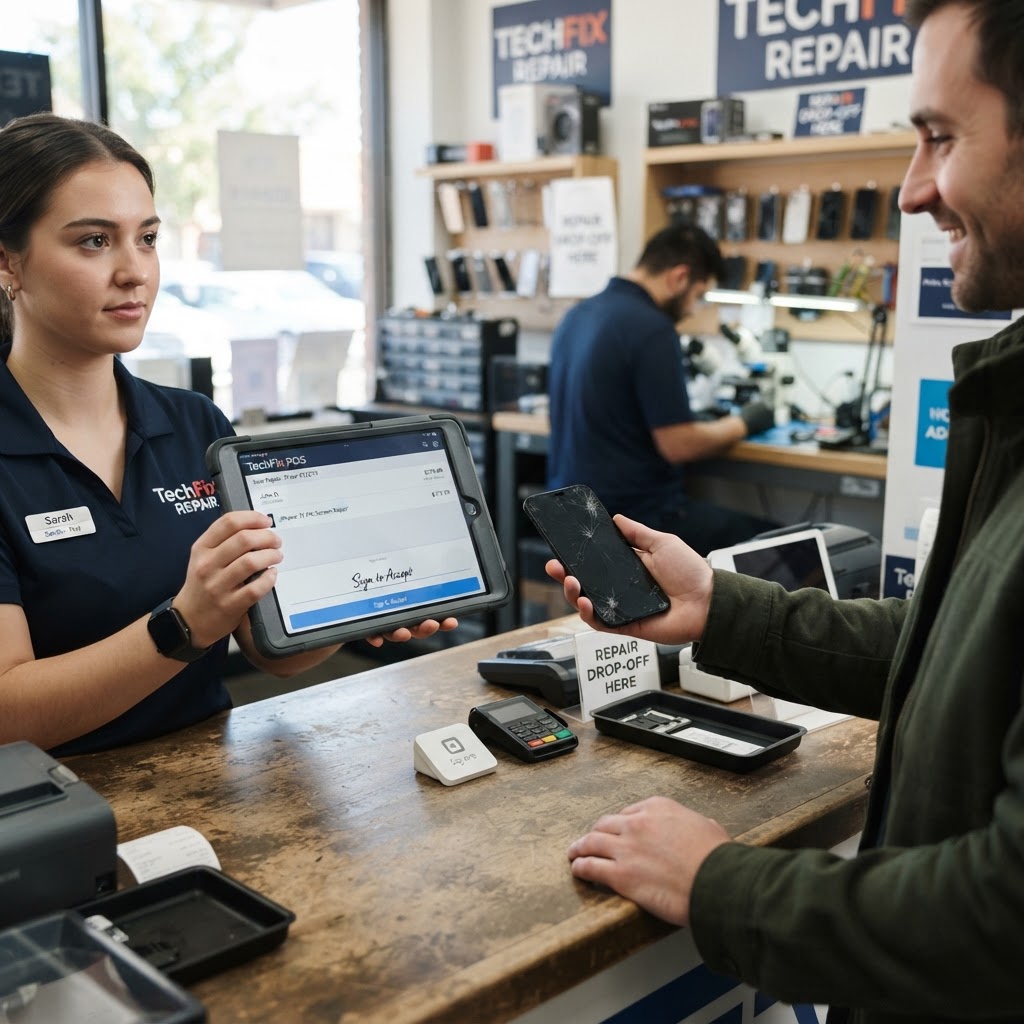
To optimize this workflow, try these tips: First, utilize repair-shop-inventory-software to update parts stock levels as soon as you pull a component from the bin. This prevents the common mistake of "phantom inventory" where the system shows an item in stock that has actually been consumed. Second, use mobile email or SMS tools to send payment links directly to the customer's phone. Third, set up your mobile POS to handle digital signatures, allowing customers to sign off on repairs right on your device screen, creating a paperless environment that saves you money on supplies.
Consider implementing a "mobile intake" process. Instead of having a sign-in sheet, have your staff greet customers at the door with a tablet. By capturing the initial issue, customer contact info, and digital consent forms before they even hit the counter, you reduce the time they spend waiting, which is the primary driver of negative reviews in repair retail.
4. Security on shared devices
Using mobile devices in a shop means multiple employees might touch the same screen. Security is a top priority when your business data is portable. You need to ensure that your POS software allows for role-based access, meaning your technicians can update ticket statuses, but they might not need access to your full financial reports or sensitive customer billing data. This layer of security is vital in preventing accidental deletions or unauthorized access to sensitive financial records.
To keep your shop secure, follow these practices: First, enforce unique staff logins for every employee rather than using a single shared password. This creates an audit trail, allowing you to see exactly who performed which action. Second, utilize imei-tracking-software features to ensure that every device in your shop is accounted for, preventing internal theft or data mismanagement. Third, always configure your mobile devices to auto-lock after a short period of inactivity, ensuring that if a tablet is left on the counter, your customer data remains protected from unauthorized eyes. Using biometric security like FaceID or fingerprint scanning on your mobile devices can make this re-authentication process near-instant for staff, removing the temptation to keep the device unlocked.
5. Integrating Hardware for a Professional Finish
Moving to a mobile POS doesn't mean your shop should look less professional. In fact, integrating the right hardware can make a shop look more high-end than one cluttered with bulky, dated desktop towers. Use high-quality tablet mounts that rotate, allowing you to present a signature screen or a visual estimate to the customer. This turns your mobile device into a customer-facing portal that builds professional trust.
Additionally, consider investing in mobile label printers. When a repair is checked in, you should be able to print a tag for the device immediately. Modern mobile POS systems can connect to Bluetooth thermal printers, allowing you to print barcodes or repair identifiers from anywhere in the shop. This creates a highly organized storage system where you never lose a device in the backroom. By pairing your mobile POS with portable hardware, you create a "lean" workflow that feels effortless to both the customer and your employees. It turns the entire shop floor into an extension of the front desk.
6. Tips for a smooth counter workflow
A smooth counter experience is all about minimizing friction. When a customer stands in front of you, they want a fast check-in and a clear explanation of the repair process. If you are fumbling with paper forms, you look unorganized. By using a mobile POS, you project a professional, modern image that builds trust immediately. A mobile device allows you to move freely behind the counter, perhaps to grab a sample of screen protectors or cases from the wall to upsell a customer without breaking the conversation flow.
To improve your counter workflow, consider these actions: First, keep a tablet stand at the counter so customers can easily view their repair estimate without you having to turn your device around. Second, use your mobile POS to automate status updates; when you update the ticket, the customer receives an automatic notification. Third, keep your most common parts and services as quick-access buttons on your home screen to speed up the checkout process significantly, reducing wait times even during the busiest days. You can also train staff to use "canned responses" in the app to quickly answer common questions about repair times or warranty policies, ensuring consistency in how every customer is treated, regardless of which employee handles the interaction.
Conclusion
Moving your shop management to a mobile-capable POS system is one of the smartest investments you can make for your bottom line. It saves time, improves customer communication, and allows you to manage operations from anywhere. Whether you are tracking a repair or managing inventory, RepairBiz gives you the tools to scale your business effectively for just $30/month. Stop being stuck behind a desk and start running your shop with the flexibility you deserve. Experience the difference today by signing up for a free trial at https://repairbiz.store/start-trial.
FAQ
Is there a repair store POS app for iPad?
Yes. Modern browser-based POS systems like RepairBiz are designed to work perfectly on iPads and other tablets. You do not need a specific app store download; you can simply log in through your browser to access your full repair queue, inventory, and payment tools immediately.
Do I need to download a POS app?
Not if you use a browser-based solution. RepairBiz is web-based, which saves you from dealing with updates, storage issues, or compatibility problems. You can access your entire shop management suite directly from any mobile browser, ensuring your data is always up-to-date across all your devices.
Does it work offline?
Most cloud-based POS platforms require an internet connection for real-time syncing. However, you can often save data locally in your browser cache or wait for a stable connection to sync updates. It is best to maintain a reliable Wi-Fi or cellular connection to ensure your inventory and repair status remain accurate for both you and your customers.
Can I take card payments on a phone?
Yes, modern POS systems integrate with payment processors that allow you to take card payments using a mobile device. You can use a compatible card reader that connects via Bluetooth or USB-C to your phone or tablet, allowing you to accept secure payments anywhere in your shop with ease.
Ready to grow your repair shop?
Manage repairs, POS, inventory and invoicing in one place. Free to try — no credit card required.
Start Your Free Trial