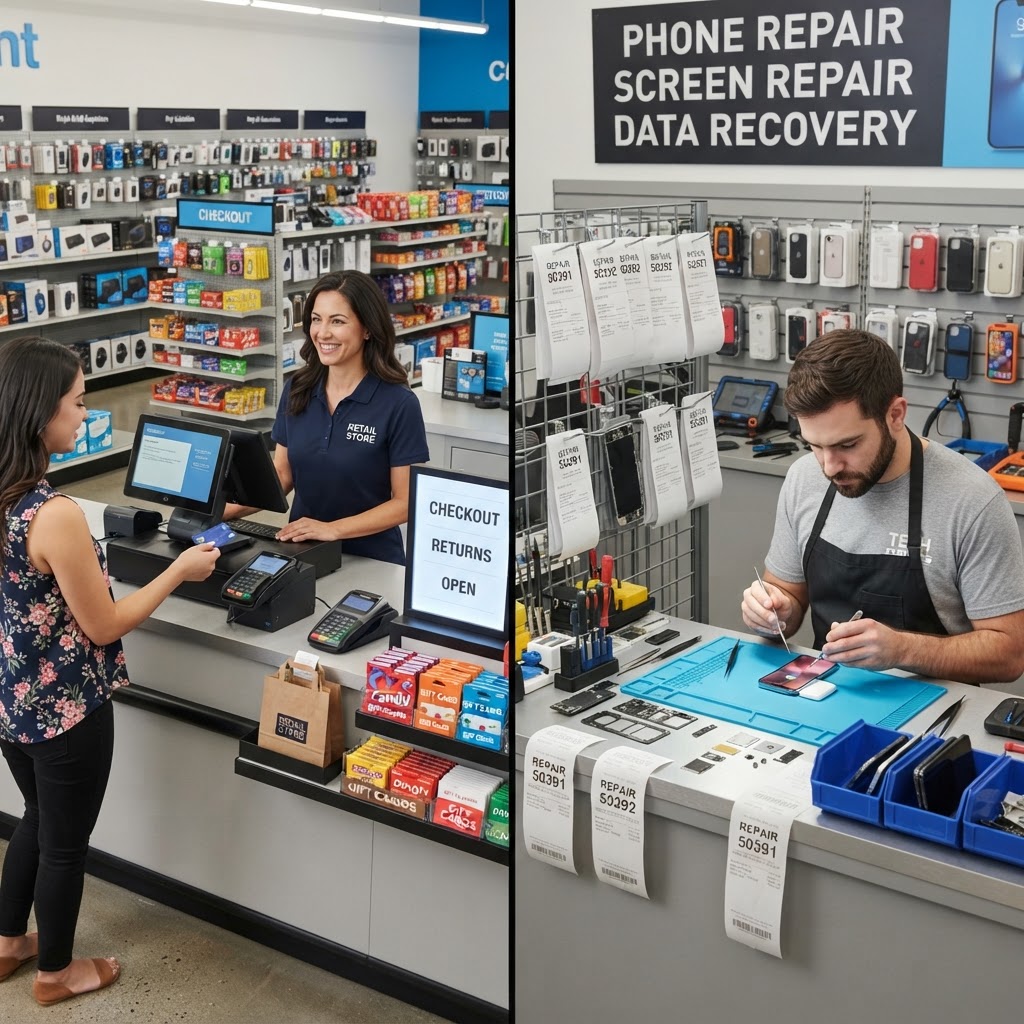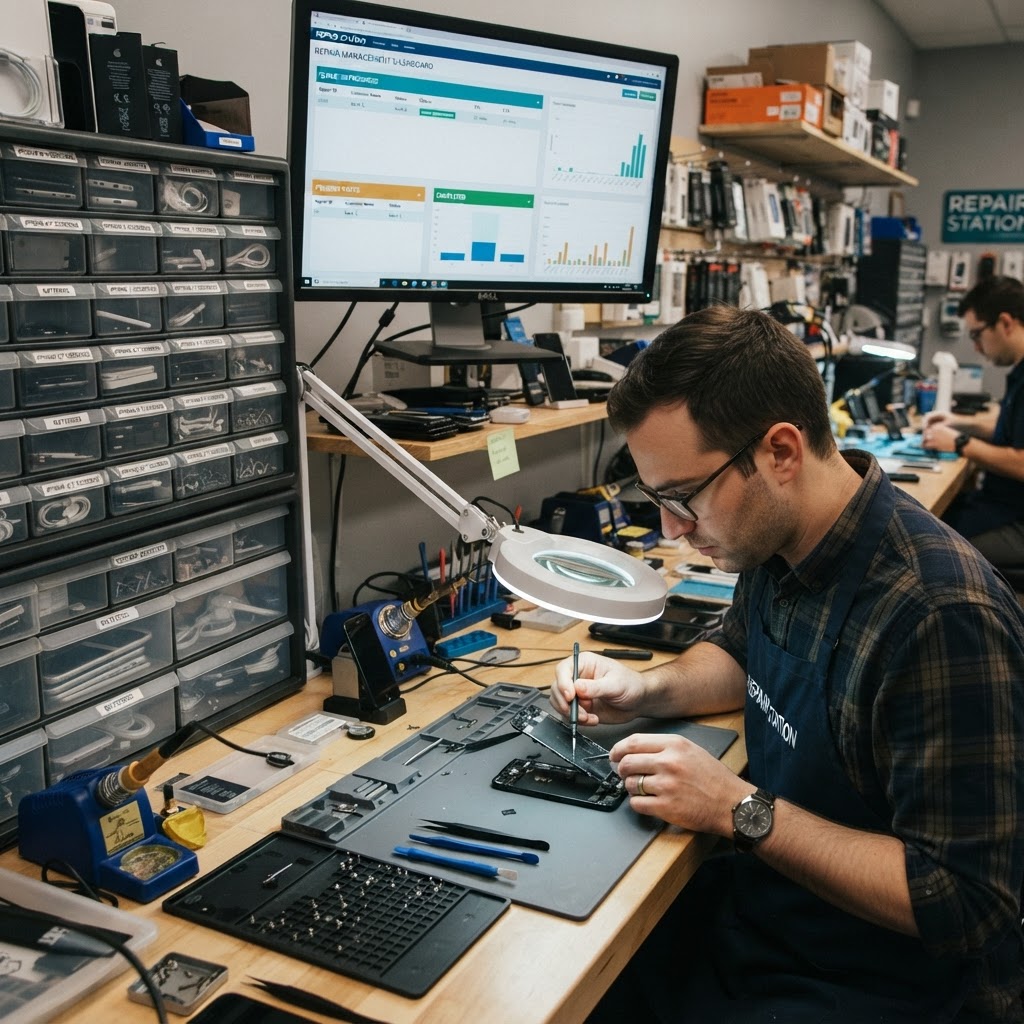
Managing a bustling repair shop involves far more than just fixing screens or soldering charging ports. Many business owners find themselves drowning in a sea of paper invoices, lost customer contacts, and inventory discrepancies that quietly eat into their margins. Implementing high-quality cell phone repair shop management software is the single most effective way to regain control of your daily operations. Whether you are handling a high volume of complex liquid damage repairs or performing simple, high-speed battery replacements, digitizing your workflow allows you to scale efficiently. By centralizing your tasks, you significantly reduce human error and provide a professional, consistent experience that keeps your clients coming back. In this guide, we will explore why upgrading your digital infrastructure is not just a luxury—it is an essential evolution for any business aiming for long-term growth.
1. What management software covers beyond the POS
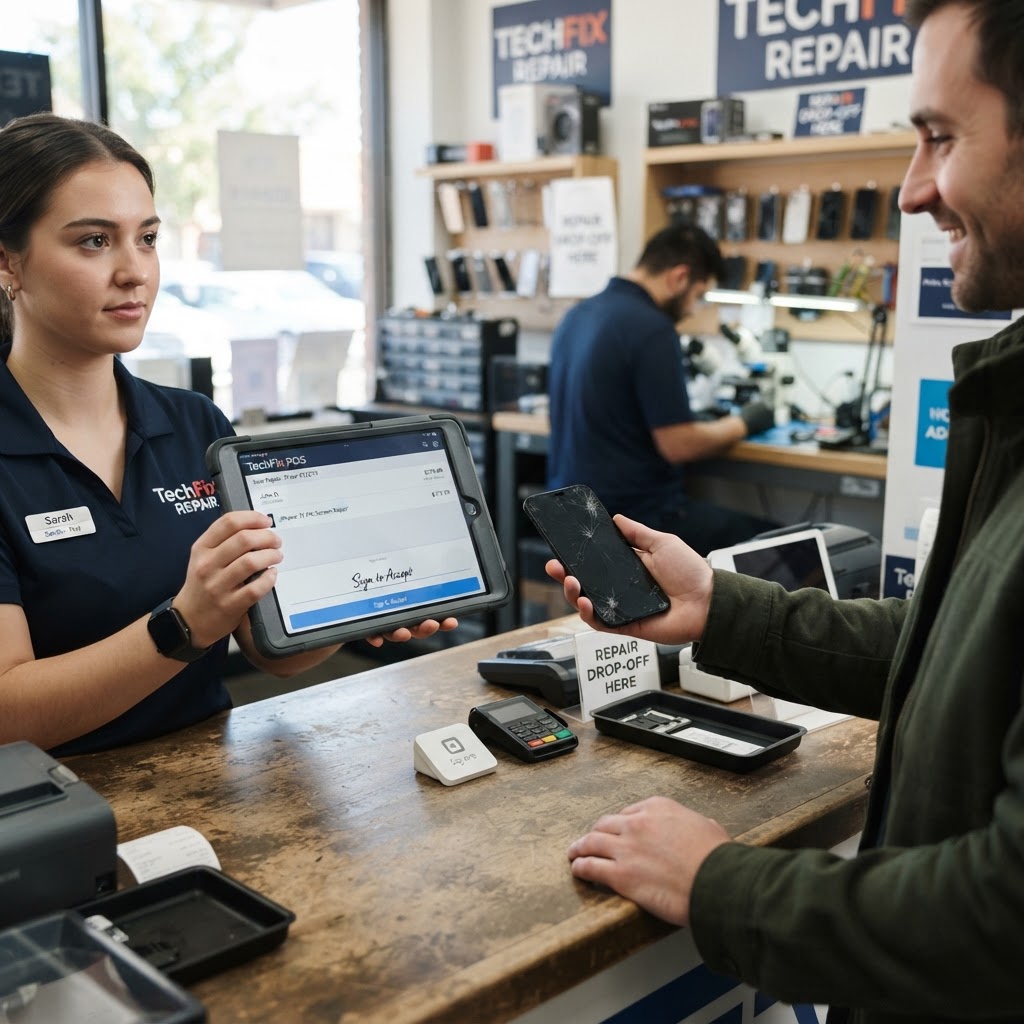
Most owners think that a cash register or a simple tablet-based POS is enough to get by. However, a dedicated repair shop POS goes far beyond merely processing payments. Imagine a busy Tuesday where you have six iPhones in for screen repairs, two tablets with charging port issues, and a customer waiting to buy a refurbished device. Without a management system, you are likely writing ticket numbers on sticky notes that can easily be misplaced. Modern software manages the entire lifecycle of a repair, from the initial intake diagnostic to the final quality control checklist. Practical steps to optimize your workflow include: 1. Standardize your intake forms: Include pre-repair damage photos so you never deal with 'you broke my back glass' disputes again. Document every scratch, dent, or bezel crack before the device even hits the workbench. 2. Use a centralized database: Log device history to ensure you know exactly which parts were used on a specific ticket. This creates accountability for warranty claims. 3. Automate tax calculations: Ensure your accounting remains clean and compliant with local regulations without manual spreadsheets. By moving away from manual ledger books to a repair shop POS, you create a digital trail that protects your business from liability. When a dispute arises, you don't have to search through a box of folders; you simply click a button to view the timestamped records of exactly what was promised and what was delivered.
2. Tickets, inventory, customers and staff in one place
Efficiency dies when information is siloed. If your inventory lives in an Excel sheet, your customer database is in your email, and your repair tickets are on paper, you are wasting hours every week merely trying to reconcile data. Consider a shop that runs out of iPhone 13 screens during a peak season because the owner didn't have a real-time alert system. Using repair ticket software bridges the gap between these departments. When you sell a part, the system automatically decrements your inventory. When a customer returns for a warranty check, you can pull up their entire history in seconds. Practical tips for shop organization: 1. Use barcode scanning: Integrate barcode scanning for your inventory parts to ensure repair shop inventory software is always accurate without manual count errors. Even a simple $20 USB scanner can save hours of data entry. 2. Staff accountability: Assign specific technicians to specific tickets. This allows you to track who performed which repair, enabling better quality control and identifying if a particular tech needs further training on complex board-level repairs. 3. IMEI tracking: Keep your customer profiles updated with device models and serial numbers, specifically using IMEI tracking software to prevent the accidental acceptance of stolen hardware, which is a major legal risk for repair shops.
3. Customer notifications by SMS and email Communication is the hallmark of a professional shop.
Have you ever spent an hour a day just calling customers to tell them their phone is ready? This is manual labor that provides zero extra profit. Automated notifications allow your shop to operate like a high-end service center without the overhead of hiring a receptionist. When a repair is moved to 'Completed' status in your system, a text message or email can be triggered automatically to the customer. This simple feature drastically reduces the 'when will my phone be ready' phone calls that disrupt your technicians' flow. Tips to master your communication: 1. Create custom templates: Design templates for different repair stages: 'Device Received,' 'Waiting for Parts,' and 'Ready for Pickup.' Personalizing these adds a touch of professionalism. 2. Use SMS reminders: Use SMS reminders for pickup to clear out your storage space faster. Unclaimed repairs are dead assets; getting them back to the customer is critical for cash flow. 3. SEO through reviews: Include a link to leave a review in your 'Ready for Pickup' email to boost your local SEO rankings organically. A 5-star review is often generated exactly when a customer is happiest—the moment they get their device back.
4. Reports to run your shop weekly
Data-driven decisions are what separate hobbyists from business owners. At the end of every week, you should be able to see your net profit, total revenue, and high-performing repair types. If you discover that 40% of your revenue comes from battery replacements, you know exactly which parts to keep in bulk stock, allowing you to negotiate volume discounts with suppliers. Tracking your shop's health doesn't require an accounting degree. With modern software, you can generate an end-of-week report with just one click. Ways to use your data: 1. Identify your most profitable services: Look at the margin on screen repairs versus screen protectors or accessories. 2. Analyze employee performance: View total ticket completions and average turnaround time. This helps in rewarding top performers or identifying bottlenecks in the repair queue. 3. Review Cost of Goods Sold (COGS): Monitor the price of parts frequently. If a specific supplier's screen quality drops or the price spikes, your software reports will help you pivot to a more cost-effective alternative.
5. Leveraging Digital Marketing for Shop Growth One of the most overlooked benefits of modern repair software is the ability to track customer lifetime value (CLV).
By knowing who your frequent visitors are, you can trigger automated marketing campaigns. For instance, if a customer brought their phone in for a screen repair six months ago, the system can automatically send them a polite email offering a 10% discount on a battery replacement or a new case. This is proactive, rather than reactive, business growth. By utilizing your database, you turn a one-time repair shop into a recurring revenue business. Instead of hoping for word-of-mouth, you are actively managing your customer base to ensure they think of you first whenever a device glitches.
6. How to switch from your current tools Migrating to new software can feel daunting, but it is much easier than continuing to struggle with broken manual processes.
The key is to start with a clean slate. You don't necessarily need to import years of messy paper records; start by digitizing your current active tickets and your current inventory levels. Switching is a simple process: 1. Conduct a physical inventory count: Input those numbers into your new system on a quiet weekday morning. 2. Train your staff: Run through a test ticket as a team to ensure everyone understands the intake process before going live. 3. Set up recurring billing: Configure your shop details, logo, and terms of service in the settings tab to finalize your account profile. By dedicating just one day to the transition, you save hundreds of hours of frustration in the long run.
Conclusion Running a successful repair shop requires speed, organization, and clear communication.
Cell phone repair shop management software is the backbone of these efforts, allowing you to focus on the technical work you love rather than administrative chaos. With features that handle inventory, ticketing, and customer notifications, you can scale your shop for as little as $30/month. Don't let your business potential be capped by outdated manual tools. Take the next step toward a more profitable and professional business today. Start your journey by signing up for our free trial here.
FAQ
Is there free cell phone repair shop management software?
While some platforms claim to be free, they often charge transaction fees or hide essential features behind paywalls. RepairBiz offers a transparent model at $30/month or $240/year, ensuring you have all the professional tools you need without unexpected costs or limits on your repair growth.
Do I need to download software?
No, you do not need to install anything. Our platform is cloud-based, meaning you can access your dashboard from any web browser on your phone, tablet, or desktop computer. This allows you to manage your shop's operations from anywhere in the world at any time.
Can multiple locations share it? Yes.
Our management software is designed to scale with your business. You can manage inventory, staff, and tickets across multiple locations through a single unified dashboard, making it easy to track performance metrics and transfer parts between your shops seamlessly as you grow your brand.
Can it send repair updates by text? Absolutely.
Our system includes automated SMS and email notification tools. You can set the system to notify customers automatically when their repair status changes, such as moving from 'in-progress' to 'ready for pickup,' which improves customer satisfaction and ensures a quicker turnaround for your storefront.
Ready to grow your repair shop?
Manage repairs, POS, inventory and invoicing in one place. Free to try — no credit card required.
Start Your Free Trial