Introduction Transitioning your repair shop to a new digital management system can feel like trying to replace a motherboard while the device is still powered on.
Many owners search for a repair shop software free option to avoid high costs, yet they often find that the biggest price isn't the subscription fee, but the time spent retraining their team. Whether you are moving from pen and paper or an outdated desktop system, the friction of learning a new interface is a common barrier. By understanding the psychology of change and following a structured migration plan, you can shift your shop to a more efficient digital workflow without halting your daily operations. Proper planning ensures that your transition is an upgrade rather than a headache. This guide explores the strategic steps to ensure that your business continuity remains intact while you modernize your digital infrastructure for long-term scalability.
1. Why staff resist new software
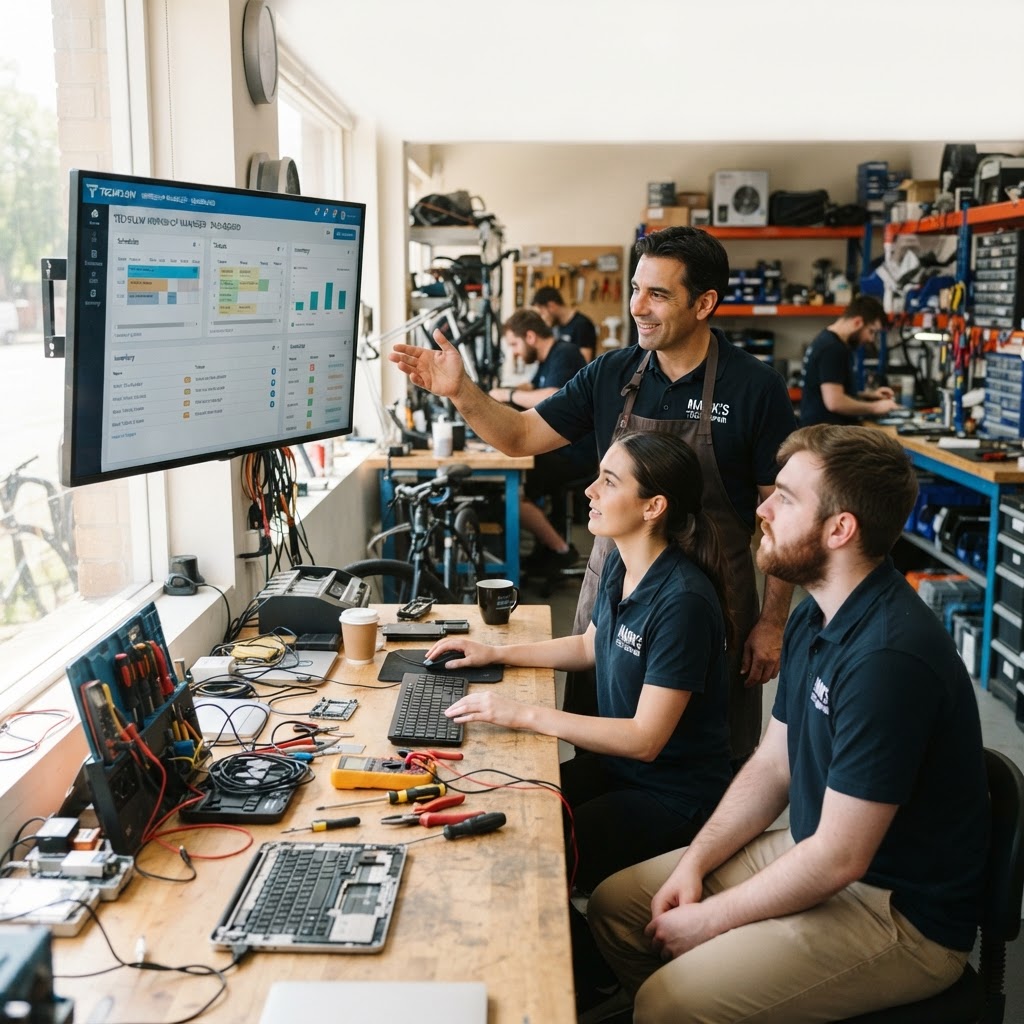
Resistance usually stems from the fear of downtime. For instance, if your lead technician has spent five years using a simple notepad or an Excel sheet, forcing them to learn a complex repair ticket software interface feels like a threat to their productivity. They worry that customers will wait longer at the counter while they fumble through menus. When a technician feels like a system is slowing them down, they are likely to bypass the software entirely, leading to a 'shadow system' where they track repairs manually despite having the new tool. To overcome this, involve your staff early. Explain the 'why'—perhaps the new system automates text updates to customers, saving them five minutes per ticket that would otherwise be spent answering 'is it ready yet?' calls. First, provide them with a preview of the interface before the official switch. Second, highlight one specific feature that solves their most common annoyance, such as automated inventory lookups that stop them from walking to the back room for an out-of-stock part. Finally, designate a 'super user' on your team who champions the new software, making it feel less like a top-down mandate and more like a tool designed for their success. By acknowledging their expertise, you turn potential resistance into advocacy.
2. Plan the switch: data, timing, roles
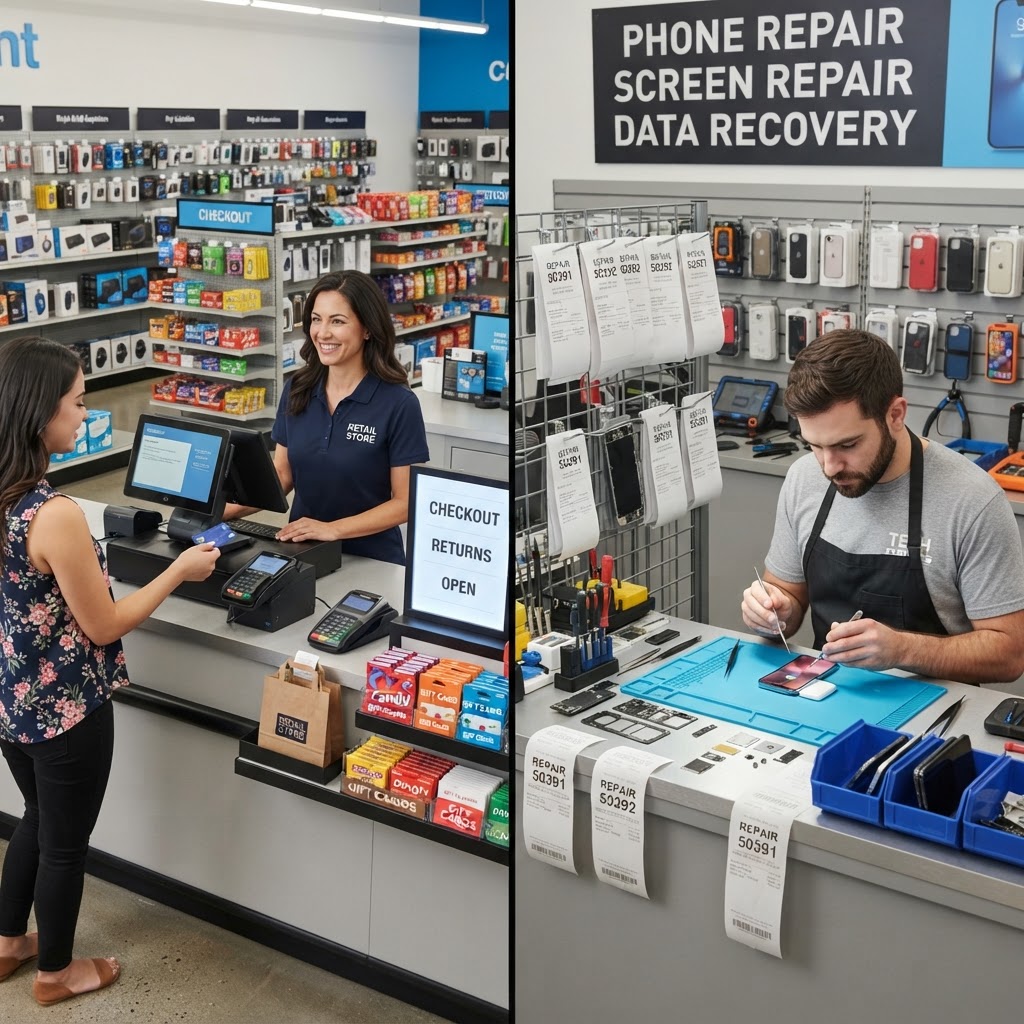
Proper preparation is the difference between a seamless launch and a chaotic Monday morning. Imagine you run a busy smartphone repair store; if you import your data on a Friday afternoon without testing, you might find your database corrupted right as the weekend rush hits. Instead, plan your migration during a slow period, such as mid-week. Audit your customer list and inventory before you begin. Use a robust repair shop POS to structure your data into a clean format before import. First, assign specific roles: one staff member handles ticket entry, another manages parts inventory, and you oversee the overall account settings. This prevents bottlenecking where everyone is trying to configure the same dashboard simultaneously. Second, perform a dry run with a dummy account. Third, clean your inventory lists to avoid migrating obsolete stock, which keeps your system clean from day one. Creating a mapping document that shows how old file categories translate to the new system fields can significantly reduce user error during the first week of implementation.
3. Train with real tickets, not slides
Generic training videos are rarely effective because they don't mirror the reality of a broken screen or a water-damaged laptop. Staff learn best by doing. Instead of forcing your team to watch hour-long tutorials, print out three 'real' repair scenarios—a screen replacement, a battery swap, and a diagnostic job. Ask your team to process these jobs in the new system from start to finish. This creates muscle memory that abstract slides cannot provide. Incorporate IMEI tracking software into these practice runs so technicians know exactly where to input device identifiers and how the system alerts them to potential fraud or device status. First, set up a sandbox environment. Second, create a 'cheat sheet' of the five most frequent button clicks, such as 'Create Ticket,' 'Print Label,' 'Add Part,' and 'Close Out.' Third, offer a small reward or bonus for the first staff member to master the workflow. This transforms training into an engaging activity rather than a lecture. Consider role-playing a difficult customer interaction to ensure the staff knows how to use the software to look up ticket statuses while under pressure at the counter.
4. The Hidden Benefits of Centralized Data Management
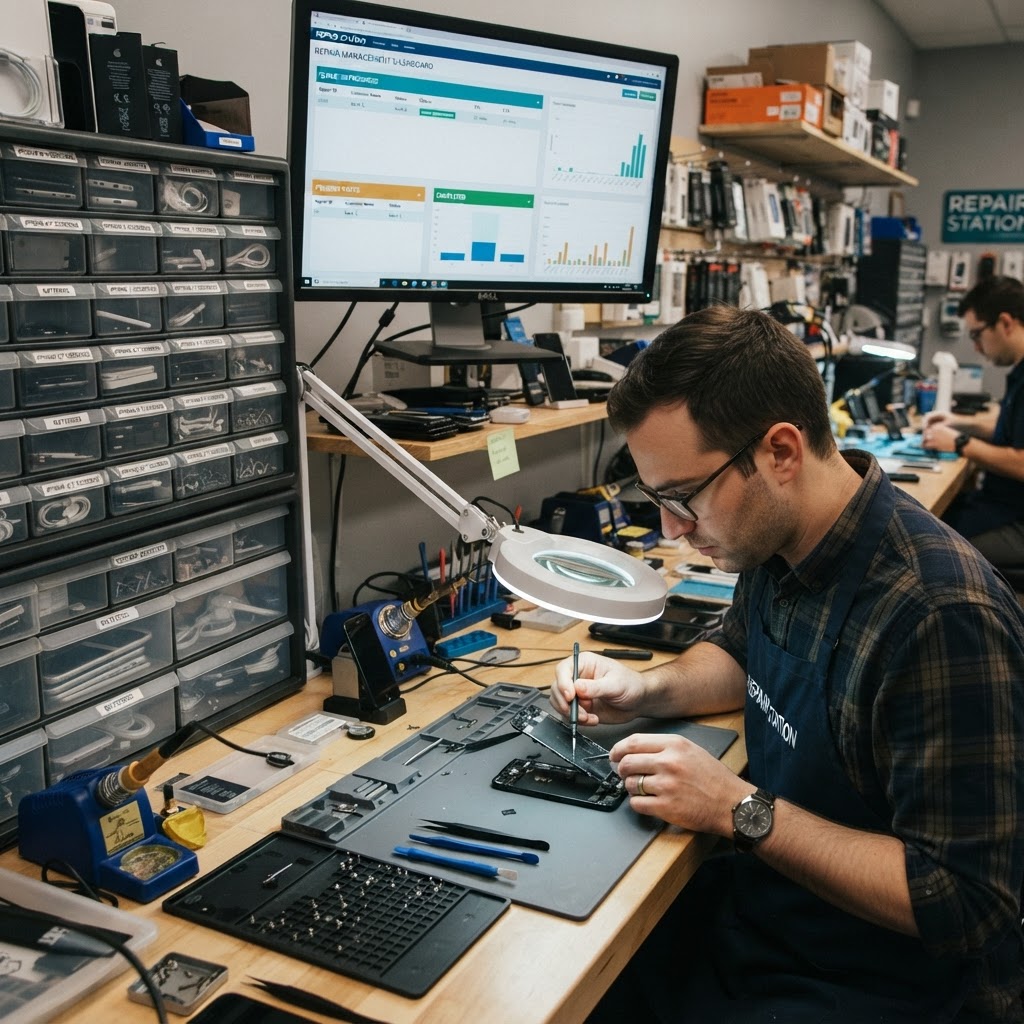
An often overlooked advantage of upgrading your repair shop software is the ability to leverage historical data for business intelligence. Beyond just managing day-to-day tickets, a modern system allows you to analyze which repair services provide the highest profit margins. For instance, if you are tracking the time spent on every screen repair vs. board-level microsoldering, you can determine if your current pricing strategy is actually covering the true cost of labor. By centralizing your inventory, you also gain the ability to set 'low stock' alerts. Instead of running out of parts in the middle of a busy Friday, the system can notify you automatically when your iPhone 13 screen inventory drops below five units. This predictive capability shifts your management style from reactive to proactive. Additionally, digital customer profiles allow you to track the history of a specific device. If a customer returns with a recurring issue, you can see if the previous repair was covered under warranty in seconds, preventing unnecessary friction and building trust.
5. Run old and new side by side briefly
Abruptly shutting down your old system can lead to massive data gaps. A safer approach is to run your legacy system alongside your new software for exactly one week. For example, keep your old manual logbook on the counter for reference, but require all new tickets to be generated in the new system. This gives your staff a safety net. If someone forgets how to check out a customer, they can quickly reference the old process without delaying the customer. However, keep this period short to prevent habits from forming in both systems, which leads to double-entry work and potential confusion. First, define a hard 'cutoff' date for the old system. Second, use this phase to catch any inventory discrepancies where the physical count doesn't match the database. Third, communicate the end date clearly so everyone understands that the crutch will eventually be removed. By the end of the week, the 'safety net' should be phased out entirely, leaving the team confident in the new digital interface.
6. Measure success after 30 days After a month, it is time to evaluate if the switch was worth it. Review your key performance indicators: have your turnaround times decreased?
Are you losing fewer parts? A professional repair shop inventory software will provide detailed reports that a manual system never could. Sit down with your team and ask for their specific frustrations. If the barcode scanner is still not being used, perhaps the software placement is the issue, not the staff's ability. First, compare your average repair time from before the switch to current data. Second, identify the top three friction points that remain and look for settings or updates to fix them. Third, celebrate the wins—like fewer lost tickets or better customer communication—to reinforce the value of the switch. If you have successfully integrated automated SMS reminders, measure the reduction in abandoned repairs—where customers never pick up their devices. This single metric can lead to a direct increase in cash flow and customer satisfaction.
Conclusion Transitioning to professional repair shop software is an investment in your business's future. While the initial setup requires focus, the efficiency gains in inventory, POS, and customer management far outweigh the temporary learning curve.
By preparing your team and utilizing tools that are intuitive and powerful, you can transform your operations in as little as 30 days. Don't let the fear of learning something new keep your shop trapped in outdated workflows. Ready to modernize your repair shop? Start your journey today with RepairBiz at an affordable price. Start your 14-day free trial here.
FAQ
How long does it take to learn new repair shop software?
Most teams reach full proficiency within two to four weeks. If you utilize role-based training and focus on practical, day-to-day scenarios like ticket creation and checkout, your staff should be comfortable using the core features of the system within just a few days of hands-on experience.
Should I switch during busy season? It is generally best to avoid switching during your peak business season. Choose a slower period, such as a mid-week window or a traditionally quiet month.
This ensures you have the mental space to resolve any minor configuration issues without the pressure of a long queue of customers waiting at your counter.
Can I import customers and inventory?
Yes, modern repair software allows for data migration via CSV or Excel files. Before you import, ensure your data is clean by removing duplicates and updating inventory counts. This preparation ensures that when you switch, your new dashboard is populated with accurate, actionable information from day one.
Is free repair shop software easier to learn?
Not necessarily. 'Free' software often lacks the intuitive user interface and support resources found in paid, professional systems. Paid software like RepairBiz is designed specifically to save you time and reduce errors. Often, the investment in a professional tool actually shortens the learning curve due to better design and customer support.
Ready to grow your repair shop?
Manage repairs, POS, inventory and invoicing in one place. Free to try — no credit card required.
Start Your Free Trial