The Hidden Costs of Free Computer Repair POS Software
Many independent repair shop owners are constantly looking for ways to cut overhead costs. When you are just starting out or managing a tight margin, the idea of using free computer repair POS software seems like a no-brainer. After all, why pay a monthly fee when there are tools available at zero cost? However, the reality of running a professional repair business often tells a different story. Free tools frequently come with limitations that can stifle your growth and frustrate your customers. While they promise cost savings, they often act as a hidden "tax" on your productivity, efficiency, and data security.
Why Free Software Often Limits Your Growth
When you rely on free software, you are often limited to basic features that do not account for the complexity of modern hardware repair. A professional repair shop POS system needs to track complex workflows, not just sales. Free tools rarely offer integrated solutions that handle ticket management alongside billing. This creates a data silo where your financial information is detached from your actual work orders.
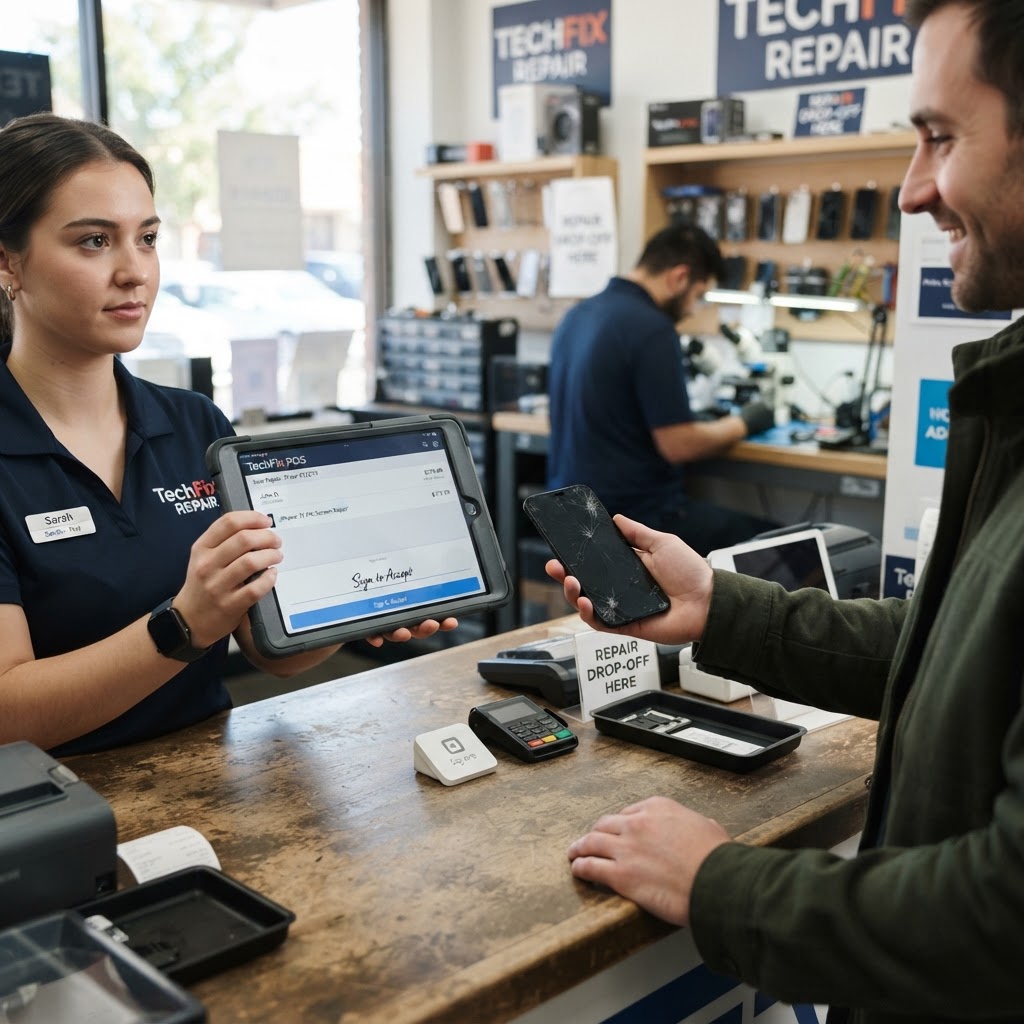
Consider the "technician bottleneck" scenario. In a repair shop, you have front-of-house staff checking in devices and back-of-house technicians performing the repairs. If your free POS software cannot bridge these two roles, the front-of-house staff may book a repair without checking the real-time availability of parts, leading to customer frustration. For example, consider a busy shop managing laptop screen replacements. If your POS software cannot tie the specific repair part to the service ticket, you will struggle to calculate your true profit margins. You need a system that integrates repair ticket software directly into your billing process to ensure no part or labor hour goes unrecorded. Free versions often lack this level of connectivity, forcing you to use spreadsheets or manual entries that are prone to human error. This manual overhead creates a "hidden cost" of labor—you are spending hours correcting data entry errors instead of fixing devices.
The Complexity of Inventory and Tracking
Inventory management is the lifeblood of a repair shop. When you use a free, generic platform, you typically lose the ability to track granular item details. Professional repair shop inventory software allows you to set reorder points and monitor stock levels in real-time. Without this, you risk running out of essential components like thermal paste or charging ports during a busy week.
Let’s look at a concrete repair-shop example: You have three different models of iPhone charging ports in stock. A free system might just count "charging ports" as one line item. When you are in the middle of a rush, you cannot tell if you have the iPhone 12 port or the iPhone 13 port in stock without physically digging through your bins. A professional system tracks these as distinct SKUs with automatic alerts. When your stock hits a specific threshold, the system triggers a reorder notification. This prevents the "out of stock" phone call to a customer, which often results in them taking their business to your competitor.
Furthermore, for mobile device shops, tracking devices is non-negotiable. If you are fixing smartphones, you need IMEI tracking software to prevent theft and maintain a detailed history of the devices entering and leaving your shop. Most free POS tools simply do not support this level of security. By saving $30 a month, you could be exposing your business to inventory shrinkage or customer trust issues caused by disorganized tracking.
Security and Data Privacy Concerns
One of the biggest, yet overlooked, dangers of using free software is the security of your customer data. Repair shops handle sensitive information, including customer names, addresses, and sometimes even payment details. When a company provides software for free, they are often monetizing your data in ways that may not be apparent. You want to ensure your customer records are hosted on secure, professional-grade infrastructure that puts your privacy first.
Think about the "Data Breach Liability" risk. If you use a free, ad-supported, or unencrypted platform to store customer names and contact info, you are responsible if that data leaks. A professional system uses bank-grade encryption and regular, automated backups. If your computer crashes or a virus hits your server, a professional cloud-based POS ensures your data is safe and your business can resume operations within minutes. With free software, a system failure can mean permanent data loss, costing you years of client history.
The Hidden Cost of Lost Customer Communication
One area where free software almost always fails is in the automation of the customer experience. In a competitive repair market, communication is your differentiator. When a device is ready for pickup, does your system automatically email or text the customer? If you are using free, stripped-down software, you are likely calling customers manually.
Let’s break down the math. If you spend just 3 minutes per customer manually calling them to update them on their repair status, and you handle 20 repairs a day, that is an hour of lost productivity every single day. Over a month, that is 20-25 hours of paid labor spent on manual communication. A professional POS system handles these status updates automatically through SMS or email triggers. By investing in a paid platform, you are essentially buying back 20 hours of your time every month to spend on high-value repairs or marketing your shop. Providing automated, professional status updates also elevates your brand, making your shop appear far more organized than the "mom-and-pop" stores still relying on paper tags and manual phone calls.
Scalability: Preparing for Success
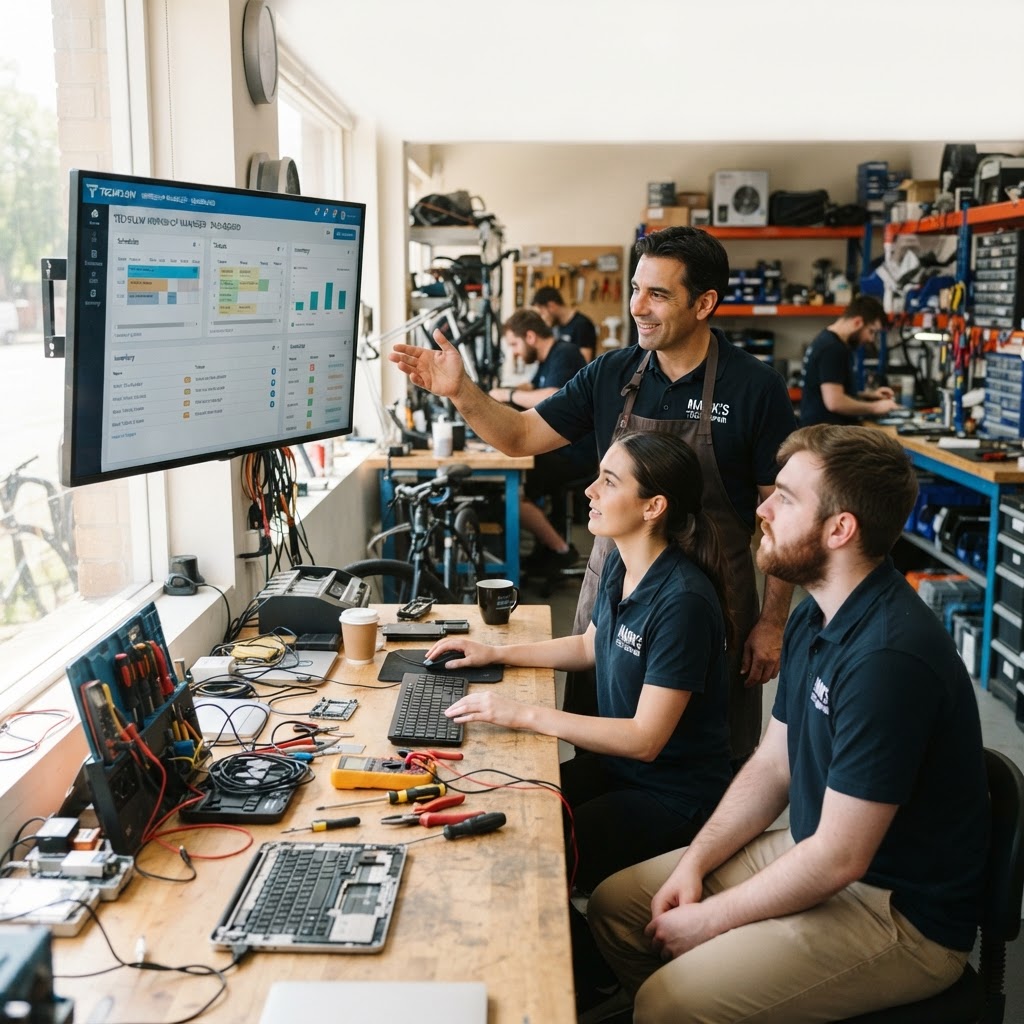
As your shop grows, your requirements will change. Free software often does not allow for multi-user accounts, cloud-based reporting, or customizable workflows. If you hire a technician, you need a system that allows them to update tickets without giving them access to your entire financial dashboard.
Scaling is not just about having more staff; it is about having a system that generates actionable business intelligence. For example, can you pull a report to see which repair service generates the highest net profit? Can you see which technician completes the most repairs with the fewest warranty returns? Free tools offer static lists, but professional platforms provide custom dashboards. RepairBiz is built specifically to scale with your shop, offering flexible plans starting at just $30 per month, or $240 per year for those looking to maximize savings. Investing in reliable software early on prevents the painful process of migrating thousands of customer records from a free, limited system to a professional one later.
FAQ Section
Is free computer repair POS software truly free?
While there is no upfront fee, free software often hides costs through limited feature sets, lack of customer support, or by monetizing your business data. You may end up paying more in labor and lost efficiency than you would with a paid subscription.
Why is a dedicated repair shop POS better than a general POS?
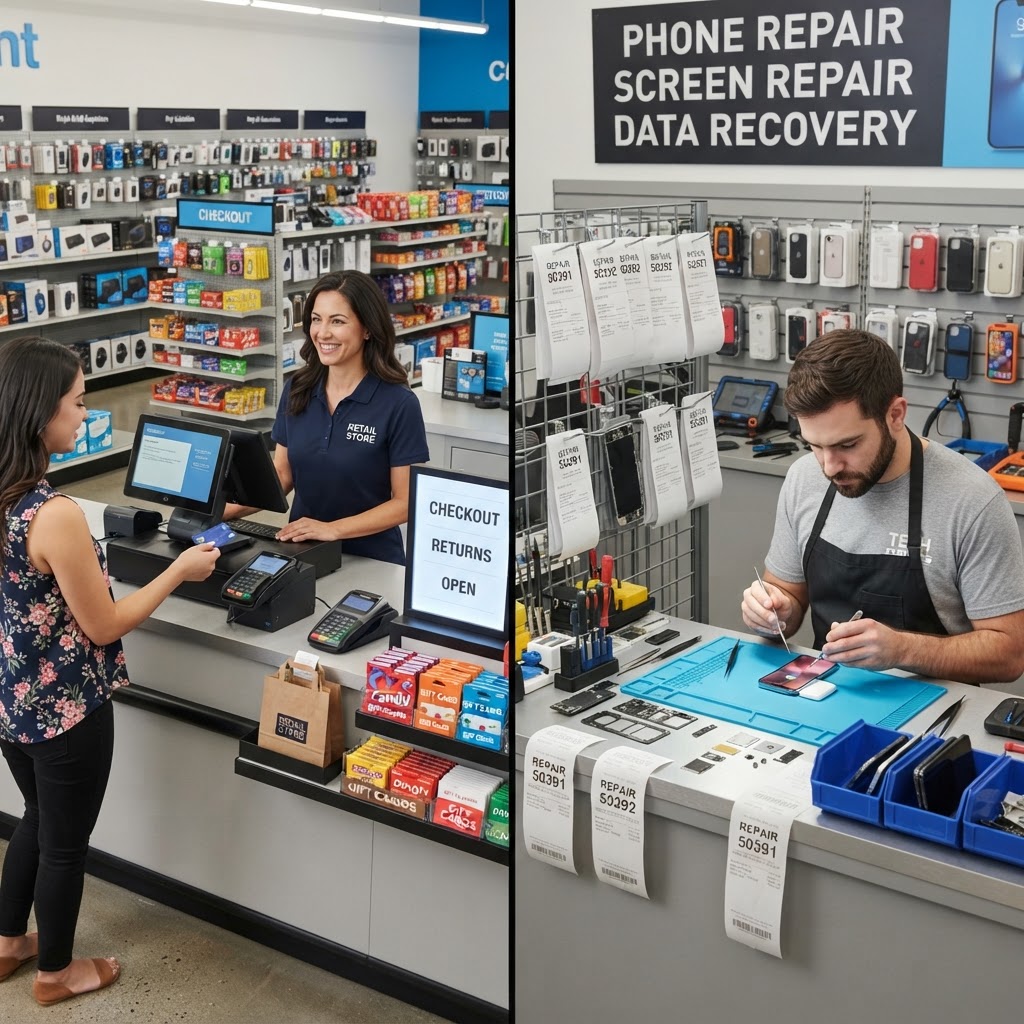
General retail POS systems are designed for selling goods, not for managing repair workflows. A dedicated system like RepairBiz manages the lifecycle of a repair, including customer notifications, technician assignment, and inventory depletion, which general systems cannot do effectively.
Can RepairBiz help if I have multiple locations?
Yes. RepairBiz is designed to handle the growing needs of repair shops, including multi-user functionality and centralized data management that ensures your operations remain synchronized across your business.
How does RepairBiz improve customer satisfaction?
By utilizing features like automated repair ticket updates and detailed service history, you keep customers informed throughout the entire repair process. Clear communication is the key to repeat business and positive reviews.
Conclusion: Investing in Your Business
Choosing a POS system is one of the most important operational decisions you will make. While the allure of free computer repair POS software is understandable, the long-term benefits of a professional, integrated solution like RepairBiz far outweigh the small monthly investment. With features designed specifically for the needs of repair technicians—from inventory to ticket tracking—you can focus on what you do best: fixing devices. Stop treating your business like a hobby and start using tools that reflect the professional quality of your work. By optimizing your inventory, automating your communication, and securing your data, you are not just buying software; you are investing in the longevity and profitability of your shop. Start your journey toward a more efficient, profitable shop today.
Click here to start your trial at RepairBiz.
Ready to grow your repair shop?
Manage repairs, POS, inventory and invoicing in one place. Free to try — no credit card required.
Start Your Free Trial