Running a cell phone repair shop is a fast-paced business that demands extreme precision and constant movement. Between customers walking in with shattered screens that require immediate attention and managing a mountain of small parts that seem to disappear into thin air, keeping track of everything manually is a recipe for disaster. This is where a reliable POS system for cell phone repair store operations becomes essential. Instead of drowning in paper tickets or losing track of who brought in which device, a modern software solution acts as the central brain of your shop. It handles everything from customer intake to inventory management, allowing you to focus on the repairs rather than the paperwork. Choosing the right platform ensures that every device is tracked, every part is accounted for, and your customers receive automated updates, which significantly boosts satisfaction and repeat business. When you operate with a digital backbone, you eliminate the "he-said-she-said" scenarios that plague disorganized shops, ensuring that your business reputation remains sterling in an industry driven by reviews.
Hardware you need
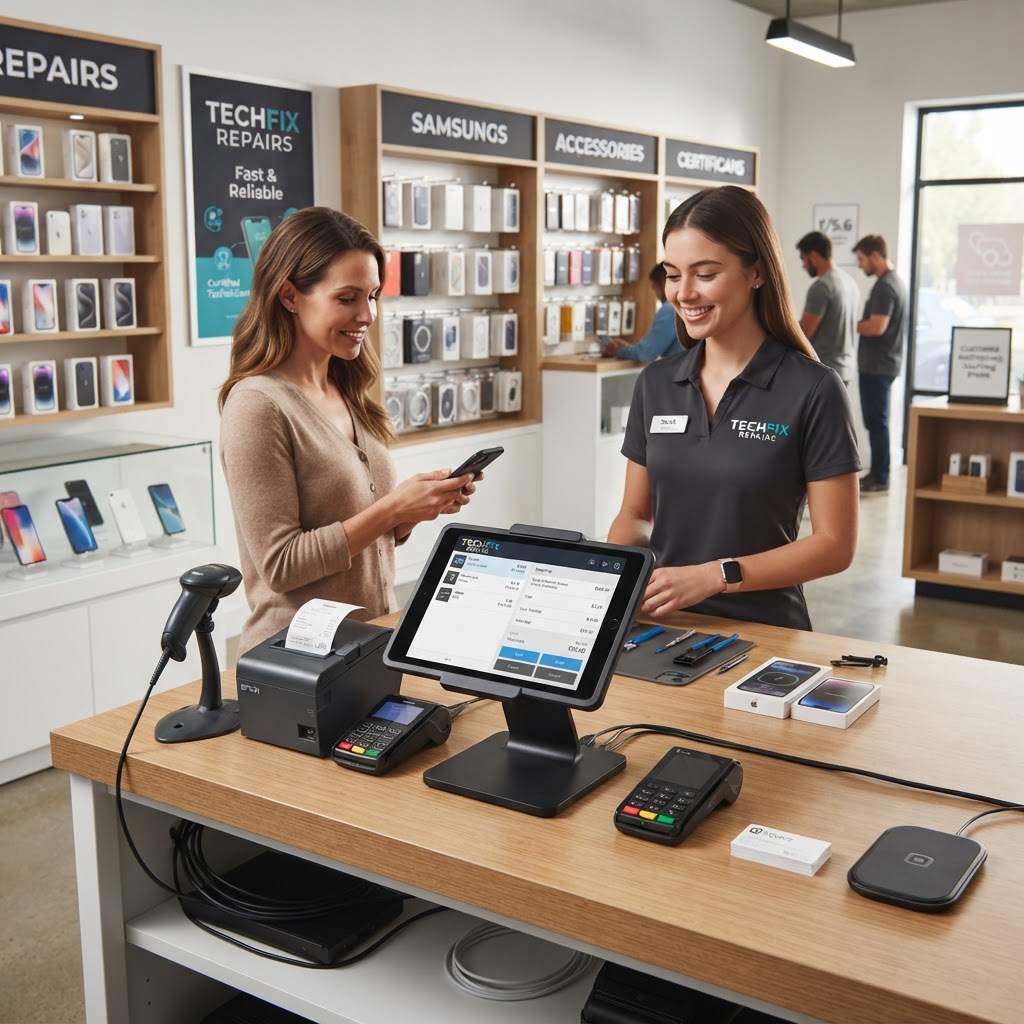
To run a professional shop, you need a streamlined setup that doesn't clutter your workspace. At a minimum, invest in a reliable thermal receipt printer, a barcode scanner, and a secure credit card reader. Imagine a customer walks in with a dead iPhone. You pull up their info, scan a part, and print a professional repair ticket in seconds. Without a printer, you are wasting time handwriting notes that customers often misplace, leading to confusion when they return for pickup. Pro-tip: Choose a thermal printer to avoid the cost of ink cartridges—it is cheaper in the long run and faster during busy rushes. Second, ensure your card reader integrates directly with your repair-shop-pos to prevent manual entry errors at checkout. A disconnected terminal means you have to type the amount twice, increasing the risk of human error. Finally, use a scanner for your inventory; scanning a screen replacement instead of typing a SKU number prevents costly mistakes. For example, if you keep your inventory on a shelf behind the counter, a barcode scanner allows you to pick, scan, and allocate a part to a ticket in under five seconds, maintaining perfect stock levels in real-time.
Adding services, parts and prices
Setting up your catalog correctly is the foundation of your shop's efficiency. You need to differentiate between labor costs and part costs. For example, if a screen repair costs $100, the POS should show $40 for the display component and $60 for your technical labor. This granularity helps you track your actual profit margins and identify which repairs are actually paying the bills. If you find your labor profit is too low, you know it is time to adjust your service fees rather than trying to source cheaper, potentially lower-quality parts. To set this up, categorize your services by device type and brand. Start by importing your top ten most frequent repairs, such as battery replacements and charging port fixes. By setting up pre-defined prices, you eliminate the temptation to 'guess' or offer inconsistent discounts to customers. Always set up low-stock alerts for high-turnover parts like iPhone screens, ensuring you never run out during a busy weekend. A pro-level tip: set a 'reorder point' in your system. When your inventory hits three units of a specific screen, the system should trigger an alert to your email so you can contact your supplier before you turn a customer away empty-handed.
Setting up IMEI tracking
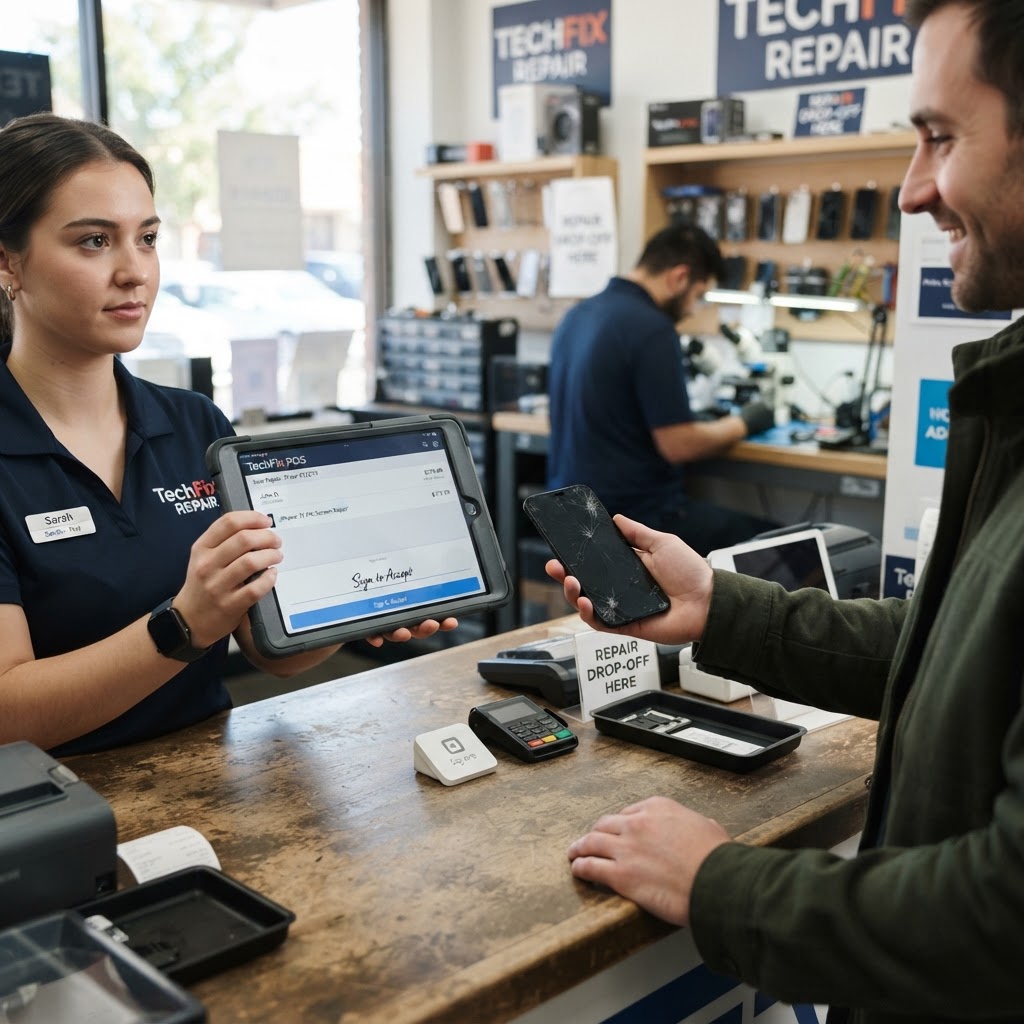
IMEI tracking is non-negotiable in the repair industry. It is your only legal protection against receiving stolen property or accidentally mixing up customer devices. When a device is dropped off, your system should force the entry of the IMEI number into the imei-tracking-software. Imagine you have three identical iPhone 13s on your bench; without matching the IMEI on the device to the ticket in your software, you might accidentally return the wrong device to a customer—a nightmare scenario that could destroy your professional reputation. To master this, make it a policy that no ticket is finalized without the device’s serial or IMEI recorded. This also allows you to track the history of a specific device if it returns for a warranty claim months later. You can quickly pull up the ticket, see exactly which part was installed, and verify if the warranty is still valid. It protects you from "warranty fraud" where a customer might try to claim a free repair for a part that wasn't even serviced by your shop.
Managing Vendor Relations and Purchasing One of the most overlooked aspects of shop management is the connection between your POS and your suppliers. As your business scales, managing invoices from five different screen wholesalers becomes a secondary job.
A high-quality repair POS doesn't just manage the repairs; it manages the purchasing lifecycle. By keeping a digital record of which vendor provided which batch of screens, you can track the "failure rate" of your parts. If a specific supplier is sending you panels that fail within a week, your POS data will show a spike in warranty re-repairs for that batch. You can then use this data to demand credits from the wholesaler. Furthermore, by categorizing your inventory with cost fields, you can generate a report at the end of the month showing exactly how much capital is tied up in "dead stock"—parts that aren't moving—so you can run a promotion to clear them out and reinvest that cash into faster-moving components. This is the difference between a shop that lives paycheck to paycheck and one that is growing its assets.
Training staff in one afternoon
You do not want to spend weeks teaching staff how to use your software. A good POS should be intuitive enough to master in an afternoon. Focus your training on the repair lifecycle: intake, diagnostic updates, and final checkout. Create a 'cheat sheet' for common tasks like looking up a customer or applying a discount. During the training session, have a staff member walk through a dummy repair from start to finish. This builds muscle memory. For instance, have them create a fake customer, assign a diagnostic service, attach an inventory item, and process a partial payment. By keeping the interface clean and focusing only on the necessary buttons, you reduce the learning curve for new hires and ensure consistency across your team, regardless of who is working the front desk. If your system is too complex, employees will find "workarounds" like keeping a separate notebook, which defeats the purpose of buying software in the first place. Hold them accountable by reviewing their tickets periodically to ensure they are using the system properly.
Going live: first-week checklist
The first week is all about monitoring the workflow. Before you flip the sign to 'Open,' verify that your repair-ticket-software is generating automatic email or SMS notifications for your customers. During the first few days, perform a nightly reconciliation of your repair-shop-inventory-software to ensure that the parts marked as 'used' match the repairs completed. If a discrepancy appears, investigate it immediately to prevent inventory leakage—where parts are "borrowed" or misplaced without being assigned to a customer. Finally, gather feedback from your staff. Are they finding it easy to print tickets? Is the payment process fast? Small adjustments made during this first week—like changing the layout of the checkout screen—will save you hundreds of hours over the next year. Remember: a smooth first week sets the standard for every week thereafter. Conclusion Setting up your digital workflow is the best investment you can make for your shop’s longevity. By choosing a system that manages parts, tracking, and sales, you transition from being a technician to a business owner. RepairBiz offers an affordable, all-in-one solution designed specifically for the unique needs of repair shops. At just $30 a month or $240 a year, you get all the professional tools needed to scale your business. Stop relying on notebooks and spreadsheets today. Ready to take control of your repair store? Visit https://repairbiz.store/start-trial to start your free trial and streamline your operations instantly.
FAQ
What hardware does a phone repair
POS need? A robust system requires a thermal receipt printer for professional tickets, a reliable barcode scanner for rapid inventory management, and an integrated credit card terminal. These components ensure that every transaction is processed quickly, accurately, and with minimal manual data entry, providing a seamless experience for both staff and customers.
How do I track
IMEI numbers? You should use dedicated software that requires an IMEI entry field during the intake process. By linking the device's unique serial number to the customer's repair ticket, you ensure complete accountability, protect against fraud, and easily verify the device history during future warranty claims or repeat visits.
Can I import my inventory?
Yes, modern repair software allows you to upload your existing parts catalog via CSV or spreadsheet. You can map your current SKUs, descriptions, and pricing to the new system, allowing for a quick migration that keeps your stock counts accurate from day one without needing to manually input every single item.
How long does setup take? With an intuitive interface, you can typically set up your shop's database in a single afternoon.
By focusing on essential tasks—inputting service prices, organizing inventory, and training staff on the core repair lifecycle—you can transition to a fully digital, efficient workflow and go live within a matter of hours.
Ready to grow your repair shop?
Manage repairs, POS, inventory and invoicing in one place. Free to try — no credit card required.
Start Your Free Trial