Streamlining Your Shop Operations
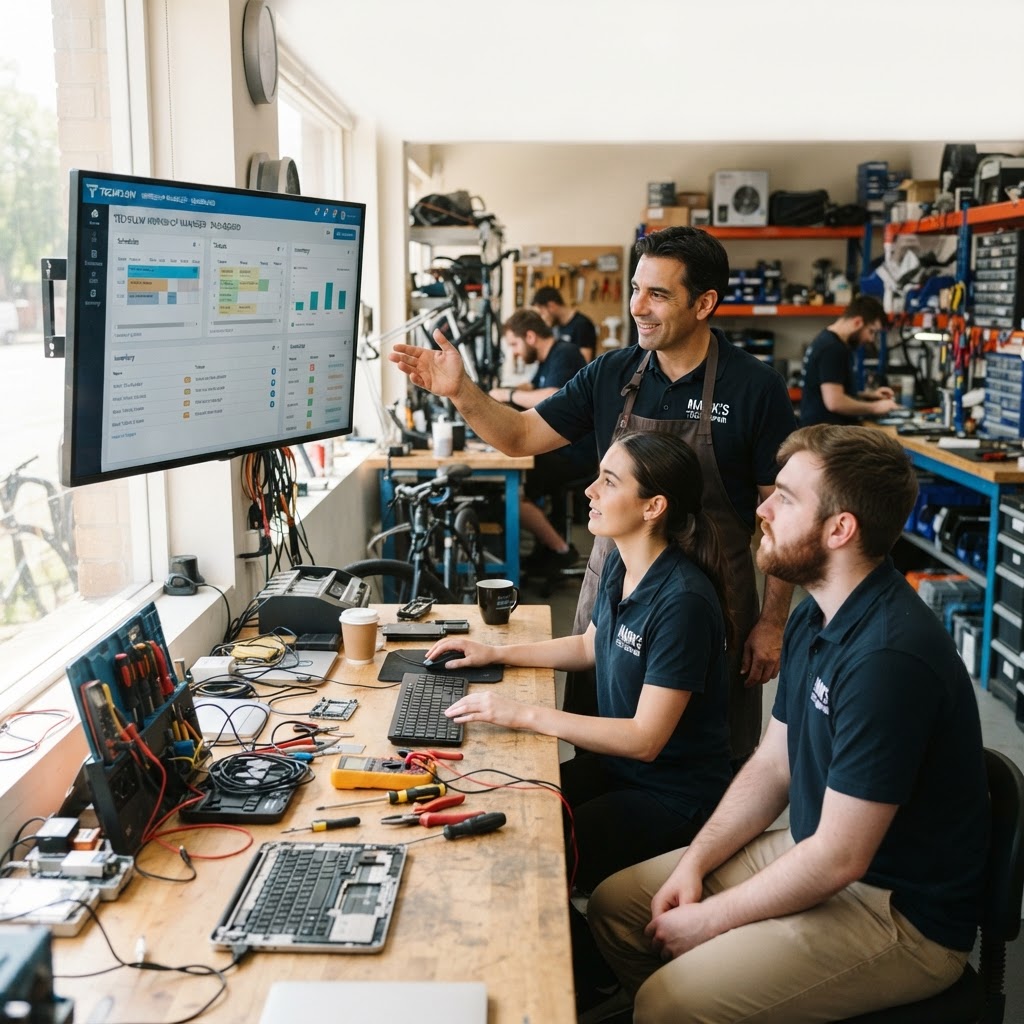
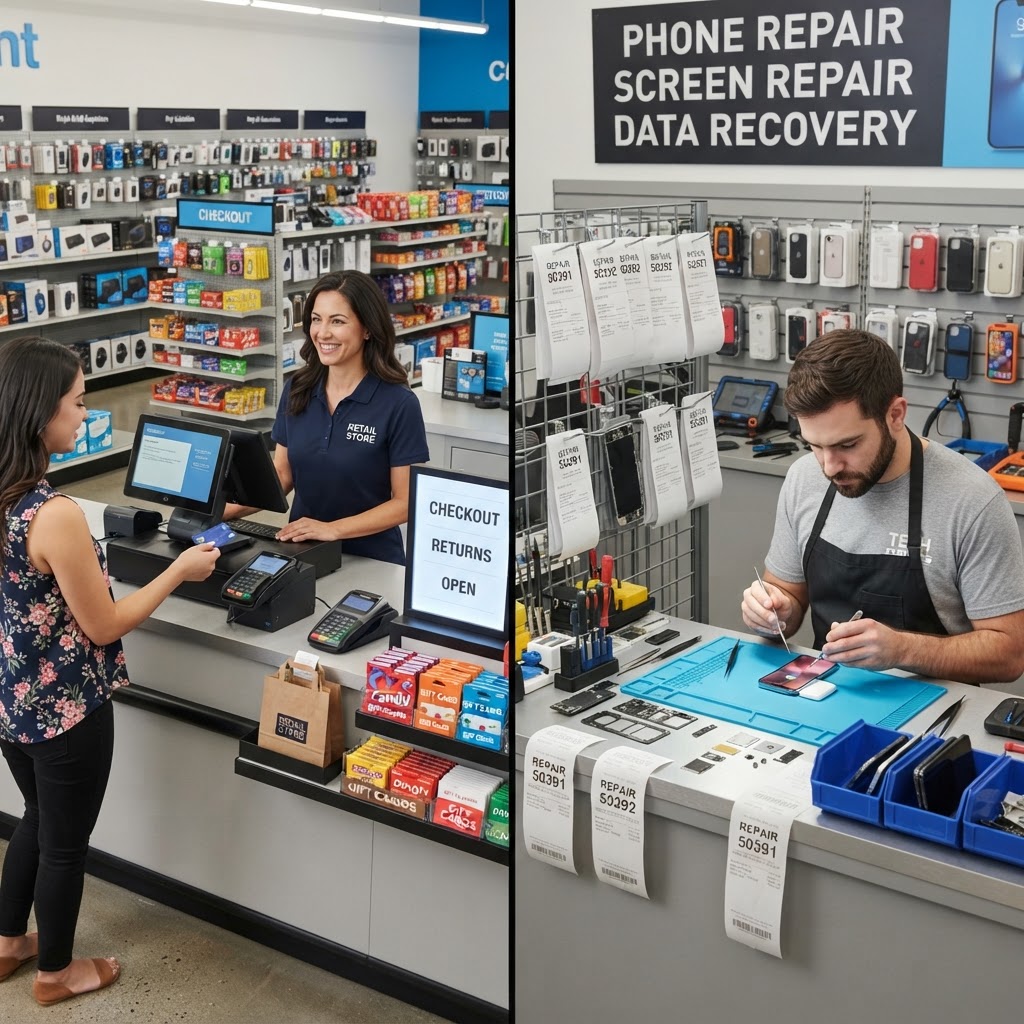
Running a successful repair shop requires balancing technical expertise with administrative precision. Most owners find themselves toggling between a spreadsheet for inventory, a notebook for ticket tracking, and a cash register for sales. This fragmented approach is the quickest way to lose money and frustrate customers. A dedicated repair business POS consolidates these workflows into a single interface, ensuring that every screw turned and every dollar earned is accounted for in real-time. Consider the common scenario of 'The Saturday Rush': a customer walks in with a shattered iPhone screen, another calls to check on a laptop repair, and a third is waiting to pay for a charger. In a manual shop, this environment leads to mislabeled parts and lost revenue. By centralizing your operations, you reduce the time spent on manual data entry and minimize the human errors that occur during busy shifts. When you use a unified repair shop POS, your technicians can update repair statuses while the front desk handles payments, keeping everyone on the same page. This synergy doesn't just look professional; it creates a feedback loop where the front office knows exactly when to tell a customer their device is ready, reducing friction and increasing overall shop throughput.
The Power of Integrated Repair Ticketing
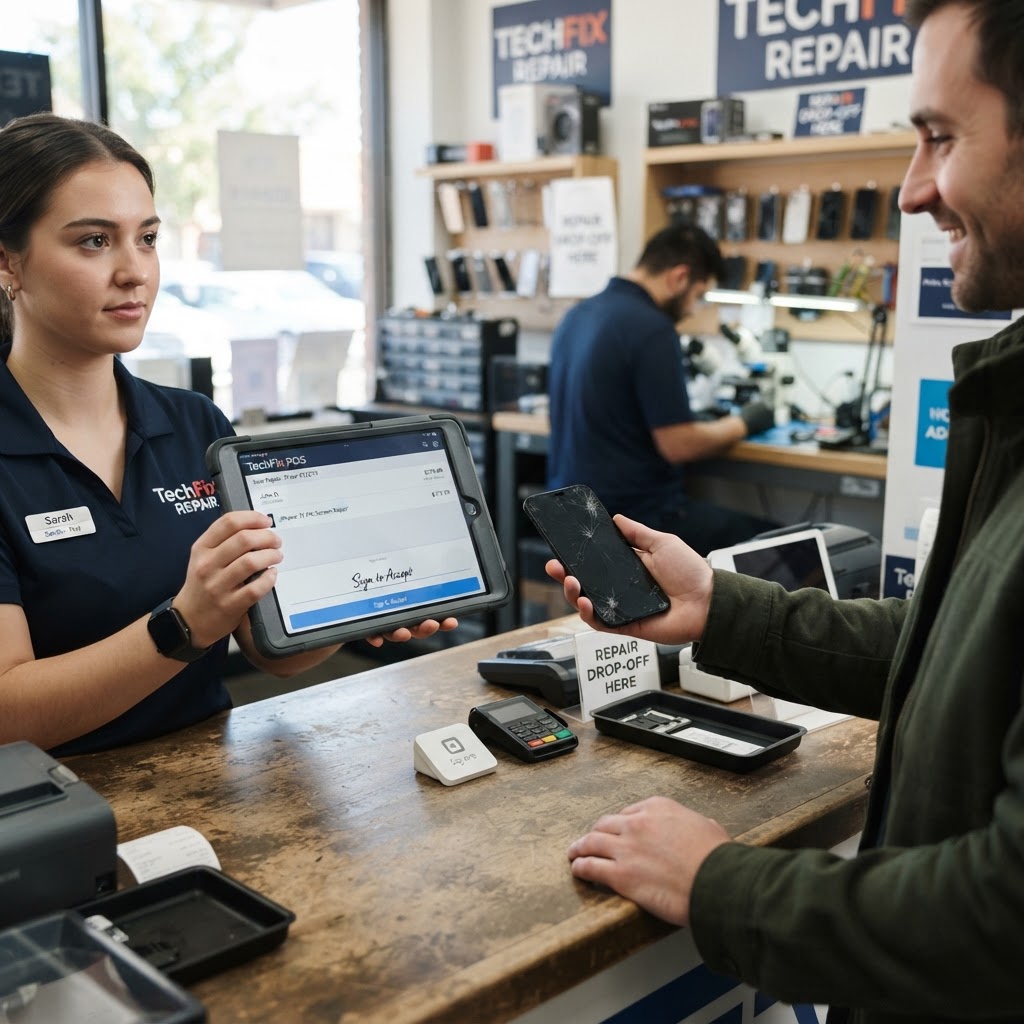
The core of your business is the repair ticket. A robust system allows you to create detailed work orders that include device history, customer contact information, and specific damage notes. With repair ticket software, you can automate status updates, sending an email or text to the customer the moment a device is ready for pickup. This proactive communication builds trust and significantly reduces the number of 'where is my phone?' calls clogging up your lines. Consider a shop that handles dozens of screen replacements daily. Without a ticket system, tracking which screen belongs to which customer is a logistical nightmare. Integrated software tracks the life cycle of the repair from intake to quality control testing, preventing mix-ups and protecting your reputation. For example, a technician can attach photos of the device’s condition during intake to the ticket. If a customer claims a scratch appeared while in your shop, you have undeniable digital proof to the contrary. Furthermore, digital signatures on work orders protect you from liability, ensuring the customer understands the scope of work and the potential risks of opening a water-damaged device. This professional level of documentation elevates your shop from a 'mom and pop' repair corner to a reputable local tech hub.
Managing Inventory Without the Headache
Inventory turnover is the lifeblood of a repair shop. If you run out of popular batteries or charging ports, you lose revenue. Conversely, holding too much dead stock ties up your capital. Advanced repair shop inventory software automatically triggers low-stock alerts when parts hit a minimum threshold, allowing you to reorder before a crisis occurs. Effective inventory management isn't just about counting parts; it is about linking parts to specific tickets. When a technician pulls a screen from the shelf to complete a job, the system should deduct that part from your inventory automatically. This level of automation provides accurate profit margins per repair, helping you identify which services are actually making you money versus which ones are consuming too much labor for too little gain. Take the case of a technician who consistently spends two hours on a screen repair because of a low-quality vendor part that requires extra calibration. Without linked inventory and time-tracking, you might not realize that the low margin on that repair is actually a net loss when you account for the extra labor hours. Integrated software provides the data needed to switch vendors or adjust your pricing structure accordingly.
Optimizing Customer Relationships and Retention
Beyond just fixing devices, a repair shop thrives on returning customers and referrals. One of the most underutilized tools in the independent repair sector is a Customer Relationship Management (CRM) module integrated within your POS. Instead of just treating every repair as a one-off transaction, you can maintain a history of every service performed for a specific client. If a customer comes in for a battery replacement, your system can remind you to ask them if they also need a screen protector upgrade or offer them a discounted 'refresher' service for their charging port. Additionally, automated follow-up emails sent 30 days after a repair serve two purposes: they show you care about the quality of your work, and they provide a direct channel to ask for a Google review. In the digital age, a high volume of positive reviews is often the deciding factor for a new customer choosing between your shop and the one down the street. By leveraging your repair ticket software to track these milestones, you turn one-time visitors into lifelong advocates for your brand.
Precision Tracking for Mobile Devices
In the modern repair landscape, device security and legal compliance are non-negotiable. Whether you are dealing with smartphones or tablets, maintaining a digital trail of every unit is essential. IMEI tracking software enables you to record the unique identification number of every device that passes through your doors. This serves as a vital safeguard against liability issues, proving that the device in your shop is indeed the one the customer brought in, and assisting local law enforcement if stolen goods ever enter your shop. It is a sad reality that occasionally, stolen devices are brought to repair shops for unlocking or screen replacements. By mandating an IMEI check at intake, you protect your shop from being complicit in illicit activities. Many jurisdictions now require digital registries for second-hand electronics; having a system that automatically generates these logs for you saves hours of manual reporting and ensures your license remains in good standing. This isn't just a security feature; it is an act of due diligence that builds respect with local law enforcement and creates a safer environment for your staff.
Scaling Your Profits Affordably
Many shop owners hesitate to invest in premium software because they fear high monthly overhead. RepairBiz flips this model by offering a streamlined solution for just $30 per month or $240 per year. By opting for the annual plan, you effectively pay for eight months and get four months free. This level of affordability means that even small, independent shops can access enterprise-grade management tools that were previously only available to large chains. Investing in a professional system is an investment in your time. If you save just two hours a week by automating your administrative tasks, you have already paid for the software. From there, the time saved allows you to focus on marketing your business, training your staff, or simply taking a well-deserved break. Consider the impact on your bottom line: when you no longer have to manually search for a customer's record or double-check inventory levels, you have more mental bandwidth to take on complex soldering jobs or manage relationships with high-value B2B accounts. A $30 investment that yields an extra $500 in efficiency and sales is not an expense—it is a high-yield asset.
Frequently Asked Questions
Can I use the repair shop POS on my existing shop hardware? Yes. RepairBiz is designed to be hardware-agnostic, meaning it runs efficiently on your existing computer, tablet, or mobile device through your web browser.
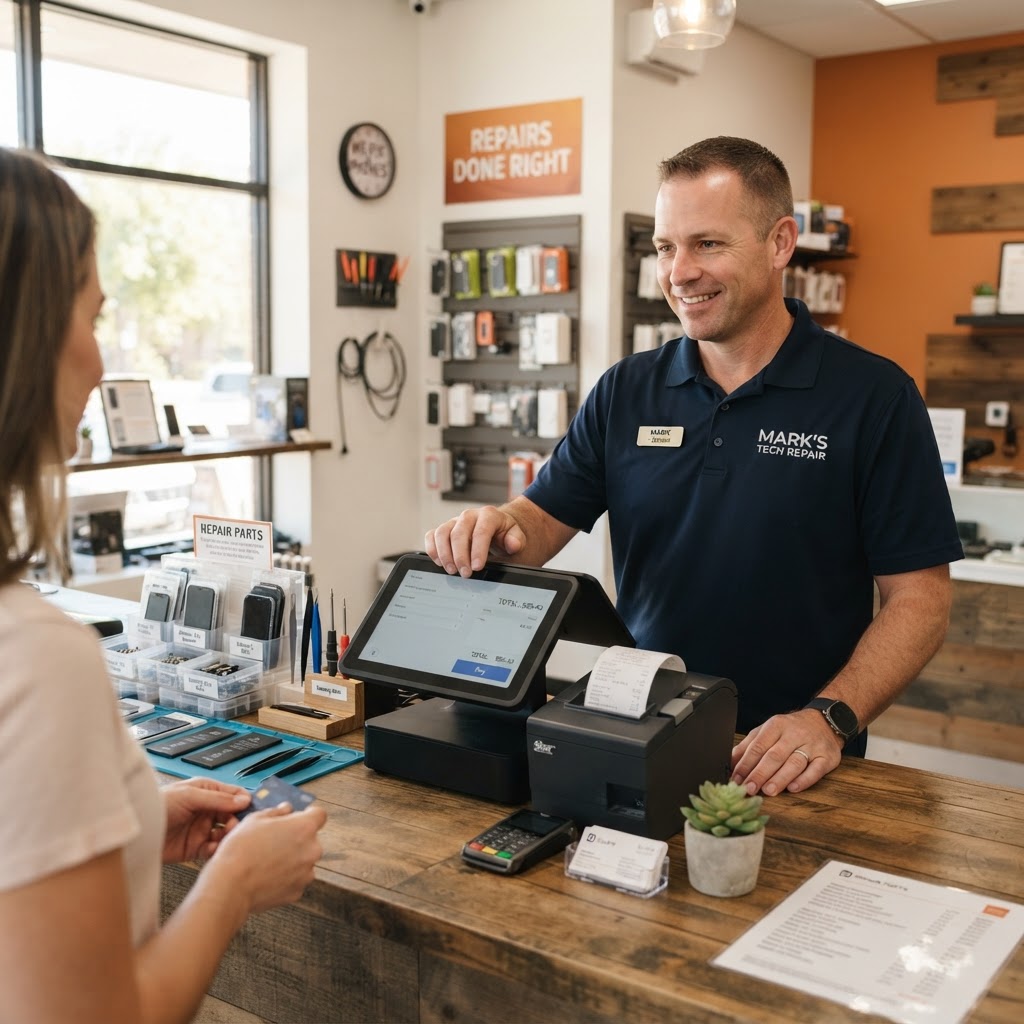
Does the system handle both sales of accessories and repair service charges? Absolutely. You can ring up screen protectors, cases, and charging cables alongside your labor and parts charges, providing your customers with a single, professional receipt.
Is there a long-term contract requirement? No. We offer flexible billing cycles so you can choose the option that fits your budget best, with no hidden fees or long-term binding contracts.
How secure is my customer and business data? Security is our priority. All data stored in the RepairBiz system is encrypted and backed up, ensuring that your customer lists and repair histories remain safe and accessible whenever you need them.
Start Your Journey Today
The best time to upgrade your shop management process was yesterday; the second best time is today. Stop fighting with paperwork and start managing your shop with confidence. Visit https://repairbiz.store/start-trial to begin your trial and see how our POS can transform your daily workflow. Whether you are a solo technician or running a multi-location operation, the tools provided by RepairBiz are designed to grow with you. Take control of your inventory, automate your customer updates, and secure your business operations starting today.
Ready to grow your repair shop?
Manage repairs, POS, inventory and invoicing in one place. Free to try — no credit card required.
Start Your Free Trial