Understanding the Repair Store POS Ecosystem. Managing a repair business involves more than just fixing devices.
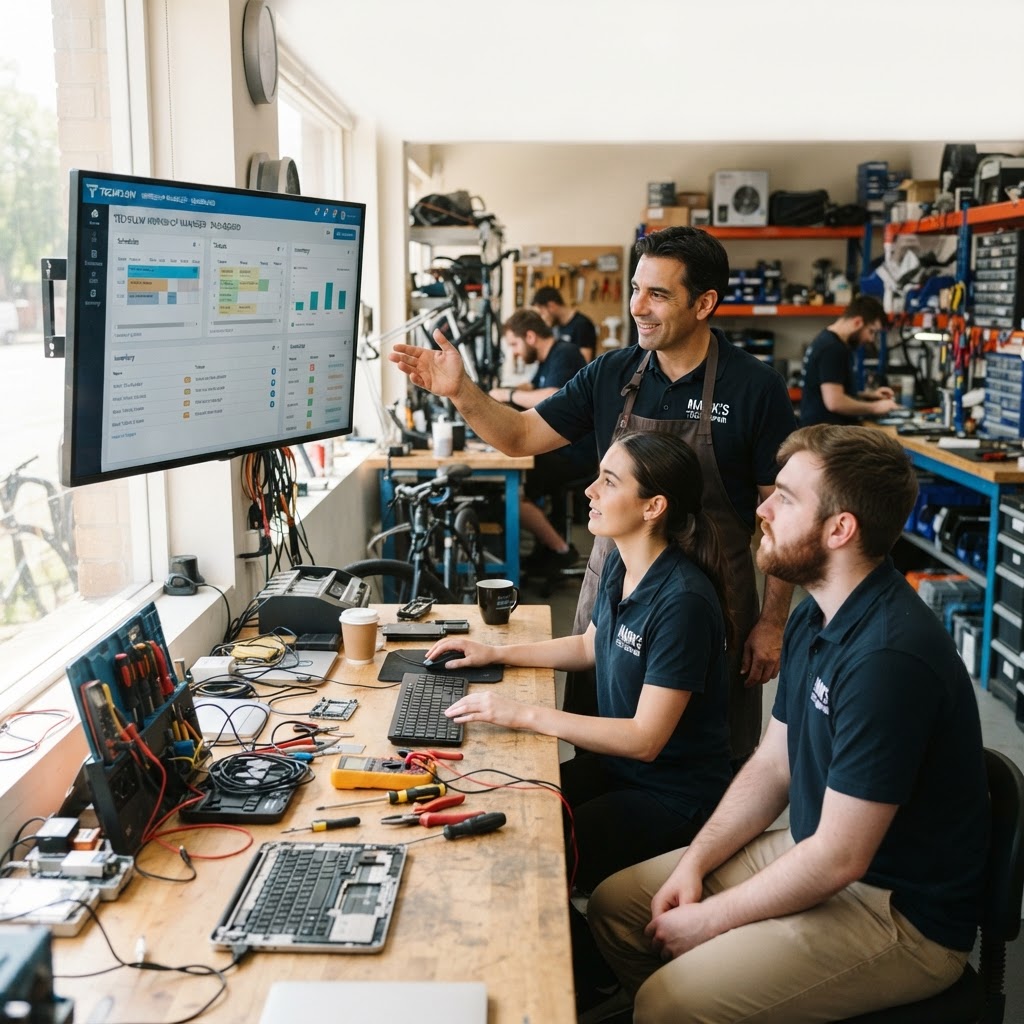
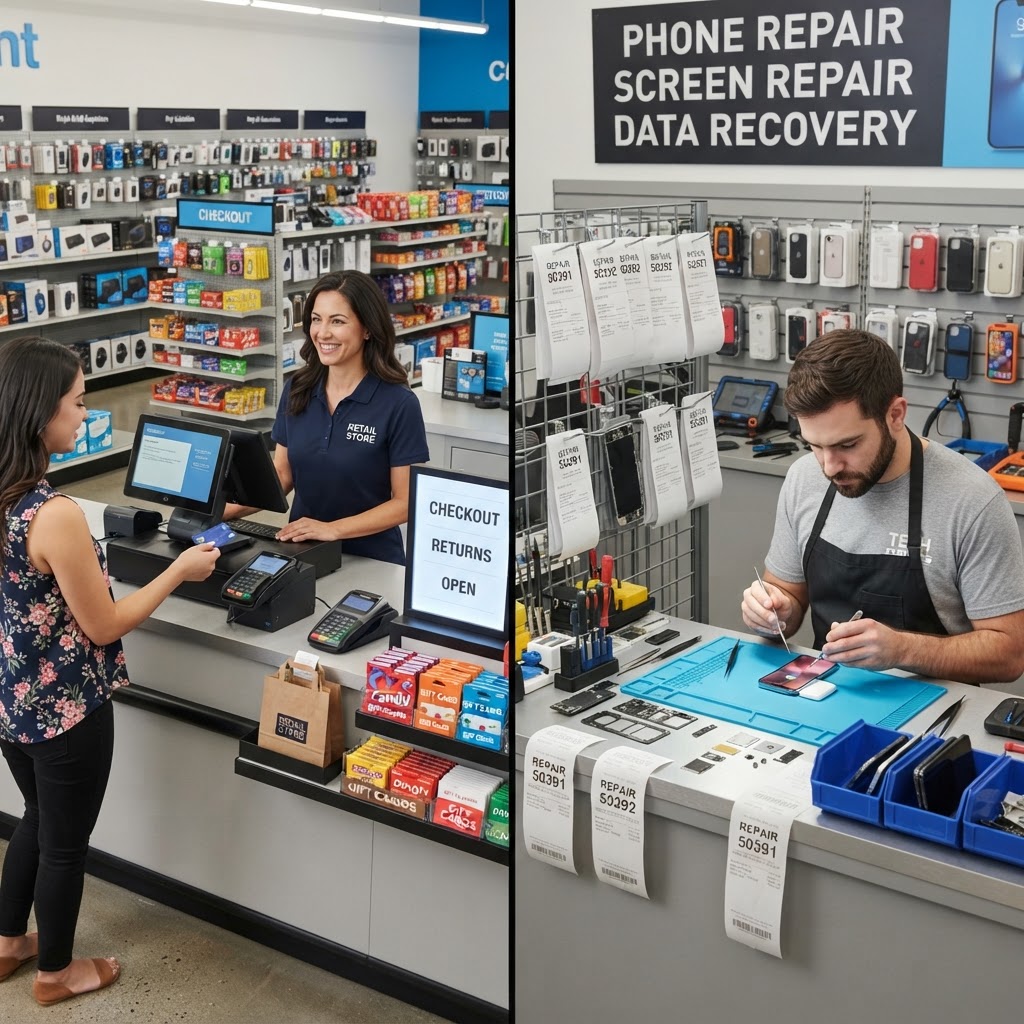
You juggle inventory, customer communications, technician schedules, and financial records. A repair store POS (Point of Sale) acts as the central nervous system for your operation, digitizing tasks that traditionally consumed hours of manual labor. Unlike generic retail software, a specialized system like the one found at RepairBiz understands the unique workflow of a repair shop. It bridges the gap between receiving a broken phone and delivering a functional device with a professional invoice. When you transition from paper logs to a digital POS, you gain the ability to track every screw, screen, and service fee in real time. For example, consider a busy storefront in a high-traffic area. Without a POS, if a technician needs to know if a specific iPhone 13 screen is in stock, they might have to walk to the back, sift through labeled boxes, and check a physical count sheet. With a POS, they simply glance at their tablet at the front counter. This efficiency translates to faster service, which is the cornerstone of a high-volume repair shop. By automating the intake process, your staff can focus on the technical craft rather than administrative chores.
Why Specialized Software Outperforms Generic Alternatives.
Many shop owners start with basic spreadsheets or pen-and-paper journals. While this works for the first month, it becomes a bottleneck as your volume increases. Generic retail POS systems fail to account for the complexity of repair tickets. You need a platform that handles the intake process, captures device conditions, and assigns tasks to specific technicians. Using repair ticket software allows you to maintain a clear trail of communication. If a customer calls about their laptop repair status, you should be able to pull up the ticket, see the exact stage of the repair, and provide an accurate answer without consulting three different notebooks. Imagine a scenario where a customer leaves a MacBook for a screen replacement. If the technician identifies a secondary issue, like a faulty keyboard cable, the POS allows you to add a note or update the quote instantly. You can then notify the customer via an automated email or SMS, documenting the change in scope. A standard retail cash register cannot do this. It sees a product sold, not a journey of repair. This reliability builds trust and encourages repeat business.
Essential Features Your POS Needs.
The market is saturated with options, but your focus should be on functionality that drives efficiency. First, inventory management is non-negotiable. You need repair shop inventory software that alerts you when stock is low, ensuring you never turn away a customer because you are out of charging ports. A great system allows you to set reorder points. For instance, when your stock of generic USB-C cables drops to five units, the software automatically triggers a notification, allowing you to reorder before you hit zero. Second, security and tracking features are vital. If you deal with mobile devices, IMEI tracking software is essential for security compliance and tracking device origins, protecting your shop from liability. This prevents the accidental acceptance of stolen hardware, which could lead to legal issues. A modern POS also automates the mundane. From generating automated SMS status updates to emailing digital receipts, the goal is to reduce the time spent on administrative overhead. By automating the communication loop, you save an average of 5-10 minutes per repair ticket. When multiplied by 100 repairs a month, you have just reclaimed nearly 16 hours of your life back.
Pricing That Makes Sense for Small Businesses.
Efficiency should not come with a massive price tag. Many enterprise-level solutions charge high monthly fees that eat into your profit margins or require expensive hardware installations. RepairBiz offers a transparent approach, providing full access for just $30 per month or $240 per year. This predictable pricing model allows you to scale your business without worrying about escalating software costs as your shop grows. Consider the cost of a single missed sale due to poor organization; a high-end repair could easily be worth $200. If your system helps you close just one extra ticket a month by keeping you organized, it has already paid for itself. By automating your POS, you recover the hours spent on bookkeeping, which effectively pays for the software many times over.
Streamlining Your Shop's Workflow.
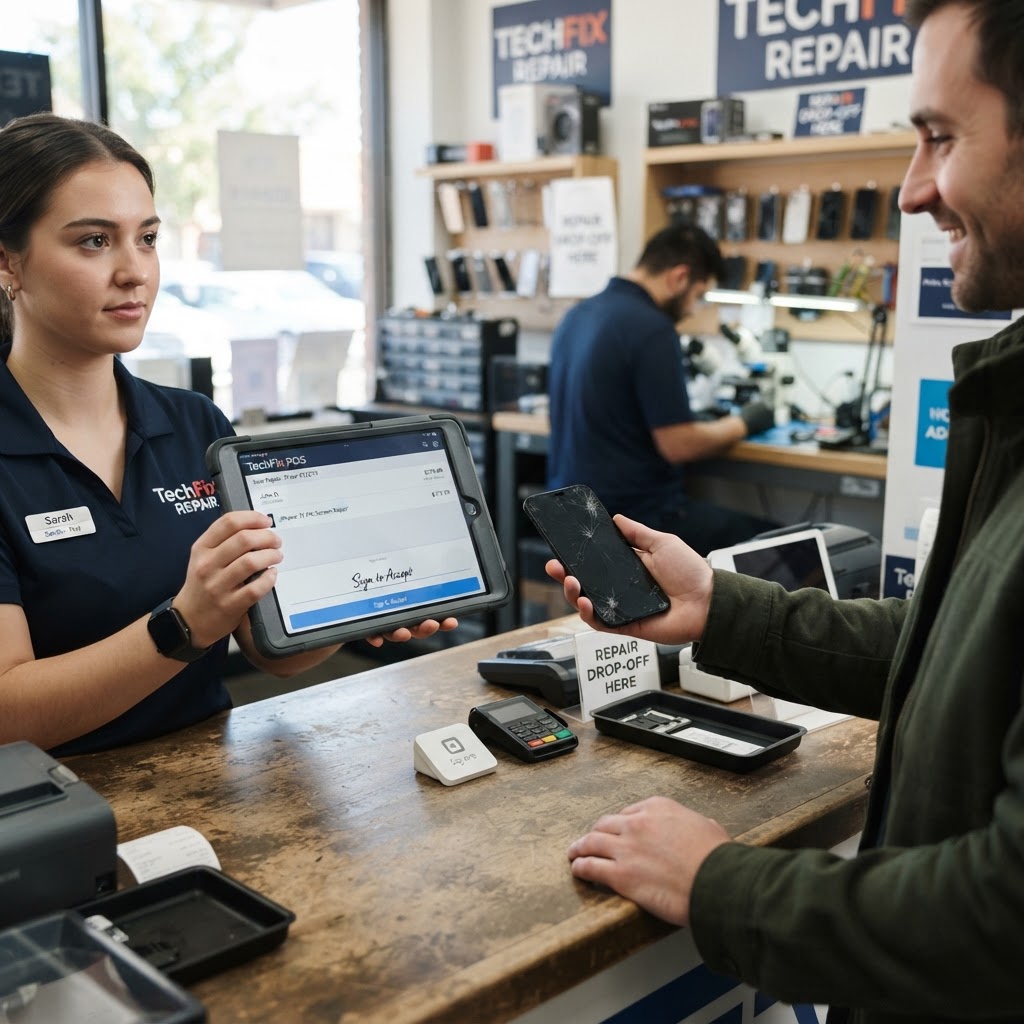
The intake process is your first impression. When a customer walks in, your POS should allow you to generate a repair ticket in seconds. A step-by-step intake should include: first, scanning the device for current condition; second, taking photos of the device to prevent 'you broke it' disputes; third, generating a signed digital ticket via a touch-screen pad. You should be able to select the device type, note pre-existing damage, and define the service scope immediately. Once the ticket is generated, the POS should update your inventory automatically, deducting the parts used once the repair is marked complete. This closed-loop system prevents "lost" parts and ensures that your financial reporting is always accurate. For example, if you track a screen replacement through the POS, the software should automatically deduct the part from inventory and record the labor fee as revenue. When you have a clear picture of your profit margins per repair, you can make informed decisions about which services to prioritize. If you notice that laptop screen replacements have a higher profit margin but take twice as long as phone battery swaps, the data helps you decide whether to scale your laptop repair services or focus on high-turnover mobile repairs.
The Power of Data-Driven Decision Making.
One often overlooked advantage of a modern POS is the ability to generate reports. Most store owners rely on 'gut feeling' to run their shop. While experience is valuable, data is infallible. With a specialized POS, you can generate reports on your most popular services, your busiest days of the week, and your 'average ticket' value. Let’s look at a concrete example: after reviewing your monthly performance report, you might notice that your shop is consistently busiest on Saturday mornings between 10 AM and 1 PM. Armed with this insight, you can schedule your most senior technician to work during those hours, ensuring that complex repairs are handled by your best staff when the store is most crowded. Furthermore, you can identify which suppliers offer the most reliable parts. If your POS shows that parts from Supplier A have a 5% return rate due to defects, whereas Supplier B has a 0.5% return rate, you can make a data-backed choice to switch vendors. These small, analytical shifts in strategy are exactly what transform a 'hobby' repair shop into a professional, scalable enterprise.
Managing Technicians and Performance.
A repair shop POS isn't just for inventory; it's a management tool. You can track individual technician performance, identifying who excels at complex screen repairs and who is fastest at battery replacements. This data helps you optimize shift schedules and set realistic expectations for repair turnarounds. For example, if a specific technician takes an average of 45 minutes for a specific repair while others take 60, you can have them mentor the team on their techniques. By setting up a performance dashboard, you can foster a culture of accountability and excellence, rewarding technicians based on actual productivity metrics rather than guesswork. You can even implement bonus structures tied to completion speed or 'zero-return' goals, incentivizing quality and efficiency simultaneously.
Building Customer Loyalty Through Professionalism.
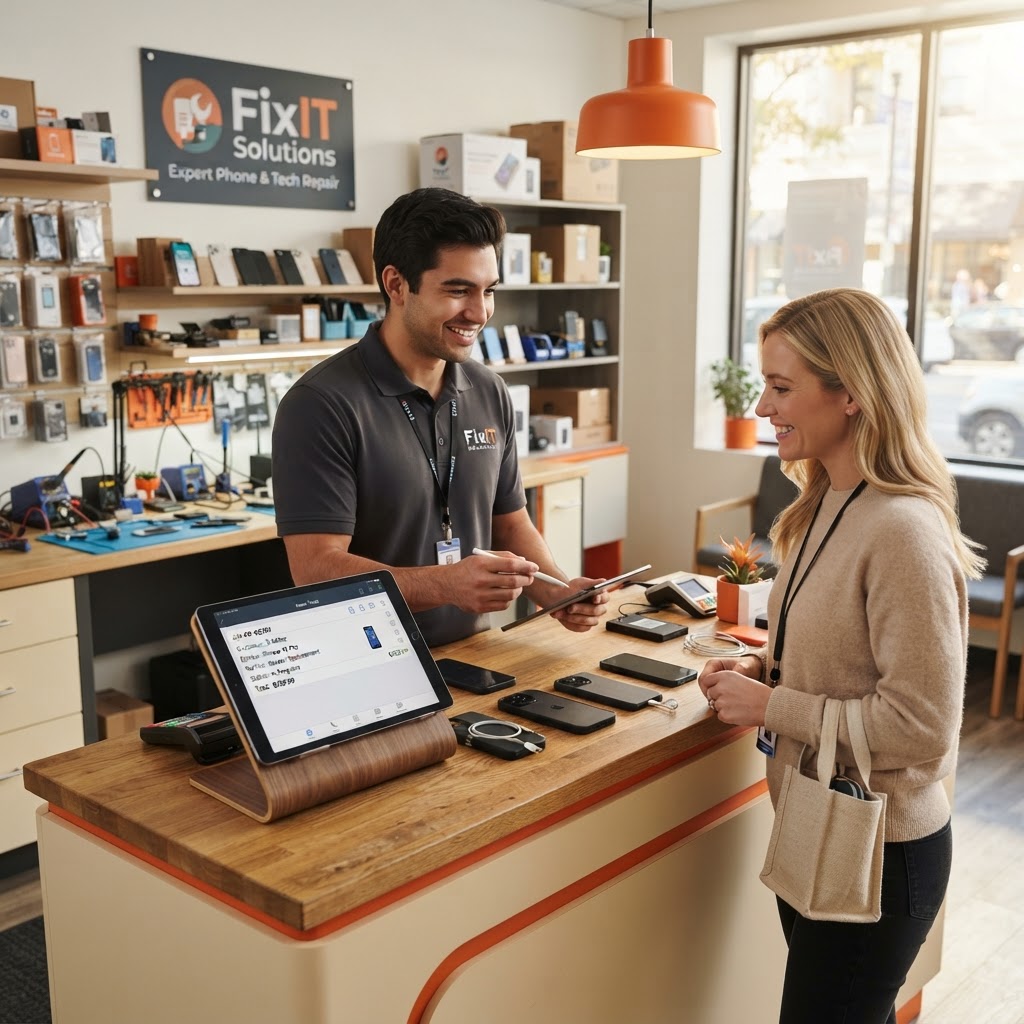
Professionalism wins loyalty. A customer who receives a detailed, branded invoice with warranty terms is more likely to return than one who gets a hand-written receipt. A digital POS allows you to store customer histories, enabling you to offer personalized recommendations or reach out regarding warranty expirations. Imagine this: a customer repairs their iPhone screen. Six months later, your system notifies you that they are due for a battery check-up or suggests a tempered glass protector if they previously purchased a generic one. You can then send a personalized, non-intrusive email offer. This proactive communication turns a one-time visitor into a long-term client. The goal is to make every customer feel that their device is in the hands of a professional organization. When you combine digital efficiency with a customer-first mindset, you build a brand that stands out from the 'pop-up' repair shops in town.
Frequently Asked Questions. How long does it take to set up a new repair shop POS?
With modern, cloud-based systems like RepairBiz, the setup is often intuitive. You can usually configure your inventory and service categories in an afternoon, allowing you to go live with minimal disruption to your daily operations. Does a POS system help with tax preparation? Yes. By maintaining an accurate record of every sale, parts purchase, and service fee, you eliminate the "tax season headache." You can generate reports that provide your accountant with clean, categorized data, saving you time and money. Is my data secure in a cloud-based system? High-quality POS platforms employ industry-standard encryption to protect your data. Cloud hosting means that even if a hardware failure occurs in your shop, your customer records and business data remain safe and accessible from any device. Can I use my existing hardware with a new POS? Most modern POS software is browser-based, meaning it will run on the tablets, laptops, or desktop computers you likely already own. You do not need to invest in expensive proprietary hardware to get started.
Take Control of Your Shop Today.
Don't let disorganized processes hold your business back. The right tools allow you to professionalize your workflow, secure your inventory, and focus on what really matters: providing excellent repair services to your community. By investing in the right POS, you are laying the foundation for a sustainable, high-growth repair business. Transitioning to a digital system might feel like a big change, but the ROI—in both time saved and revenue gained—is immediate. Visit https://repairbiz.store/start-trial today to begin your trial and start managing your shop like a pro.
Ready to grow your repair shop?
Manage repairs, POS, inventory and invoicing in one place. Free to try — no credit card required.
Start Your Free Trial