Managing a cell phone repair store requires balancing high-volume technical tasks with consistent customer service. Success hinges on standardizing your daily routines so that every device, from a simple screen replacement to a complex board-level repair, follows a predictable path from intake to pickup. By establishing clear protocols for technician handoffs and queue management, you reduce the risk of lost devices and missed communication.
The Intake and Diagnostic Routine
Every repair begins at the intake counter. Consistency here prevents downstream errors. When a customer arrives, your staff should immediately document the device condition, capture the IMEI or serial number, and record the specific issue. Using repair ticket software ensures that this data is centralized and accessible to technicians. Never accept a device without a signed waiver and a clear note on existing cosmetic damage to avoid liability disputes later.
Managing the Repair Queue and Technician Handoffs
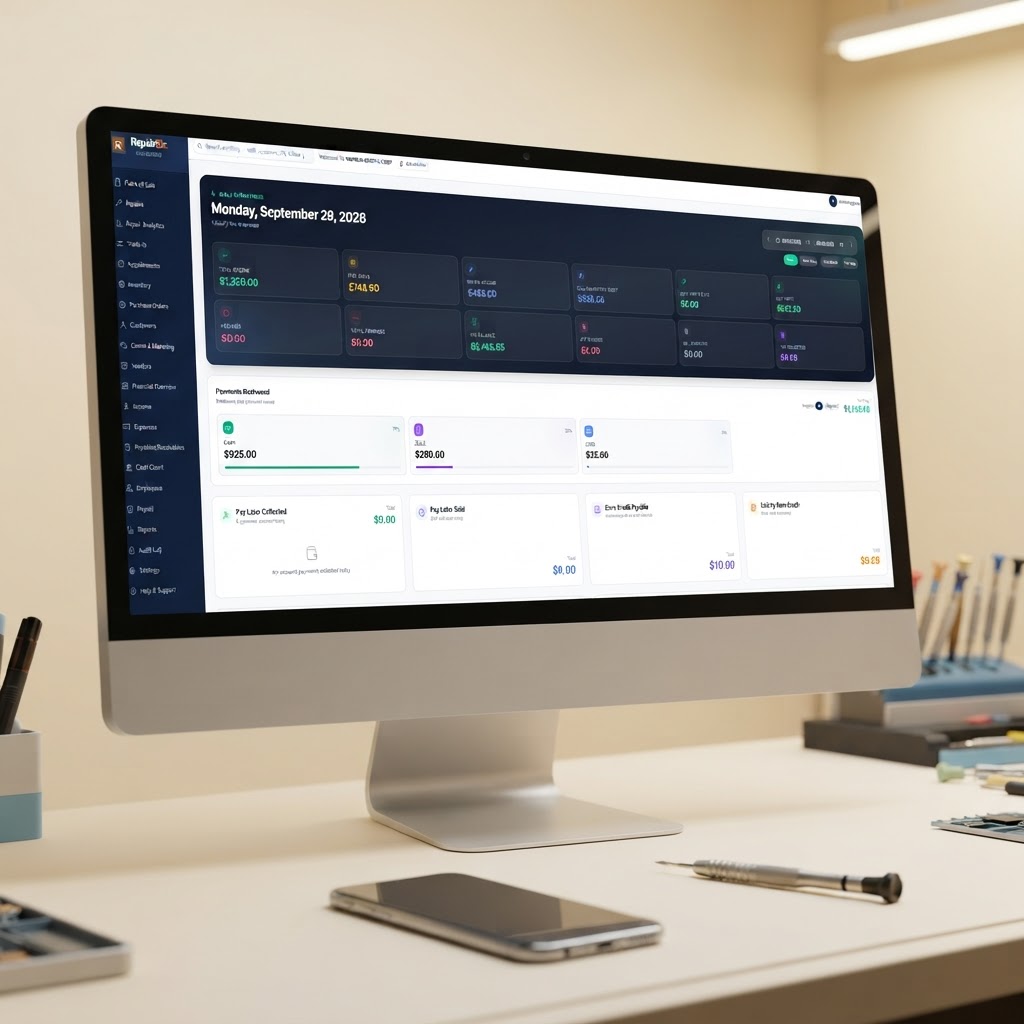
Once a device is checked in, it enters your active queue. A common failure point in repair shops is the "black hole" where a device sits waiting for parts or technician attention without a status update. Use a digital dashboard to assign specific tasks to technicians based on their skill level and current workload.
When a technician takes over a job, they should update the status to "In Progress." If a part is required, the system should automatically deduct it from your inventory. If you are manually tracking parts, you risk overselling stock. Implementing repair shop inventory software allows you to set low-stock alerts, ensuring you never run out of common components like iPhone screens or batteries on a busy Saturday.
Daily Cash Close and Financial Exceptions
At the end of the day, your repair shop POS should provide a clear reconciliation of all transactions. Compare your physical cash drawer against the digital sales report. If there is a discrepancy, investigate immediately—check for unrecorded refunds, voided tickets, or missed payments.
For complex financial tracking, including vendor invoice management, repair shop accounting software helps maintain a clear view of your margins. If you frequently deal with bulk parts orders, using AI invoice import can save hours of manual data entry, allowing you to focus on shop floor management rather than paperwork.
Maintaining Communication
Silence is the primary driver of customer complaints. Automate your status updates so that customers receive an SMS when their device is checked in, when the diagnosis is complete, and when it is ready for pickup. This reduces the volume of "is it done yet?" calls that interrupt your technicians. By keeping the customer informed, you build trust and increase the likelihood of repeat business. Start a free RepairBiz trial
Frequently asked questions
How do I handle rush jobs without disrupting my regular repair queue?
Establish a clear 'rush fee' policy and ensure you have the parts in stock before accepting the job. Use your repair management software to flag these tickets as priority so technicians can see them at the top of their queue.
What is the best way to track technician performance?
Monitor the time taken from 'In Progress' to 'Repair Complete' for each technician. This helps identify training needs and ensures accountability without requiring you to be on the shop floor 24/7.
How often should I reconcile my inventory?
While automated inventory software helps, perform a physical spot check of your most popular parts (like screens and batteries) weekly to ensure your digital records match your physical stock.
Ready to grow your repair shop?
Manage repairs, POS, inventory and invoicing in one place. Free to try — no credit card required.
Start Your Free Trial