A cell phone repair shop needs more than a cash register. The best cell phone repair POS has to handle fast over-the-counter sales of cases and chargers, accept partial payments on repair deposits, track IMEI or serial numbers for every device that comes through the door, calculate tax correctly on a mix of parts and labor, and print receipts that separate service charges from product costs. Generic retail point-of-sale software handles the first task well and struggles with the rest. This guide walks through the specific features that matter for a repair business, with examples of how intake, technician assignment, payment, and pickup should work together inside the same system.
Quick Sale for Accessories and Walk-In Items
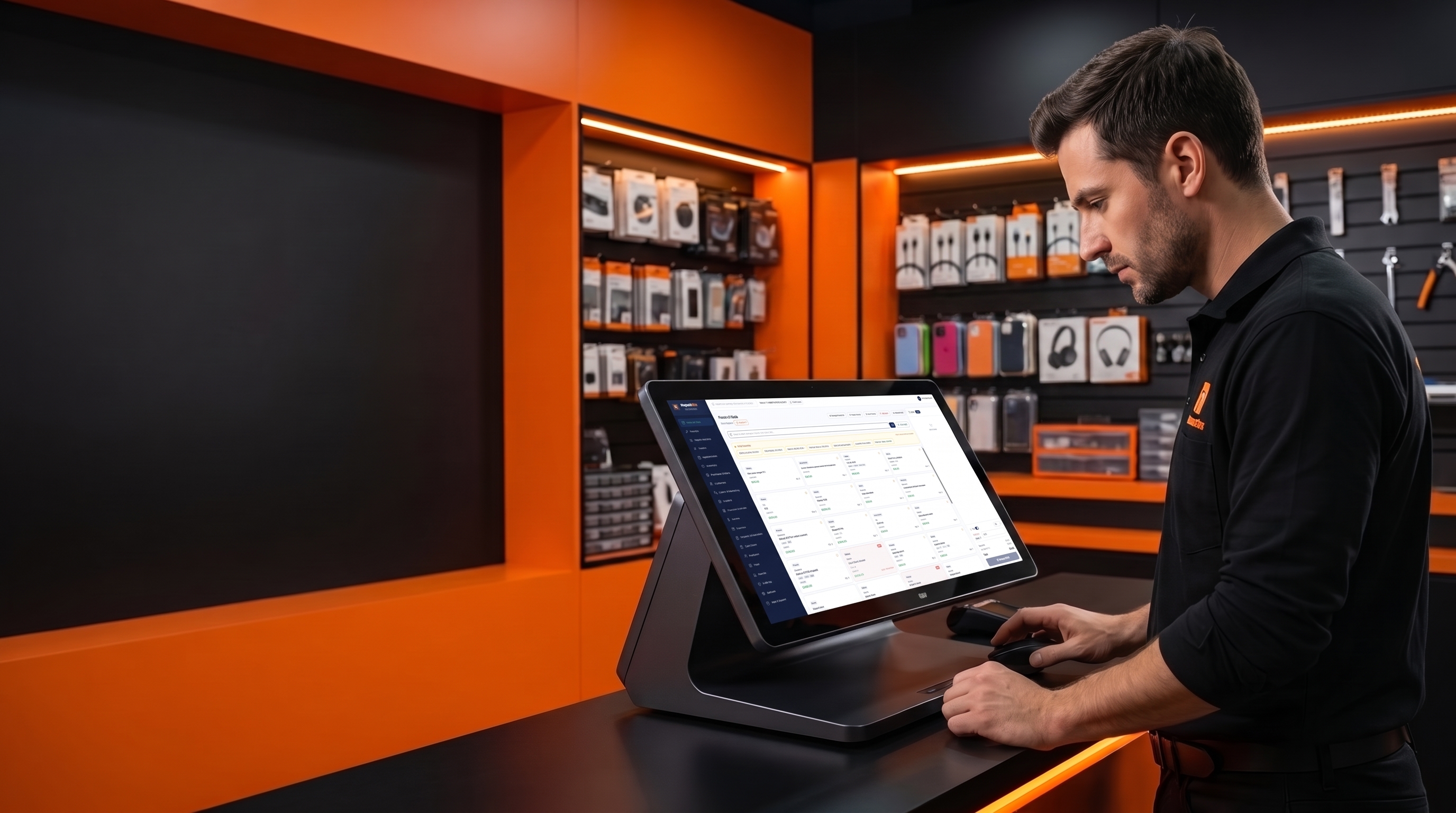
Not every transaction at the counter is a repair. Customers buy screen protectors, cables, cases, and chargers without ever leaving a device behind. A quick sale screen lets staff ring up these items in a few taps, apply the correct tax rate, and print a receipt without creating a full repair ticket.
The tradeoff to watch for: if quick sale and repair checkout live in two different systems, your inventory counts for shared parts (screen protectors sold standalone but also used in bundled repair packages) can drift apart. A POS built for repair shops should pull from one inventory list regardless of which screen the sale happens on.
Device Intake Comes Before Any Transaction
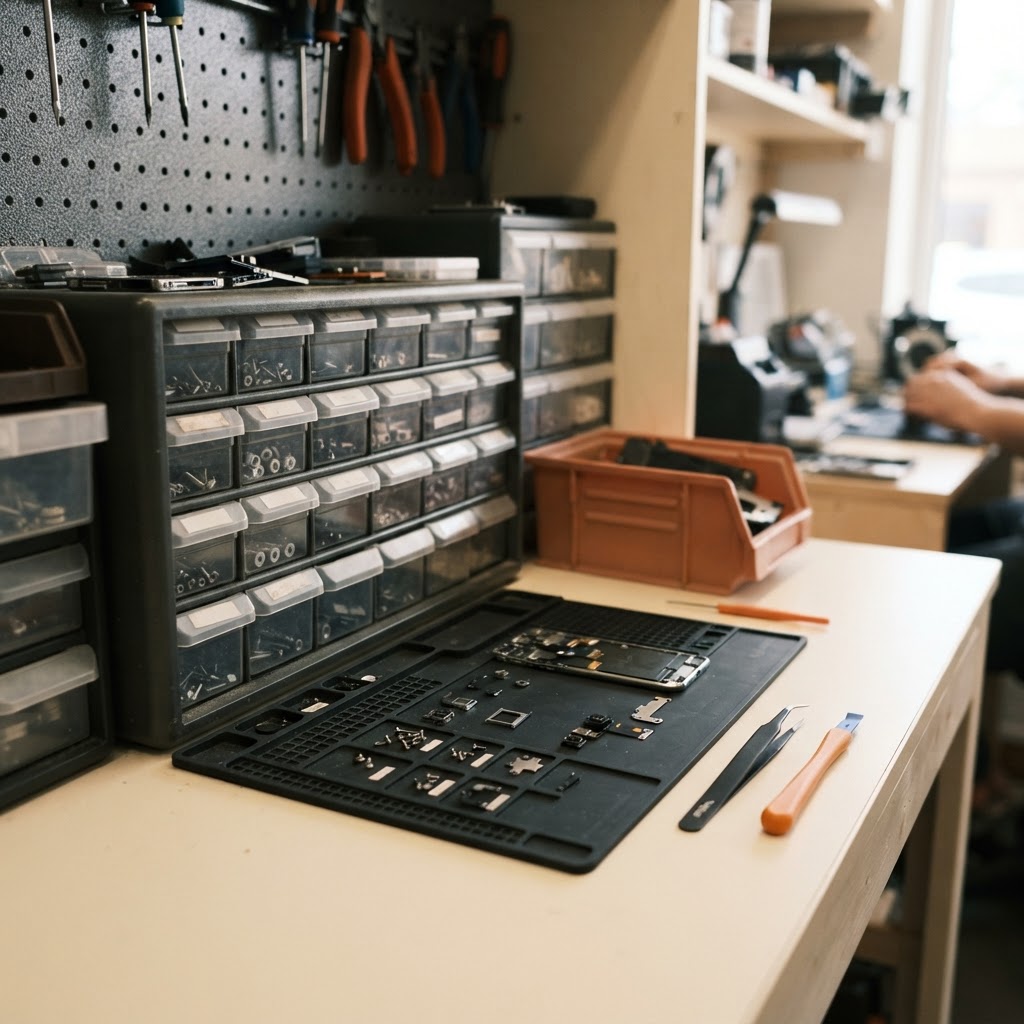
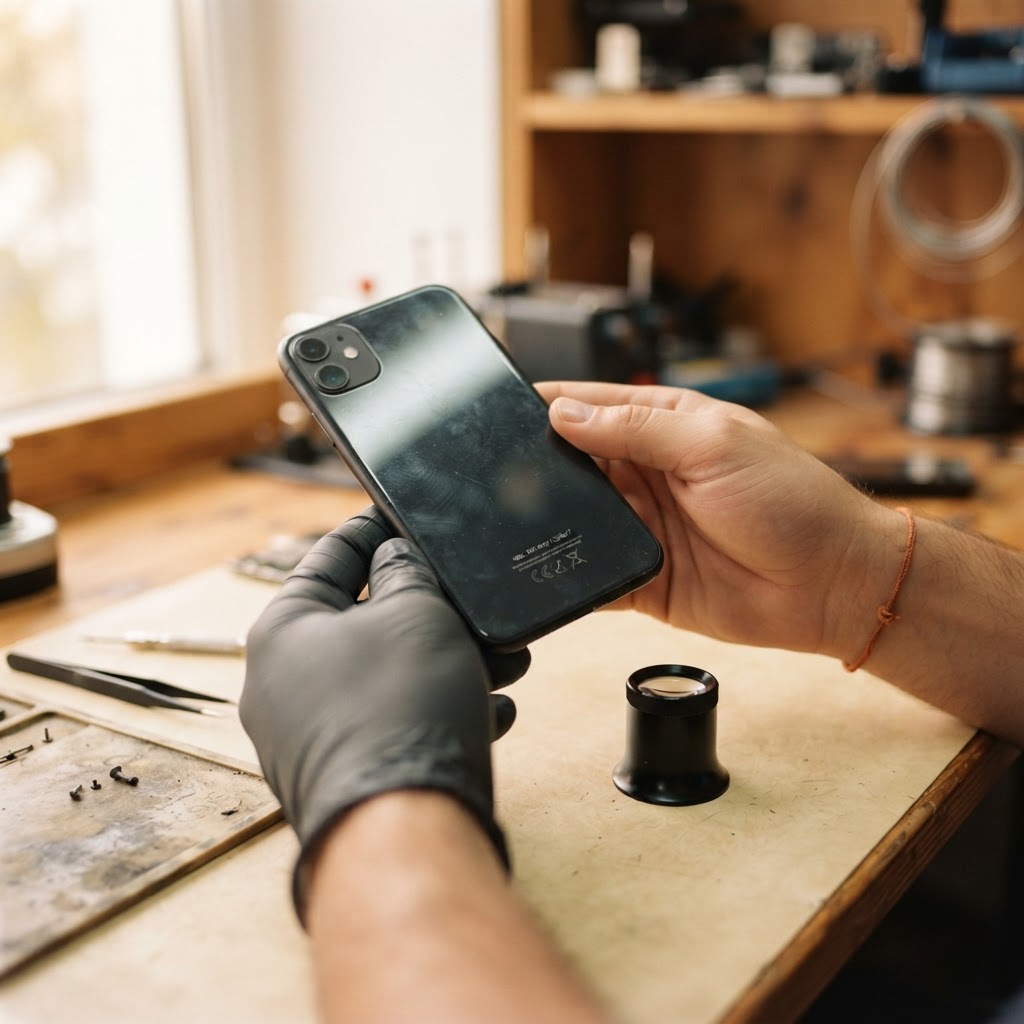
Every repair ticket should start before money changes hands. At intake, staff record the device model, note existing condition such as cracks, dents, or water exposure, and capture the IMEI or serial number. The customer signs off on the recorded condition, which protects both sides if a dispute comes up later. The ticket is then assigned to a technician.
This intake record becomes the backbone of everything that follows. When the technician marks the repair complete, the POS should be able to pull the ticket directly into checkout rather than requiring someone to re-type the service description and price. A repair ticket system that stays connected to the POS removes that duplicate entry step and keeps the sale tied to the original intake notes, condition record, and signature.
Trade-in devices and loaner phones go through a similar check: condition noted, serial logged, so there is a record of what the shop received and what it returned.
Serial and IMEI Tracking Through Checkout
IMEI and serial tracking is not just paperwork. It gives you a way to confirm which specific unit a repair ticket, warranty claim, or trade-in applies to, especially when a shop services several of the same phone model in a week. IMEI tracking built into the POS means the number captured at intake shows up again on the receipt and in the device's service history, so a returning customer's prior repairs are easy to pull up by serial number rather than by name alone, which matters when two customers share a last name or a phone is registered under a family member's account.
Partial Payments and Deposit Workflows
Many repair shops collect a deposit before ordering a part, especially for expensive components. Here is a hypothetical example to illustrate the workflow, not an actual transaction: a shop quotes a screen replacement at 120 dollars for parts and labor combined. The customer pays a 50 dollar deposit at intake so the shop can order the screen. When the customer returns for pickup, the POS should show the original 120 dollar invoice, the 50 dollar deposit already applied, and a remaining balance of 70 dollars due before the device is released.
Without this feature, staff have to manually track deposits in a notebook or a separate spreadsheet, which creates room for error, especially during busy shifts or when more than one staff member handles the ticket between intake and pickup.
Tax Calculation Across Parts and Labor
Tax treatment for repair labor varies by state and sometimes by the type of repair, so shop owners should confirm current rules with their state tax authority rather than relying on a general rule of thumb. A POS designed for repair work should let you apply tax separately to parts and labor lines on the same ticket, since some jurisdictions tax the part but not the labor, or tax both at different rates. If your current system forces a single tax rate across the whole invoice, you may be over-collecting or under-collecting tax without realizing it until a filing period surfaces the discrepancy.
Receipts That Support Warranty Claims
An itemized receipt listing the part used, labor charge, tax applied, deposit credited, and final balance paid gives the customer a clear record and gives your shop a reference if the device comes back. If a repair carries a 90-day warranty and the same screen fails after six weeks, staff can pull the original receipt, confirm the part and date, and apply the warranty policy without guessing at what was done or charged the first time.
Accurate, itemized records at the point of sale also make it easier to reconcile daily sales against parts consumed, which is one of the more tedious parts of running a repair shop's accounting without duplicating entries between a POS report and a separate bookkeeping system.
A Hypothetical Intake-to-Pickup Example
To see how these features work together, consider this illustrative sequence rather than an actual customer case:
- A customer drops off a phone with a cracked screen. Staff record the condition, log the IMEI, note the quoted price, and collect a deposit. The customer signs the intake form, and the ticket is assigned to a technician.
- The technician completes the repair, selects the screen from inventory, and the system deducts that part from stock. The ticket status changes to ready for pickup, and staff update the customer's record so the front counter knows the device is waiting.
- The customer returns. Staff pull the ticket by phone number, and the POS shows the deposit already paid and the remaining balance. The customer pays the balance, tax is calculated on the parts and labor lines, and a receipt is printed showing the full breakdown.
Each step depends on the prior step's data being available without re-entry, which is the core reason repair shops look for a POS tied to the repair ticket rather than a standalone checkout tool.
Where Generic Retail POS Falls Short
A retail-only system usually has no field for IMEI or serial number, no built-in way to show a partial deposit against a larger balance, and no link between a repair ticket and the sale screen. Shops using these systems often create a workaround, such as a generic "repair service" product that gets manually priced each time, with inventory adjusted by hand after the fact.
These workarounds are not necessarily wrong, but they shift the burden of accuracy onto staff memory and manual entry, which tends to break down during busy periods or staff turnover. A repair shop POS with intake, parts, and checkout in one system reduces how much of that accuracy depends on someone remembering to update a second spreadsheet. Paired with repair shop inventory tracking, parts used on a ticket are deducted automatically rather than adjusted after the fact, which keeps reorder counts closer to what is actually on the shelf.
No POS removes the need for a clear shop policy on deposits, warranty terms, and tax handling. The software supports that policy by making it easy to apply consistently at the counter, rather than leaving it to whoever happens to be working the register that day.
Frequently asked questions
Does a cell phone repair shop need a different POS than a regular retail store?
Not strictly, but a retail-only POS usually lacks fields for IMEI/serial numbers, partial deposits tied to a repair balance, and a direct link between the repair ticket and the sale screen. Shops without these features often rely on manual workarounds that increase the chance of pricing or inventory errors.
How should a repair shop handle a deposit collected before parts arrive?
The POS should record the deposit against the ticket at intake and automatically show the remaining balance at pickup. This avoids relying on a separate notebook or spreadsheet to track what was already paid.
Is labor taxed the same way as parts on a repair invoice?
Tax treatment of labor varies by state and sometimes by repair type. Check with your state's tax authority for current rules, and look for a POS that can apply tax separately to parts and labor lines rather than one flat rate for the whole ticket.
Why does IMEI tracking matter if I already know which customer owns the device?
IMEI or serial tracking ties the service history to the specific unit rather than just the customer's name, which matters for warranty claims, trade-ins, and cases where two customers share contact details or a device changes hands.
What happens to inventory when a repair is marked complete?
In a repair-connected system, the part assigned to the ticket is deducted from stock automatically when the ticket is closed, so the reorder count reflects what was actually used rather than requiring a manual adjustment after the fact.
Ready to grow your repair shop?
Manage repairs, POS, inventory and invoicing in one place. Free to try — no credit card required.
Start Your Free Trial