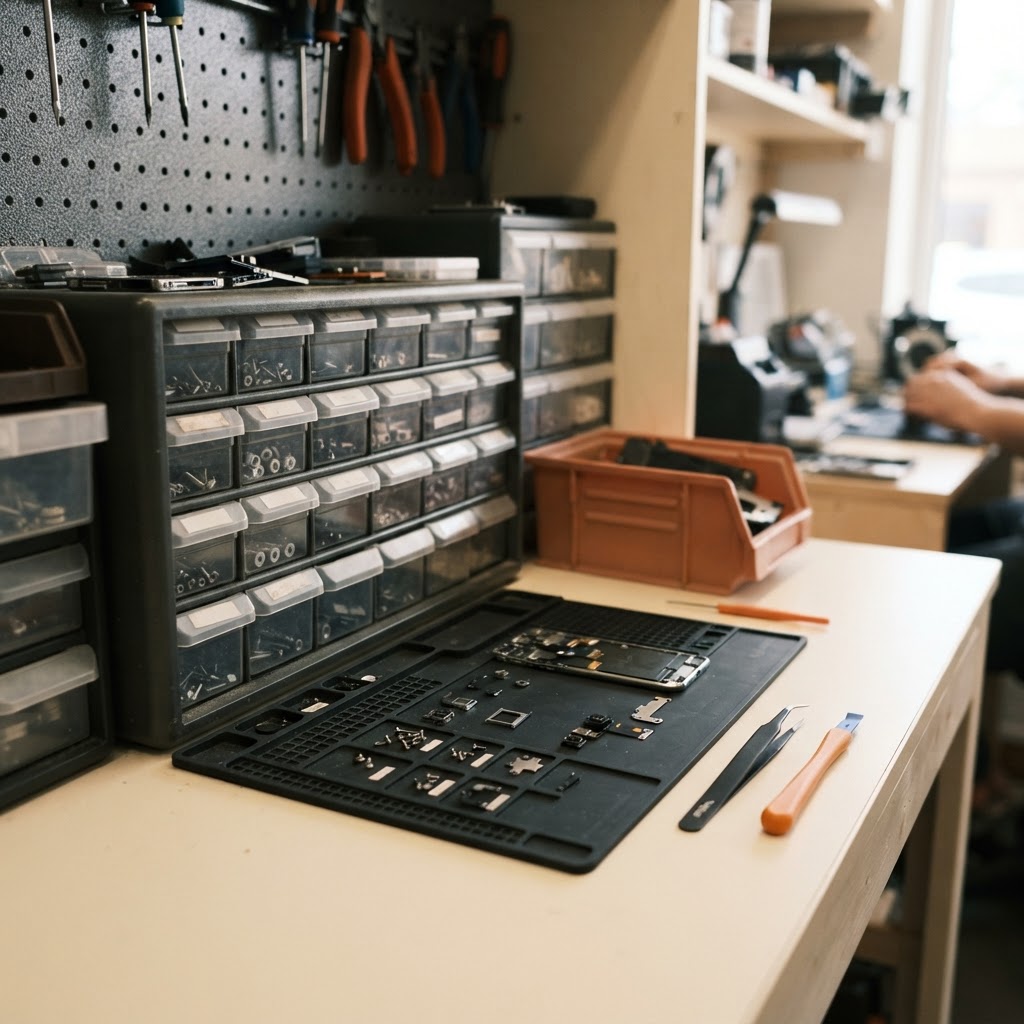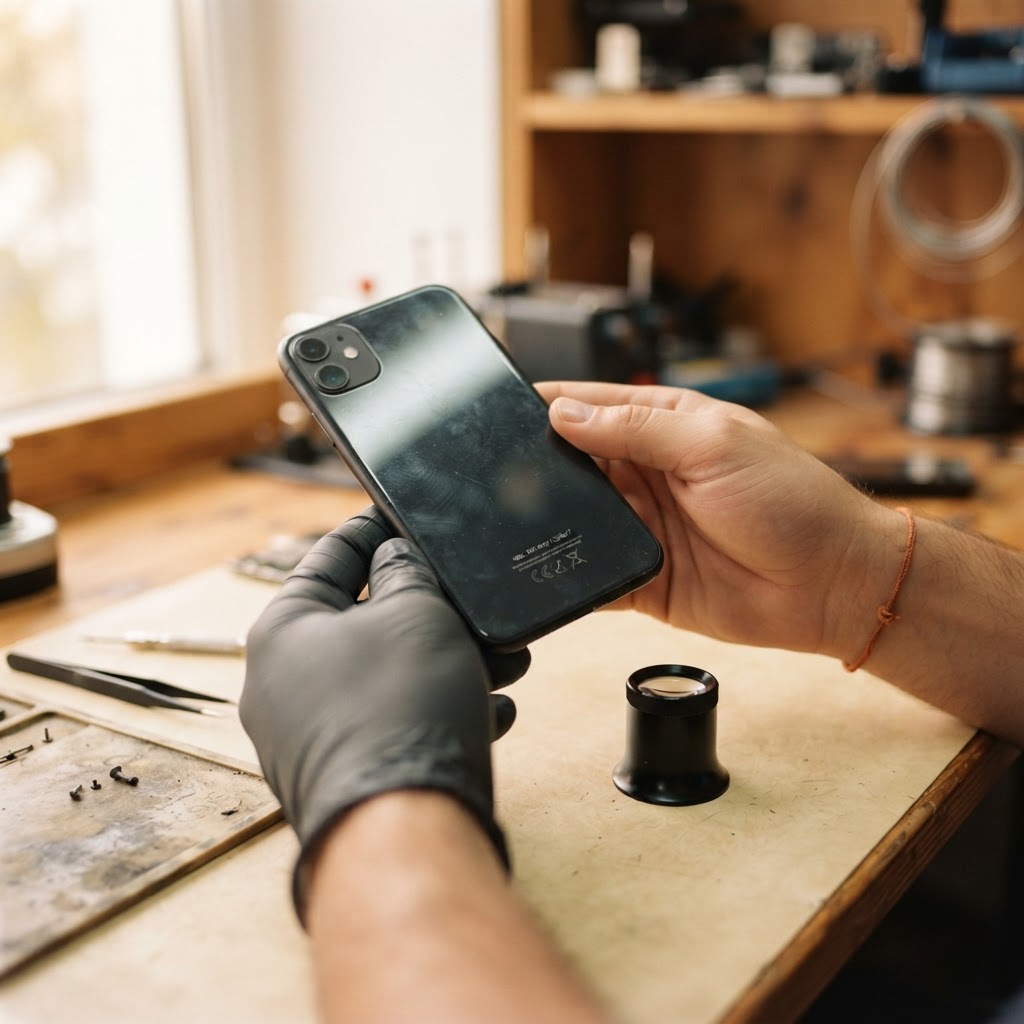
A repair ticket is the record that ties a customer, a device, and a repair job together from the moment it arrives until it leaves your counter. Creating one properly means capturing customer contact details, device identifiers like IMEI or serial number, a clear description of the reported problem, the device's physical condition at intake, a cost estimate, and the technician responsible for the work. Skipping any of these steps creates gaps that lead to disputes, misplaced parts, or technicians starting work without the information they need. The sections below walk through each step in the order it typically happens at the counter, with a hypothetical example to show how the pieces fit together in a working repair shop.
The Anatomy of a Professional Repair Ticket
A repair ticket is not just a receipt. It is the operational and legal record that protects both your shop and the customer if something is disputed later. Whether you run a single cell phone repair counter or a multi-technician electronics shop, every ticket should capture the same core fields so nothing depends on memory.
Customer and Device Identification
Start with accurate customer contact information: name, phone number, and an email if you plan to send status updates. For the device, record more than the model name. Capture storage capacity, color, and the IMEI or serial number. Using IMEI tracking software to log this number at intake means you are documenting the exact physical unit the customer handed over, not just a model category, which matters for warranty claims and for proving which device was returned.
If the customer has repaired with you before, pulling up their history in a repair shop CRM saves time and avoids re-asking for information you already have on file.
Documenting the Reported Issue and Intake Condition
Write down the customer's description of the problem in their own words, then add your own objective observations underneath it. If a customer says "the screen is black," note separately whether the device powers on, whether there is any audio feedback, and whether the display shows signs of physical impact. These are two different pieces of information and both matter.
Documenting pre-existing condition at intake is one of the most effective ways to avoid a "you broke it" dispute later. Note existing scratches, cracks, dents, or signs of a prior repair attempt. Some shops take photos at intake and attach them to the ticket inside repair ticket software so there is a timestamped record of exactly how the device looked when it arrived, rather than relying on a written description alone.
Estimates, Approval, and Terms
Once the reported issue is documented, give the customer a clear estimate before work begins. If the final cost depends on diagnosis, say so explicitly and define the diagnostic fee separately from the repair cost. State what happens if the device is not picked up within a certain period, and what happens if a repair cannot be completed. Getting a signature on these terms, along with the condition notes, is what gives the ticket its protective value.
Step-by-Step: Creating a Repair Ticket at the Counter
Hypothetical example: a customer brings in a cracked phone screen. Here is how the ticket would typically move through intake.
- Search or create the customer record. Check whether the customer already exists before creating a duplicate entry.
- Enter device details. Record the brand, model, storage, color, and IMEI or serial number.
- Log the reported issue. "Customer reports screen cracked after drop, touch unresponsive in bottom-left quadrant" is specific enough for a technician to act on; "phone broken" is not.
- Note intake condition. Record visible scratches on the back housing and a worn charging port, and attach intake photos if your workflow supports it.
- Provide an estimate. Hypothetically, a screen replacement might be quoted at 89 dollars for parts and labor, with the customer informed that a hidden logic board issue, if found, would require a separate approval.
- Get a signature. The customer signs acknowledging the documented condition, the estimate, and the shop's terms.
- Set the initial status. Mark the ticket "Received" or "In Queue" so the customer and staff both know intake is complete.
Assigning Technicians and Tracking Parts Usage
Once the ticket exists, it needs an owner. Assign the job to a technician based on current workload and who has the right skill set for that device category. The technician should be able to see the full ticket, including the reported issue, intake condition notes, and any parts reserved for the job, without having to ask the counter staff to repeat information.
As the technician works, parts used on the ticket should be deducted from stock so your counts stay accurate for the next customer. If a part is back-ordered, that should be visible on the ticket itself so the status reflects reality instead of staying stuck on "In Progress" with no explanation. Shops that run repair tickets and point-of-sale checkout from the same system, such as a repair shop POS, can move a finished ticket directly to payment without re-entering the parts and labor charges a second time.
From Estimate to Pickup: Managing the Ticket Lifecycle
A ticket's job is not finished once a technician starts working. It needs to track the job through every stage:
- Status updates. Moving a ticket from "Received" to "In Progress" to "Ready for Pickup" gives both staff and the customer a clear picture of where the device stands.
- Payment. Some customers pay a deposit at intake and the balance at pickup; the ticket should reflect partial payments accurately rather than showing the job as unpaid or fully paid when neither is true.
- Pickup and signature. At pickup, confirm the IMEI or serial number again to make sure the correct device is being returned, especially in shops handling multiple similar devices at once.
- Warranty. If the repair carries a warranty period, record the warranty terms directly on the closed ticket so a future visit can reference what was covered and for how long.
- Trade-ins and mail-in repairs. A device accepted as a trade-in, or a unit shipped in for mail-in repair, still needs the same intake discipline: condition notes, serial number, and a documented starting state, even though the customer is not standing at the counter.
- Appointments. If a customer books ahead through repair shop appointment software, the ticket can be pre-populated with the customer and device details before they arrive, which shortens the counter interaction for routine repairs.
Common Mistakes That Undermine Repair Tickets
Many of the disputes and delays that frustrate repair shop owners trace back to shortcuts taken during ticket creation:
- Vague problem descriptions. "Phone broken" tells a technician nothing. Specific language shortens diagnostic time.
- Skipping the signature. Without a signed acknowledgment of condition and terms, a dispute over pre-existing damage has no documented starting point to refer back to.
- Mixing internal and customer-facing notes. Technical shorthand like "intermittent charge fail, test with three cables before reassembly" belongs in an internal note, not in a customer-visible status update.
- Leaving the status stale. A ticket that sits on "In Progress" for a week with no update looks the same to a waiting customer whether the job is nearly done or stalled on a backordered part.
Treating ticket creation as a disciplined, repeatable process rather than a quick note at the counter is what keeps a repair shop's queue organized as it grows. Start a free RepairBiz trial to see how a structured intake workflow fits your shop's day-to-day routine.
Frequently asked questions
Should a repair ticket be created before diagnosis begins?
Yes. Creating the ticket at intake captures the customer's reported issue, the device's physical condition, and initial observations before any work starts. This gives the technician a documented starting point and avoids losing details that are easy to forget once the device is opened up.
What is the most important field on a repair ticket?
The IMEI or serial number is one of the most important fields because it identifies the exact physical device, not just the model. This matters for warranty tracking, for confirming the correct unit is returned at pickup, and for preventing mix-ups when a shop has several similar devices in the queue at once.
How do I handle a dispute about pre-existing damage?
Document the device's condition thoroughly at intake, including visible scratches, cracks, or prior repair signs, and have the customer sign an acknowledgment of that condition along with the estimate. A signed, dated record made before work began is the strongest reference point if a disagreement comes up later.
Should internal notes be separate from customer-facing notes?
Yes. Internal notes are for technical context such as disassembly risks or troubleshooting steps, while customer-facing notes should stay focused on status and next steps. Keeping them separate avoids confusing the customer with internal shorthand they were never meant to see.
How should mail-in or trade-in devices be handled differently?
They generally should not be handled differently in terms of documentation. A mail-in repair or a trade-in device still needs condition notes, a recorded serial number, and a documented starting state, even though the customer is not present to sign in person.
Ready to grow your repair shop?
Manage repairs, POS, inventory and invoicing in one place. Free to try — no credit card required.
Start Your Free Trial