The fastest way to reduce device mix-ups, warranty disputes, and inventory shrinkage in a phone repair business is to capture and verify the IMEI at the moment a device is checked in, then carry that number through every stage of the repair ticket. IMEI tracking for repair shops is not just a data-entry habit; it is the link between the customer, the physical device, the technician who worked on it, and any parts or payments tied to that job. Without a reliable IMEI record, shops lose the ability to prove which device a customer dropped off, confirm warranty eligibility, or catch a device that may already be reported lost or stolen. The rest of this guide walks through where IMEI capture fits into intake, technician workflow, inventory, and sales.
Why IMEI Tracking Matters Beyond Intake
Many shops only think about the IMEI as a line on the intake form, but it has at least four practical uses once it is recorded correctly.
First, it protects against "that's not my phone" disputes. If a customer later claims the returned unit is not theirs, a ticket with a verified IMEI settles the question immediately.
Second, it supports blacklist and status checks. Before buying a used device or accepting a trade-in, many shops cross-reference the IMEI against the carrier's status tools or a public blacklist lookup to confirm the device has not been reported lost, stolen, or financed. This is a manual verification step outside most repair software, but it depends entirely on having an accurate IMEI on file.
Third, it anchors inventory and sales records. A device purchased for parts, refurbished, or resold needs a unique identifier so you are not relying on model name alone when multiple identical phones sit in a bin.
Fourth, it supports warranty lookups. If a customer returns six weeks later with the same issue, searching by IMEI in your repair ticket software is faster and more reliable than searching by name or phone number, especially if the original ticket was created under a different contact.
Capturing the IMEI During Device Intake
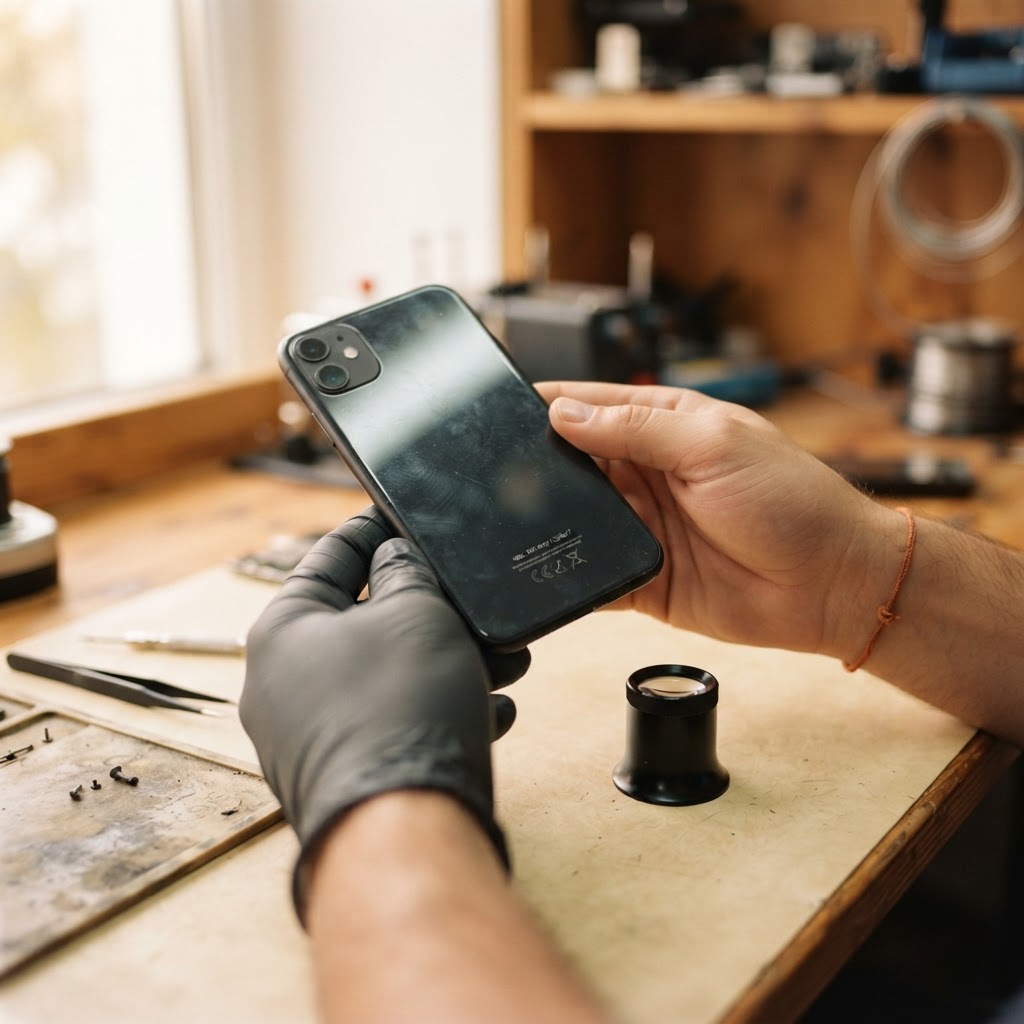
The intake counter is where this process succeeds or fails. When a customer hands over a device, the technician or front-desk staff should dial *#06# to display the IMEI directly on the screen, rather than copying it from a sticker on the back cover. Stickers can be swapped, scratched off, or mismatched to a replacement housing from a previous repair.
If the device will not power on, check the SIM tray, which often has the IMEI printed on a small label, or the original retail box if the customer still has it. For tablets, laptops, and other non-cellular electronics, use the serial number or service tag in the same ticket field so your device history stays searchable in one place inside your repair shop software.
At this stage you should also record device condition (cracked screen, previous repair stickers, missing back glass), the reported issue, and any passcode needed for diagnostics. This full intake record, not just the IMEI, is what protects both the shop and the customer if a dispute comes up later.
For dual-SIM devices, record at least the primary IMEI tied to the main cellular slot; if your workflow has room for it, logging the second IMEI as well removes any ambiguity if the customer later asks about a specific line.
Technician Workflow and IMEI Verification
Once the ticket is open, the IMEI should travel with the device through every bench stage. Before a technician opens the chassis, they should glance at the ticket and confirm the on-screen or SIM-tray IMEI matches what is recorded. In shops repairing several units of the same model on the same day, this single check prevents a technician from disassembling the wrong phone or installing a part meant for a different customer's device.
As the technician updates status (in diagnosis, awaiting parts, in repair, ready for pickup), that status change stays attached to the same IMEI-linked ticket. Parts consumed during the repair, such as a replacement screen or battery, should also be logged against that ticket so the deduction is tied to a specific device rather than a generic "screen repair" line item.
Consider a hypothetical shop running three identical iPhone 13 units through repair on the same afternoon. Without IMEI verification at each handoff, a tired technician could easily grab the wrong unit off the bench. With the IMEI checked against the ticket before work begins, that mix-up is caught in seconds instead of after the customer has already left with the wrong phone.
If a device cannot be powered on at intake and the IMEI was not accessible, the technician should update the ticket with the correct IMEI the moment the device boots at the bench, closing that gap before the repair is marked complete.
IMEI Across Inventory, Sales, and Trade-Ins
IMEI tracking becomes just as important once you move past repairs into buying, selling, or trading in devices. When a shop purchases a used phone for resale or parts, recording its IMEI at the purchase order stage lets you track acquisition cost, condition grade, and eventual sale price against that specific unit rather than a generic SKU.
As a hypothetical example: suppose a shop buys ten used phones of the same model for parts stock. If each unit cost $40 on average and three are later sold as refurbished units at $120 each, having IMEI-level purchase and sale records makes it possible to see which specific units generated margin and which were used purely for parts, instead of relying on a single blended inventory count. This kind of unit-level detail is what repair shop inventory software is built to track, deducting stock automatically when a part or device tied to an IMEI is sold.
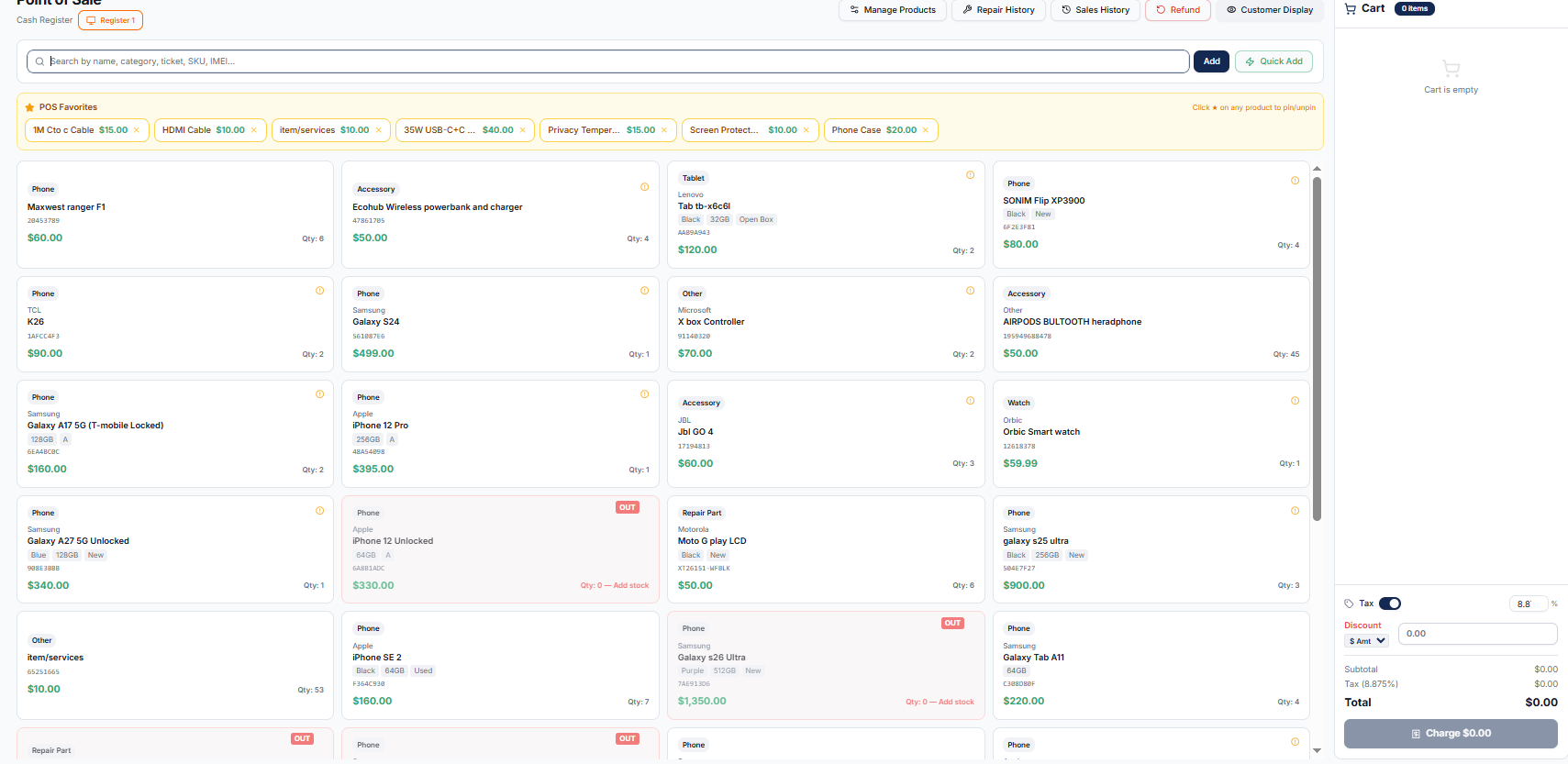
At the point of sale, printing the IMEI on the customer receipt through your repair shop POS gives the buyer a verifiable record of exactly which device they purchased, which matters if they later need to file an insurance claim or carrier warranty request.
For trade-ins specifically, pairing the IMEI check with a quick blacklist or carrier status lookup before completing the purchase reduces the risk of accepting a device that cannot legally be activated or resold.
Data Accuracy: Scanning Versus Manual Entry
There is a real tradeoff between manual IMEI entry and barcode or camera-based scanning. Manual entry requires no extra hardware but introduces transcription errors, especially with a 15-digit number under counter lighting. A barcode scanner configured to input directly into the ticket field in a dedicated IMEI tracking software workflow removes most of that error, but it is an added hardware cost and a habit staff need to be trained on consistently.
Whichever method you choose, treat any mismatch between the device in hand and the ticket as a reason to stop and investigate immediately, rather than proceeding and correcting the record later. Catching a mismatch before a repair starts is far less costly than resolving a dispute after the customer has already left with the wrong device or the wrong invoice.
Standardizing this process across every technician and every shift is what turns IMEI tracking from an occasional habit into a dependable part of daily operations, whether you run a single counter or a growing repair business.
Frequently asked questions
Why should I record the IMEI instead of just the serial number?
The IMEI is a globally unique 15-digit identifier specific to cellular devices, making it the standard for tracking phones, checking blacklist status, and handling carrier-related warranty claims. Serial numbers are manufacturer-specific and useful for non-cellular devices like laptops or tablets, but they are not designed for carrier-level verification the way an IMEI is.
What should I do if the IMEI is not readable at intake?
Check the SIM tray, the device frame, or the original retail box for a printed IMEI. If none are available, document the device's physical condition and model in your repair ticket, then update the record with the IMEI as soon as the device can be powered on at the bench.
Should I record both IMEIs on a dual-SIM phone?
At minimum, record the primary IMEI tied to the main cellular slot. If your intake process allows it, logging the secondary IMEI as well removes ambiguity later if the customer asks about a specific line or if the device is resold.
Does checking a device's IMEI against a blacklist guarantee it is safe to buy?
A blacklist or carrier status check reduces risk by flagging devices reported lost, stolen, or still financed, but it is a manual verification step outside most repair software and does not replace a physical inspection of the device and its documentation.
Does recording the IMEI raise customer privacy concerns?
No. The IMEI identifies the hardware itself, not the user's personal data such as photos, messages, or app content. Recording it is a standard operational step for verifying which device is being serviced or purchased.
Ready to grow your repair shop?
Manage repairs, POS, inventory and invoicing in one place. Free to try — no credit card required.
Start Your Free Trial