Repair Business Software: Complete Guide to Managing a Repair Store
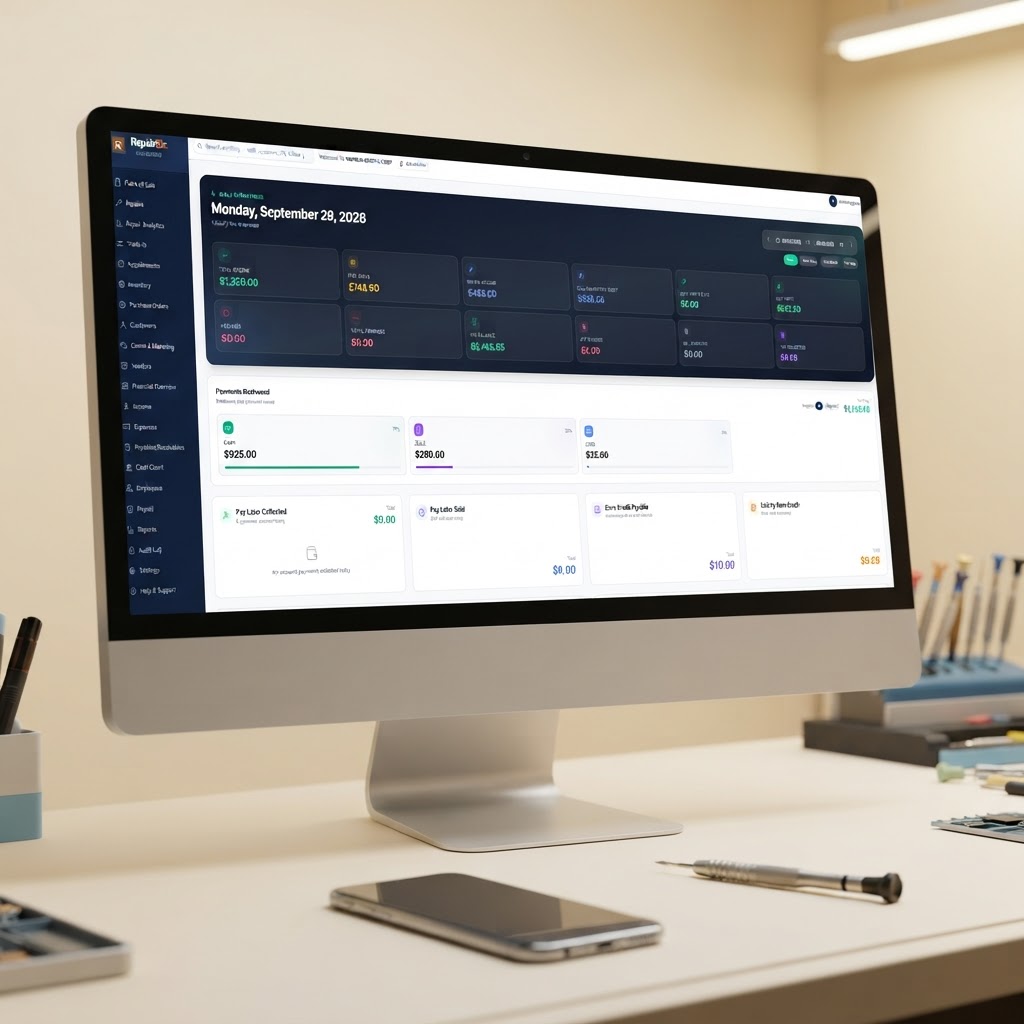
Running a repair business involves much more than fixing devices.
A typical repair store may need to manage customer information, repair tickets, device details, IMEI or serial numbers, parts inventory, payments, appointments, employees, invoices and business finances — often at the same time.
When those activities are managed with separate spreadsheets, notebooks, messaging apps and accounting tools, information can easily become disconnected.
Repair business software brings these daily operations into one organized system.
Whether you operate a cell phone repair store, computer repair business, electronics repair company or another type of repair service, the right software can help you organize repairs, customers, inventory, sales and financial information from one place.
What Is Repair Business Software?
Repair business software is a business management system designed to help repair companies organize their daily operations.
Depending on the platform, it can combine tools such as:
- Repair tickets
- POS and payments
- Customer management
- Inventory management
- IMEI and serial-number tracking
- Invoicing
- Accounting
- Employee management
- Appointments
- Customer notifications
- Repair status tracking
- Business reports
- Automation
Instead of entering the same information into multiple systems, a repair business can keep important information connected.
For example, a customer's device can start as an appointment, become a repair ticket, use parts from inventory, receive a payment, and remain in the customer's repair history.
That connected workflow is one of the main reasons repair businesses use specialized management software.
Why Repair Stores Need More Than a POS
A traditional POS can be useful for selling products and accepting payments.
But a repair business has a different workflow.
A customer might walk into your store with a damaged iPhone, laptop, game console or other electronic device.
You may need to record:
- Customer information
- Device model
- IMEI or serial number
- Device condition
- Customer-reported problem
- Technician
- Parts required
- Labor
- Estimated price
- Customer approval
- Repair status
- Payment
- Pickup information
A simple checkout system does not necessarily manage that entire process.
This is why many repair businesses look for repair store software or repair shop management software instead of a general POS system.
What Should Repair Business Software Include?
The right features depend on the type and size of your repair business.
However, there are several important capabilities worth evaluating.
1. Digital Repair Tickets
A repair ticket should give your team one place to manage the entire repair.
A good ticket can include:
- Customer information
- Device information
- IMEI or serial number
- Problem description
- Condition notes
- Photos
- Technician assignment
- Parts
- Labor
- Status
- Customer approval
- Payment
- Repair history
Instead of writing information on paper and trying to remember where it went, your team can follow the repair digitally.
For businesses that handle many devices every day, this can make the workflow easier to organize.
Learn more about RepairBiz repair ticket software.
2. POS for Repair Businesses
A repair business often earns money from several sources.
For example:
- Device repairs
- Replacement parts
- Accessories
- Used phones
- Refurbished devices
- Trade-ins
- Labor
- Deposits
- Additional services
A repair-focused POS should make it easy to sell products and connect sales with customer and repair records.
RepairBiz POS software connects POS activity with repair tickets, inventory and business records.
3. Inventory Management
Parts inventory can become complicated quickly.
A repair store may have hundreds or thousands of:
- Screens
- Batteries
- Charging ports
- Cables
- Cases
- Tools
- Replacement components
- Accessories
Your software should help you understand what you have, what has been used and what needs to be reordered.
Useful inventory features include:
- SKU tracking
- Barcode scanning
- Stock levels
- Low-stock alerts
- Purchase orders
- Supplier records
- Cost tracking
- Serialized inventory
- IMEI tracking
See how RepairBiz repair shop inventory software handles repair inventory and device tracking.
4. IMEI and Serial Number Tracking
For phone and electronics repair businesses, device identification can be especially important.
An IMEI or serial number can help connect a device to its:
- Customer
- Repair history
- Purchase
- Sale
- Inventory record
- Warranty information
This creates a useful history for devices that move through your repair business.
If your business repairs or sells mobile devices, look for software that supports IMEI tracking rather than treating every product as a generic inventory item.
Learn more about IMEI tracking software for repair businesses.
5. Customer Management
A repair business should not have to treat every customer as a new customer.
A useful customer record can contain:
- Contact information
- Previous repairs
- Purchases
- Devices
- Payments
- Store credit
- Loyalty information
- Notes
- Communication history
This allows your team to understand the customer's history when they return.
Customer management is especially important for businesses that depend on repeat customers and referrals.
6. Repair Appointments
Many repair businesses now allow customers to schedule service before visiting the store.
An appointment system can collect information such as:
- Customer
- Device
- Repair type
- Preferred time
- Problem description
- Contact information
The appointment can then become a repair ticket when the customer arrives.
This creates a smoother workflow between online booking and in-store repair.
See RepairBiz repair appointment software.
7. Accounting and Financial Management
Repair businesses need to understand more than how much money came through the register.
Owners may want to track:
- Repair revenue
- Product sales
- Expenses
- Parts costs
- Labor
- Accounts receivable
- Accounts payable
- Profit and loss
- Employee payroll
- Financial activity
When sales and repair information are connected to financial records, business owners can spend less time rebuilding information manually.
RepairBiz combines POS and repair activity with built-in accounting tools. Learn more about repair shop accounting software.
Repair Shop Software vs. Repair Store Software vs. Repair Business Software
You may see several different terms when researching software.
For example:
Repair shop software
Repair store software
Repair business software
Repair management software
These phrases can describe very similar categories, but businesses may use different terminology depending on their location, industry and business model.
A storefront may describe itself as a repair shop or repair store.
A company operating several locations may describe itself as a repair business or repair company.
A software buyer may search for repair management software because they are primarily looking for a system to manage repair jobs.
The important thing is not the label.
The important question is:
Can the software manage the actual workflow of your repair business?
How Repair Business Software Can Connect the Entire Workflow
Consider a typical phone repair.
Step 1 — Customer books
The customer schedules a repair appointment.
Step 2 — Device arrives
Your employee creates a repair ticket and records the device information.
Step 3 — Device is inspected
The technician records the problem, condition and required work.
Step 4 — Parts are added
The required parts are connected to the repair.
Step 5 — Repair is completed
The technician changes the repair status.
Step 6 — Customer is notified
The customer receives a notification that the device is ready.
Step 7 — Customer pays
The POS processes the payment.
Step 8 — Inventory and financial records update
Parts, sales and financial information remain connected.
Step 9 — Customer history is updated
The repair becomes part of the customer's history.
That is the advantage of using a connected repair business management system.
How AI Can Help a Repair Business
Artificial intelligence is also becoming useful for repair operations.
For example, instead of manually entering dozens of products from a supplier invoice, AI-powered invoice processing can help extract product information and organize it for inventory.
RepairBiz's AI Invoice Import is designed around this workflow.
A supplier invoice can contain many products, SKUs and device details.
Manually entering every line can take significant time.
An AI-assisted workflow can help reduce repetitive data entry while keeping the business owner in control of the information.
What Should You Look for When Choosing Repair Store Software?
Before selecting software, create a list of your actual daily problems.
Ask:
Can it manage repair tickets?
You should be able to track a repair from intake to completion.
Can it manage inventory?
You should know what parts and products you have available.
Can it track IMEI or serial numbers?
This can be important for phone and electronics repair businesses.
Does the POS connect to repairs?
Your sales and repair workflows should not exist in completely separate systems.
Does it manage customers?
Customer history should be easy to find.
Does it support appointments?
Customers should be able to schedule repairs when appropriate for your business.
Does it help with accounting?
You should be able to understand revenue, expenses and business performance.
Can employees have different permissions?
Employees should only have access to the functions they need.
Can customers receive updates?
Automated notifications can reduce repetitive "Is my device ready?" calls and messages.
Is Repair Business Software Worth It for a Small Repair Store?
For a very small repair business with only a few jobs per month, spreadsheets and basic tools may be enough.
But as repair volume increases, disconnected systems can become difficult to manage.
You may have:
- More customers
- More repair tickets
- More technicians
- More parts
- More devices
- More payments
- More appointments
- More financial transactions
At that point, a connected repair management system can provide a centralized place to manage the business.
The right choice depends on your workflow, number of employees, repair volume and required features.
RepairBiz: One Platform for the Repair Business
RepairBiz is designed for businesses that want to connect their repair operations instead of managing everything through separate tools.
It combines:
- POS
- Repair tickets
- Inventory
- IMEI tracking
- Customers
- Appointments
- Accounting
- Payroll
- Customer portal
- Automation
- AI tools
into one repair business platform.
The goal is simple:
Your repair tickets, customers, inventory, sales and financial information should work together.
You can learn more about RepairBiz repair shop software or start a 30-day free trial with no credit card required.
Final Thoughts
Whether you call it a repair shop, repair store or repair business, managing repairs successfully requires more than simply taking payments.
You need a system that can organize the complete customer and repair journey.
From the first appointment to the repair ticket, inventory, technician, payment and customer history, connected software can help your team keep the business organized.
When evaluating repair business software, focus less on the name of the software category and more on whether it supports the way your repair business actually operates.
Repair tickets. Customers. Inventory. POS. Accounting. Appointments. One connected workflow.
Explore RepairBiz and see how it can fit your repair business.
Ready to grow your repair shop?
Manage repairs, POS, inventory and invoicing in one place. Free to try — no credit card required.
Start Your Free Trial